


How do you open multiple tabs?

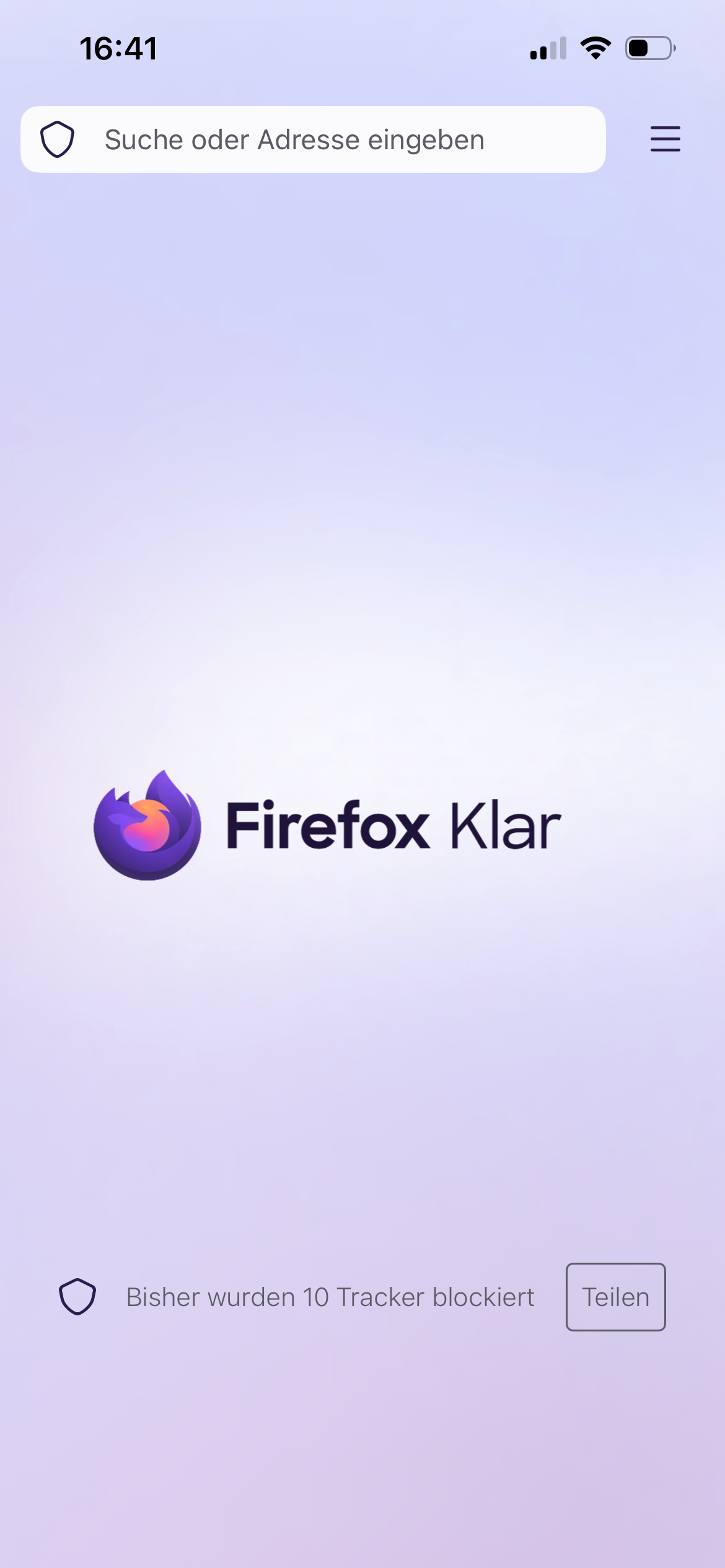
Can someone describe to me how you can open multiple tabs from the Browser starting page? All I see is the top search bar which takes me to Google. But what do I do if I wanna do another search in another tab? Most other browsers simply have a clearly visible button to open another tab but I can‘t find it on Firefox Focus. Online it says there‘s supposed to be a + in the top right corner but it isn‘t there on the picture below and it also doesn‘t appear once I do a search.
모든 댓글 (1)
Hi
Is that Firefox Focus on iPhone (iOS)?
If you want the privacy of Focus but need multiple tabs for searching, use the Standard Firefox App and opening a "Private Tab" there. That version has the "+" button you are looking for.
The guide mentioning a + or a tab number, check the title of the article, maybe is "for Android." ?