


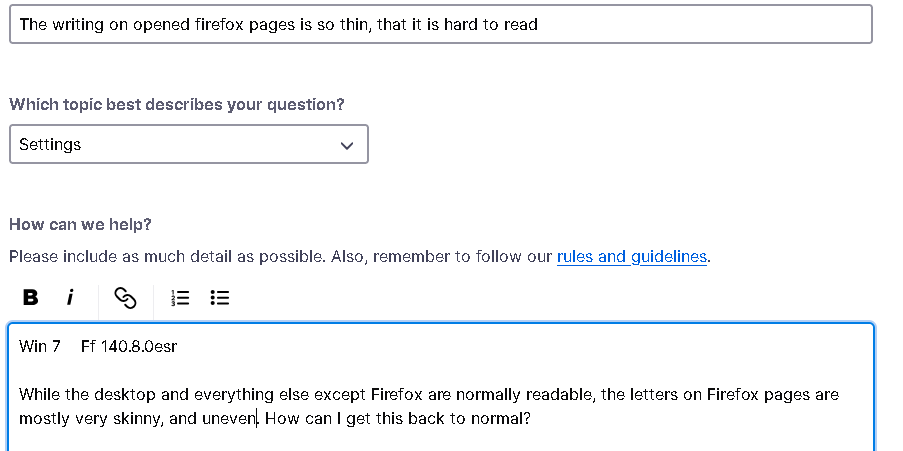
The writing on opened firefox pages is so thin, that it is hard to read

Win 7 Ff 140.8.0esr
While the desktop and everything else except Firefox are normally readable, the letters on Firefox pages are mostly very skinny, and uneven. How can I get this back to normal?
선택된 해결법
None of this made any difference....
I restored the computer so the AUTOMATIC Win 11 update from 17.3. was removed.... and that worked.... I just love Microsoft!!!
Thank you for your help, you pushed me....
문맥에 따라 이 답변을 읽어주세요 👍 0모든 댓글 (4)

You can try to disable hardware acceleration in Firefox.
- Settings -> General -> Performance
remove checkmark: [ ] "Use recommended performance settings"
remove checkmark: [ ] "Use hardware acceleration when available" - https://support.mozilla.org/en-US/kb/performance-settings
Close and restart Firefox after modifying the setting to apply changes.
You can check if there is an update for your graphics display driver and check for hardware acceleration related issues.
선택된 해결법
None of this made any difference....
I restored the computer so the AUTOMATIC Win 11 update from 17.3. was removed.... and that worked.... I just love Microsoft!!!
Thank you for your help, you pushed me....
I've marked your above reply as the solution since you wrote that you found the solution.