


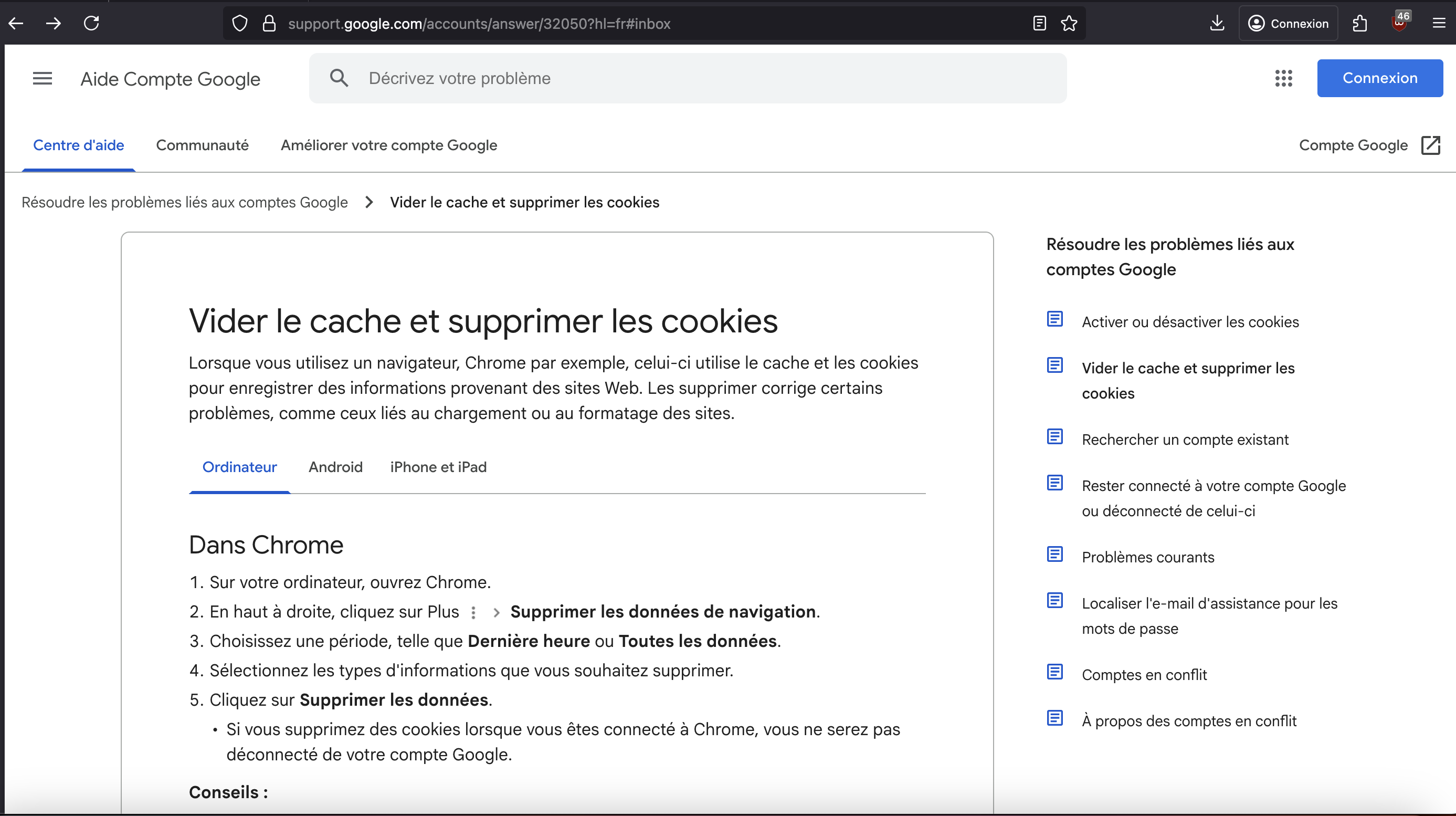
Login with Google redirects me to their cookie and cache page

I am having the same problem as this fixed one, a year later: https://support.mozilla.org/en-US/questions/1468647 As soon as I try to connect to an account via Google, or go to Gmail/Docs/Drive/Classroom, I'm always taken to a “Clear cache and delete cookies” page. So I followed the instructions on the page, deleted all my data and saved cookies from Firefox and even tried to reinstall Firefox completely, but nothing changed, I'm always redirected to this page. Logging in when in incognito mode works fine though.
Firefox version 144.0.2 MacOS Ventura 13.0 Language: French (FR)
I am having the same problem as this fixed one, a year later: https://support.mozilla.org/en-US/questions/1468647
As soon as I try to connect to an account via Google, or go to Gmail/Docs/Drive/Classroom, I'm always taken to a “Clear cache and delete cookies” page. So I followed the instructions on the page, deleted all my data and saved cookies from Firefox and even tried to reinstall Firefox completely, but nothing changed, I'm always redirected to this page.
Logging in when in incognito mode works fine though.
Firefox version 144.0.2
MacOS Ventura 13.0
Language: French (FR)
모든 댓글 (1)
Hmm... Could you please try explicitly clearing Firefox cache (in case it was not deleted on reinstall)?