sync to iphone

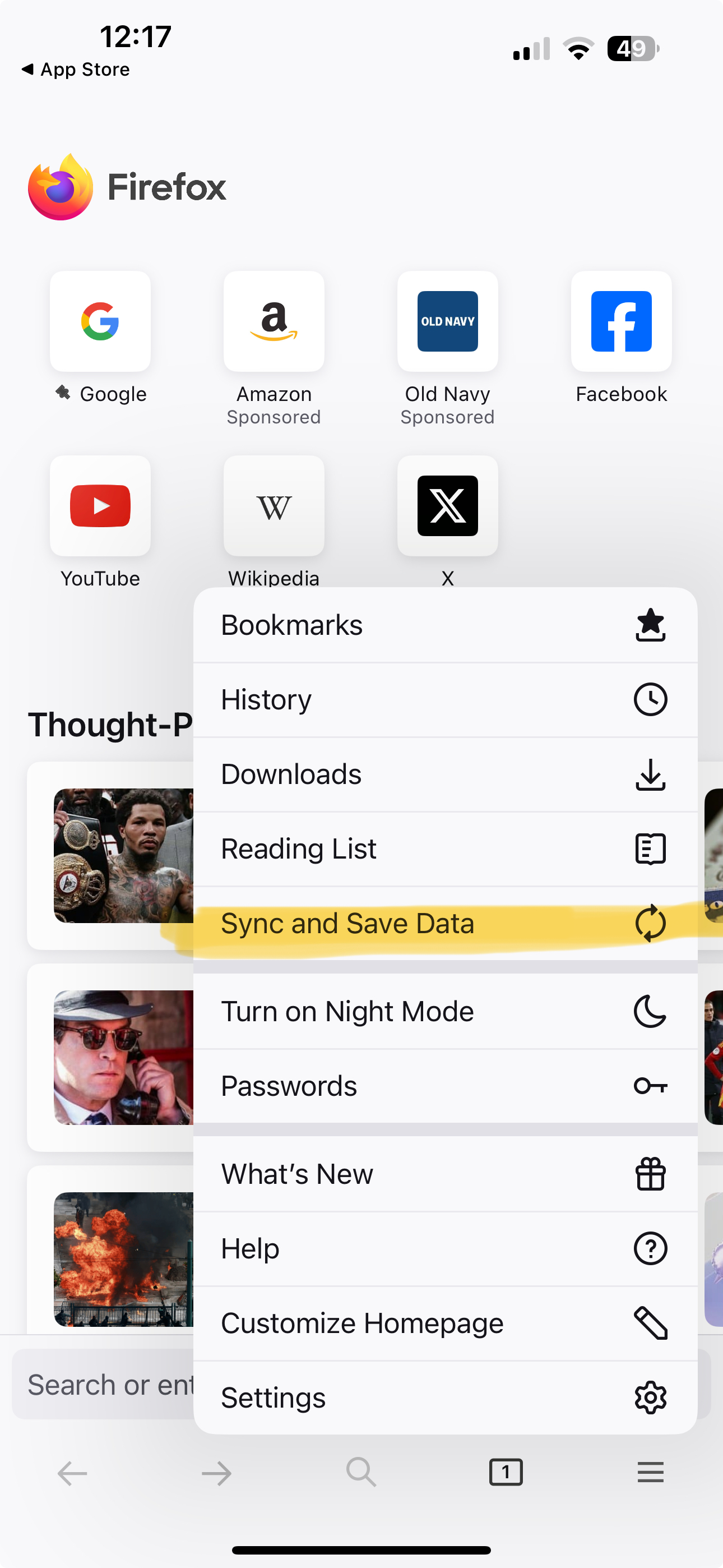
Sync instructions on desktop browser include: Sync Firefox on your phone or tablet 1. Open Firefox on your mobile device. 2. Go to the menu ( on iOS or on Android) and tap Sync and save data 3. Tap Ready to Scan and hold your phone over this code
There is no "Sync and save data" that I can see on menu
모든 댓글 (6)

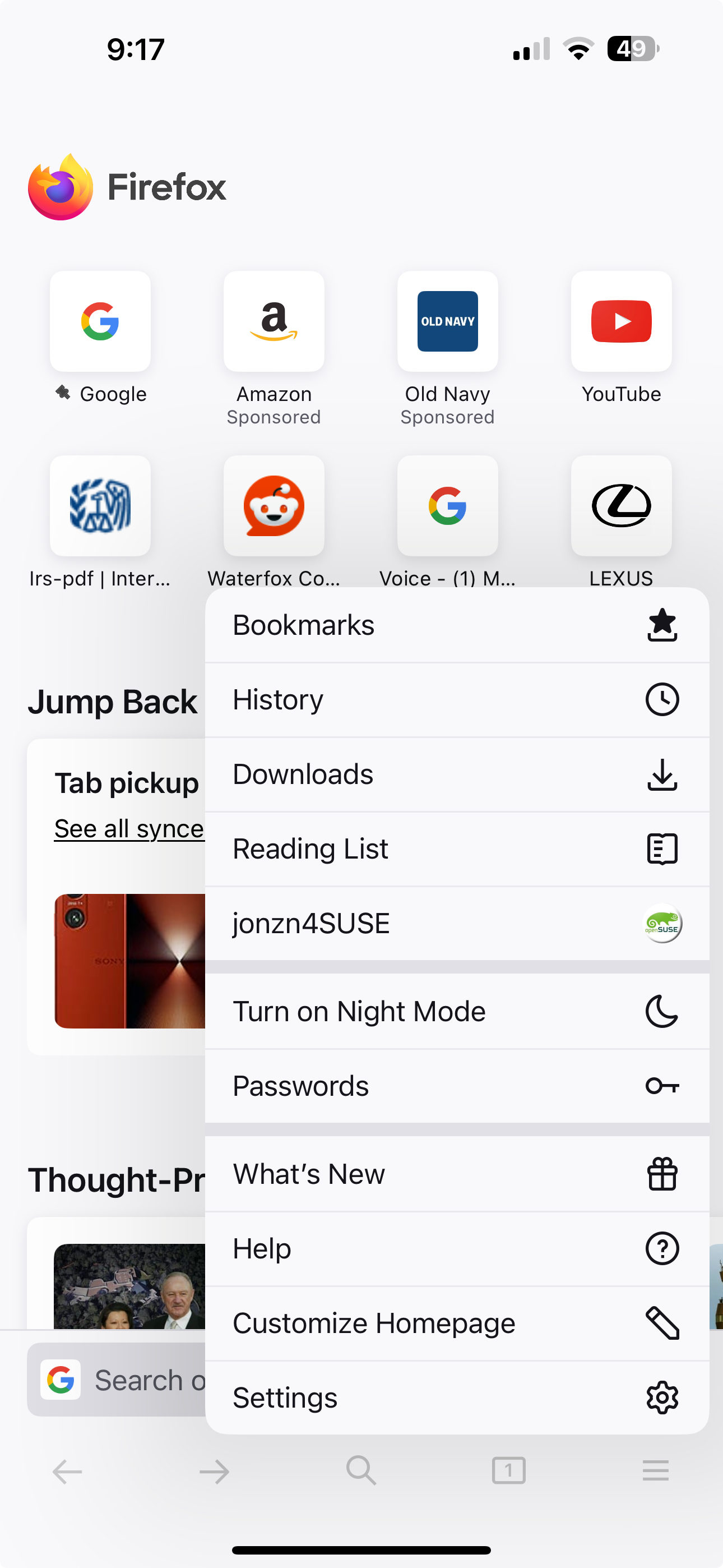
Post a screenshot of your menu from your phone. Just sign in with your account info. I found images from my wife iphone 15 pro. see screenshots
글쓴이 jonzn4SUSE 수정일시
please see below
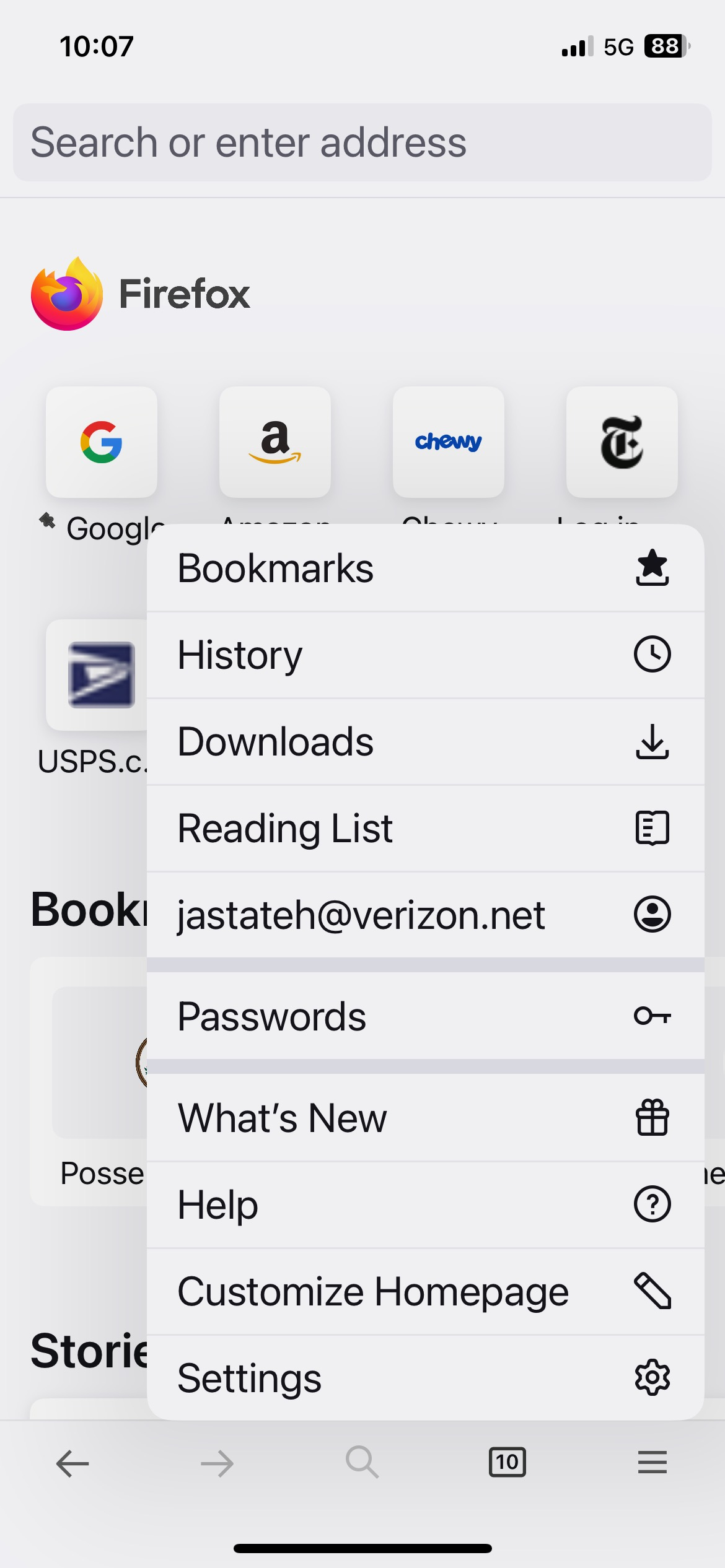
You're already logged in. see your screenshot
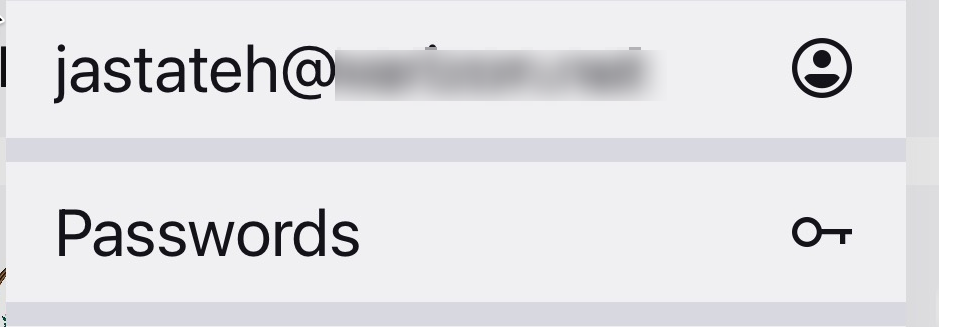
I'm not trying to log in, I'm trying to sync.
Hi
If you select your email address on the mobile app menu, you will be able to access the Firefox Sync settings.
It does look like you have already signed into Firefox Sync.