


harmony web protection

Hi, how do I remove or stop or deactivate Checkpoints Harmony Web Protection. It's annoying ..... pops up every other moment ...
Any solutions? Thanks
선택된 해결법
You can check extensions.json in the Firefox profile folder to find the details of an installed extension.
You can use the button in "Help -> More Troubleshooting Information" (about:support) to go to the current Firefox profile folder or use the about:profiles page (Root directory).
- Help -> More Troubleshooting Information -> Profile Folder/Directory:
Windows: Open Folder; Linux: Open Directory; Mac: Show in Finder - https://support.mozilla.org/en-US/kb/profiles-where-firefox-stores-user-data
모든 댓글 (9)

What is that? More detail please? harmony web protection
Here is what I see about Harmony "Web Protection"... More like web tracking, but anywho. What security software are you running and what is this Checkpoint software doing?
글쓴이 jonzn4SUSE 수정일시
Can you attach a screenshot?
- https://support.mozilla.org/en-US/kb/how-do-i-create-screenshot-my-problem
- use a compressed image type like PNG or JPG to save the screenshot
Hi, thank you for your responses. Please find attached some screenshots of this software. It pops up every 30 seconds or so.. It started to show up after a fresh installation of Firefox 127.0.2... I use Zonealarms' Internet Security Extreme as firewall and anti-virus systems. I tried to delete the .xpi in the extension settings but after a new session of Firefox it appears again. There is no chance NOT to agree to the installation of this software.
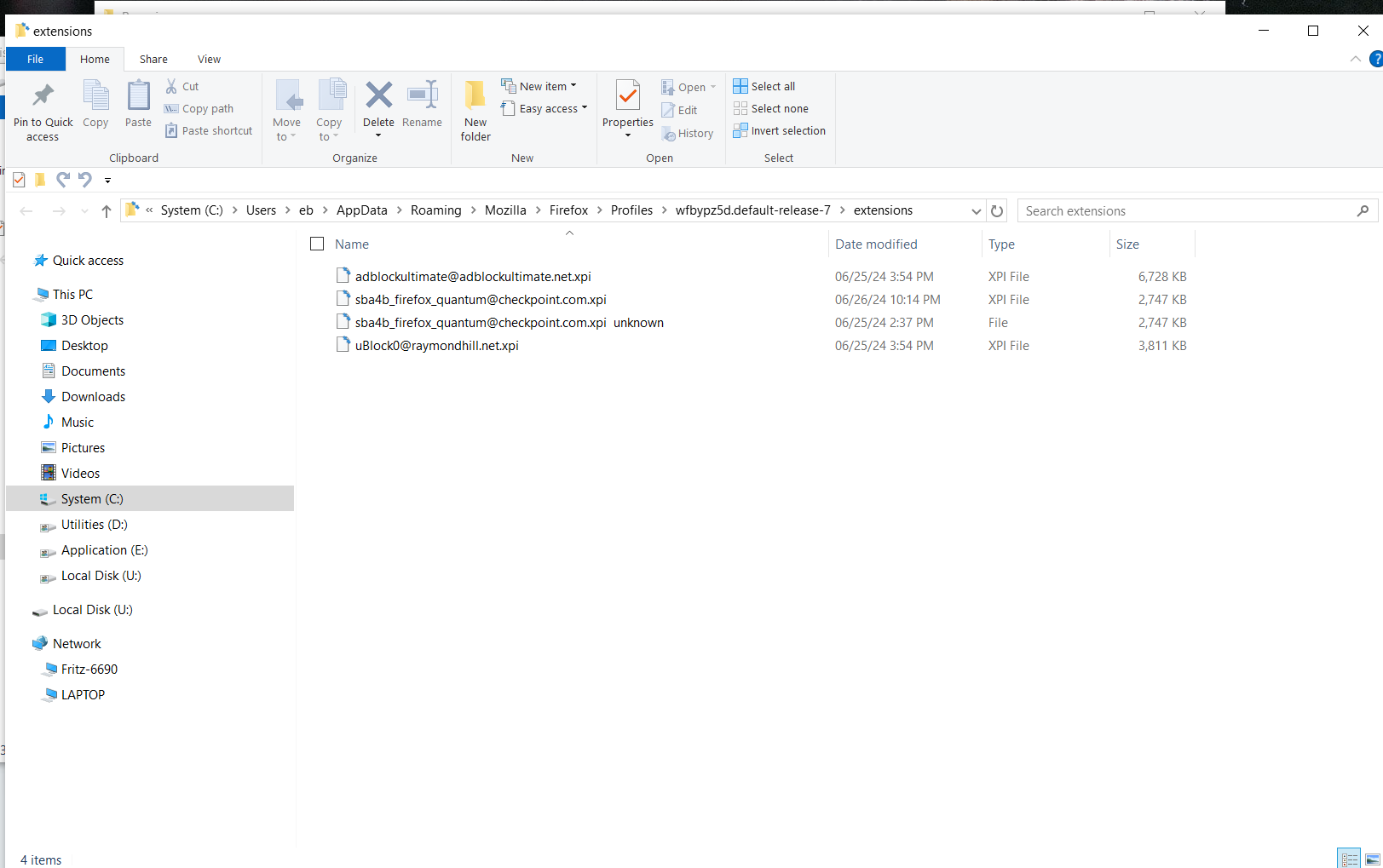
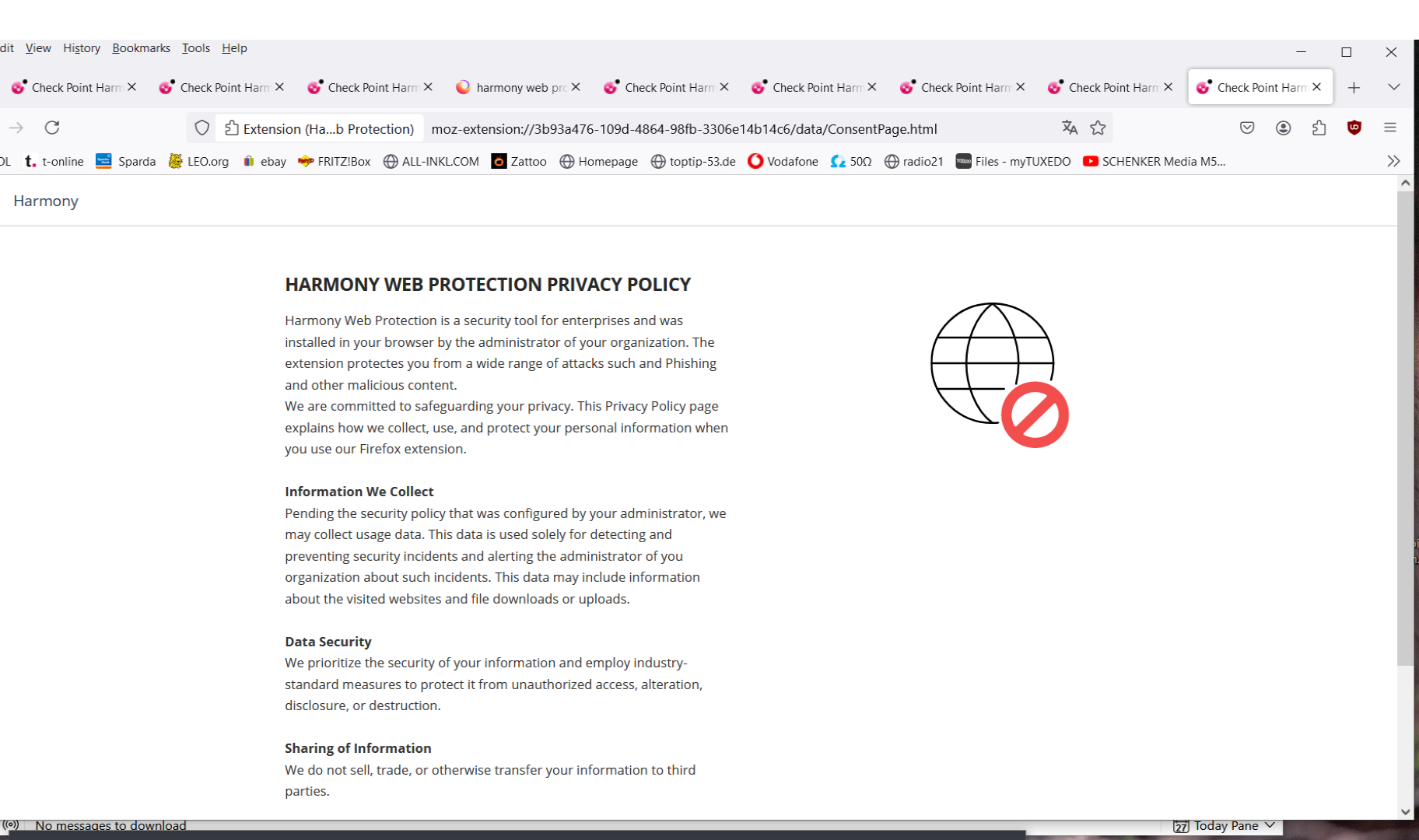
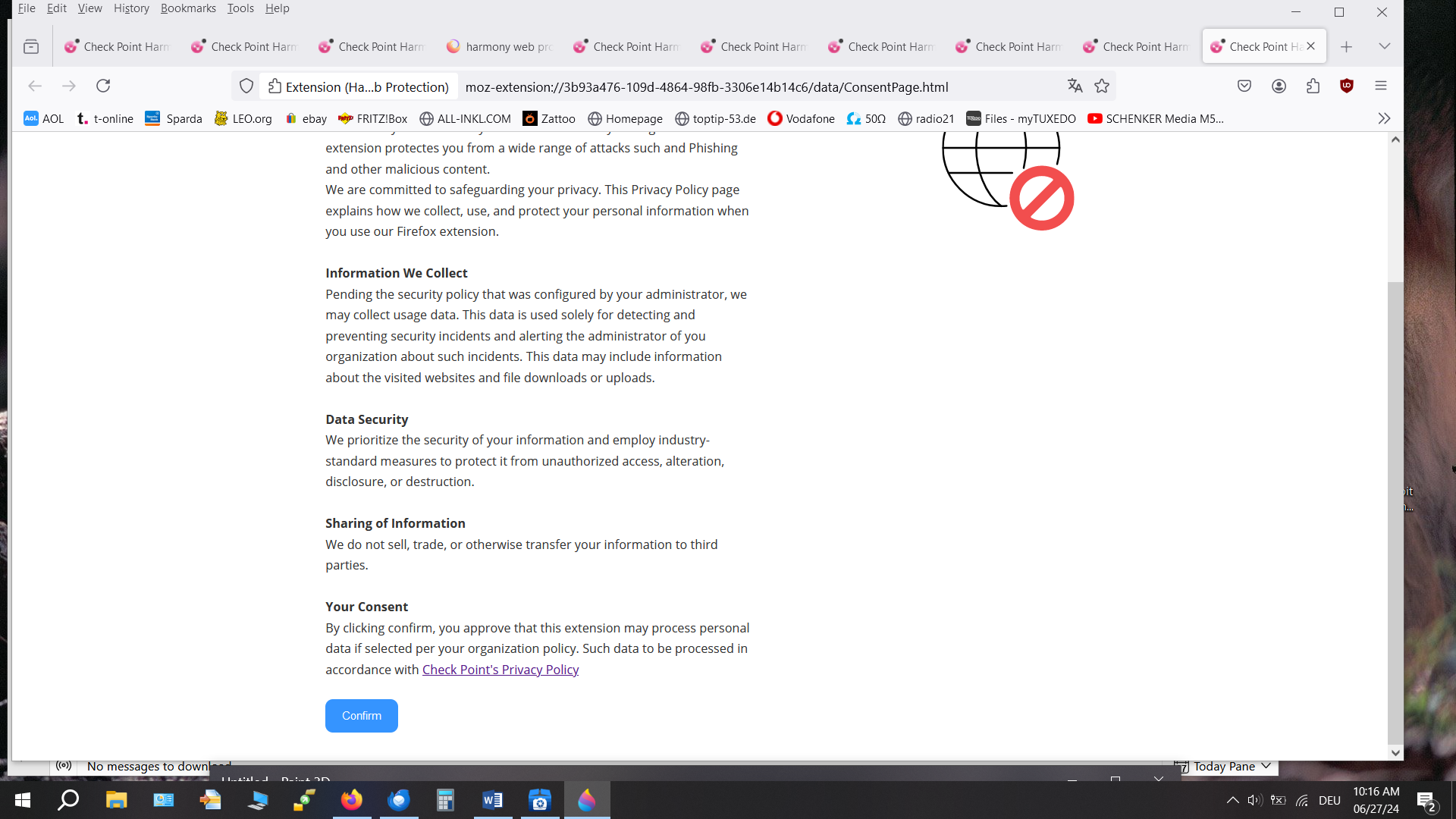
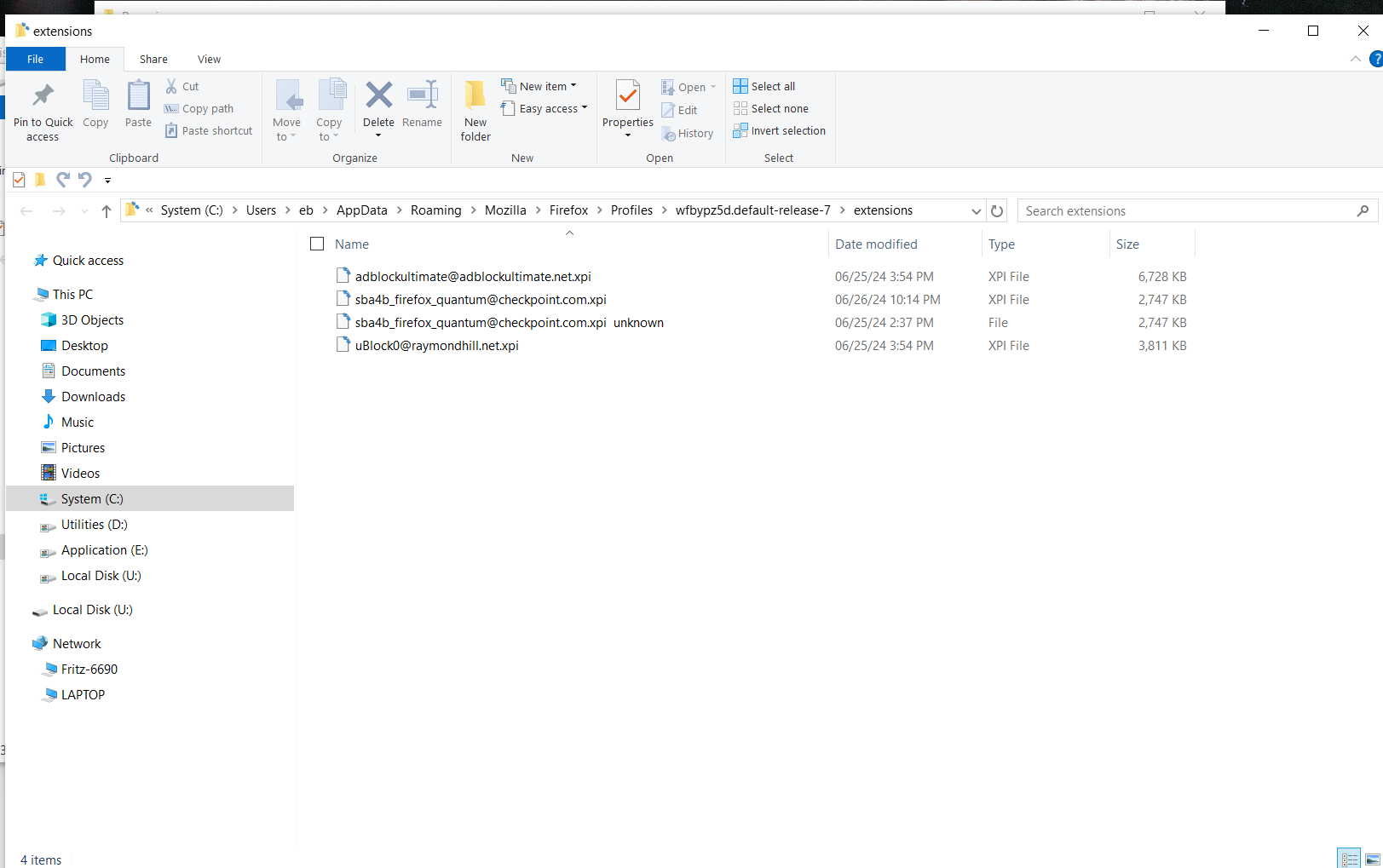
Those pages are coming from an installed extension as you can see by the moz-extension:// URI.
manegold said
There is no chance NOT to agree to the installation of this software.
Is this on a personal system you own or is it a system provided and managed by a workplace?
@cor-el: tried all that - no changes
@James: It is my own personal system in a small home network. I am the admin and do not have any clue to get rid of this peace of extension.
Thanks again for your help
선택된 해결법
You can check extensions.json in the Firefox profile folder to find the details of an installed extension.
You can use the button in "Help -> More Troubleshooting Information" (about:support) to go to the current Firefox profile folder or use the about:profiles page (Root directory).
- Help -> More Troubleshooting Information -> Profile Folder/Directory:
Windows: Open Folder; Linux: Open Directory; Mac: Show in Finder - https://support.mozilla.org/en-US/kb/profiles-where-firefox-stores-user-data
Hi, thanks again for your support. Appreciate it. Bye

Just did an upgrade on Zone Alarm Security (Checkpoint) has taken over Firefox on my personal PC. No major issues so far except downloads are now a bit hit and miss. Likely need to disable some or all of the Web Secure features of Zone Alarm. I plan to keep an eye on it for a while to see how much of a pain it is first