


Facebook malfunction on Firefox

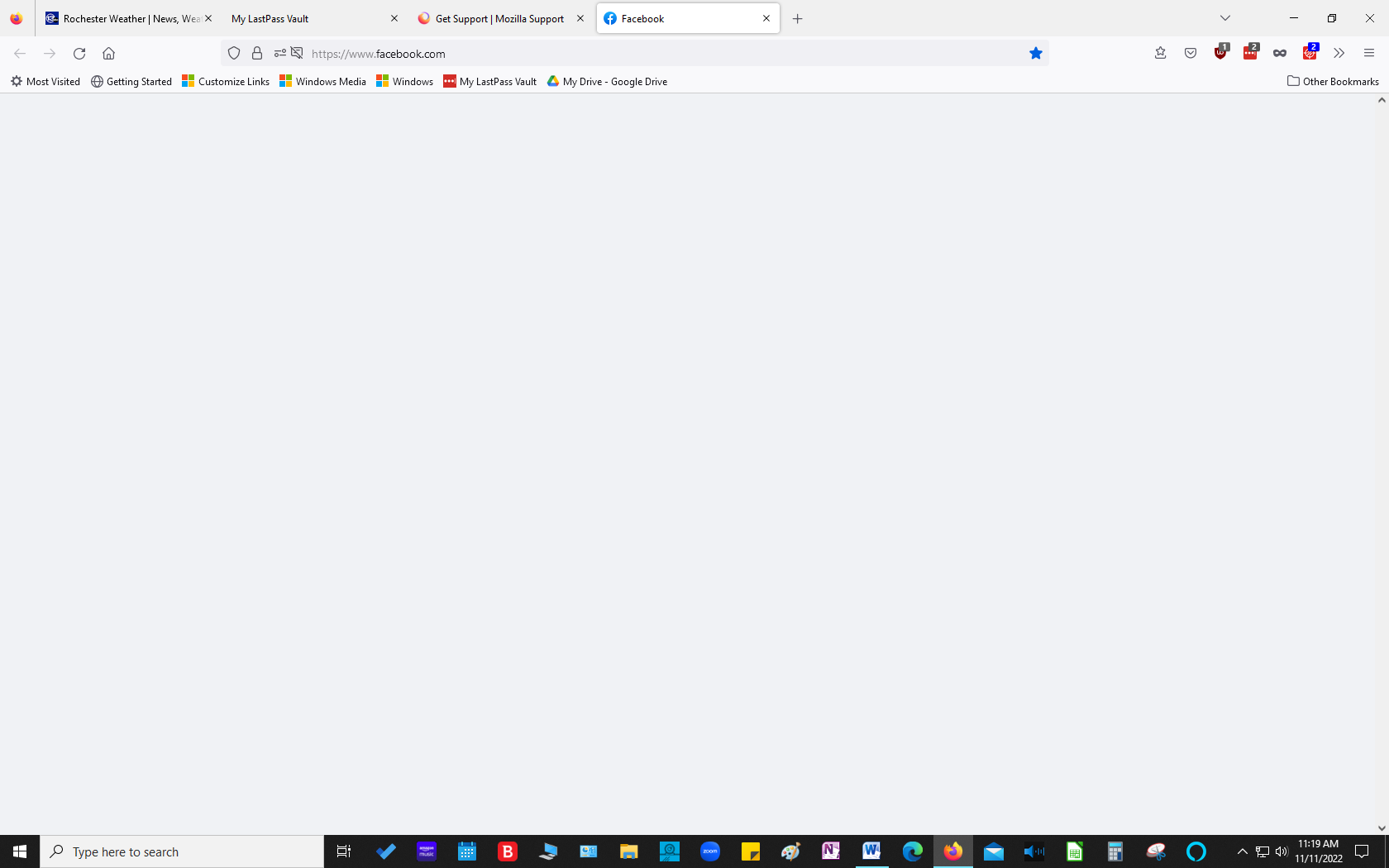
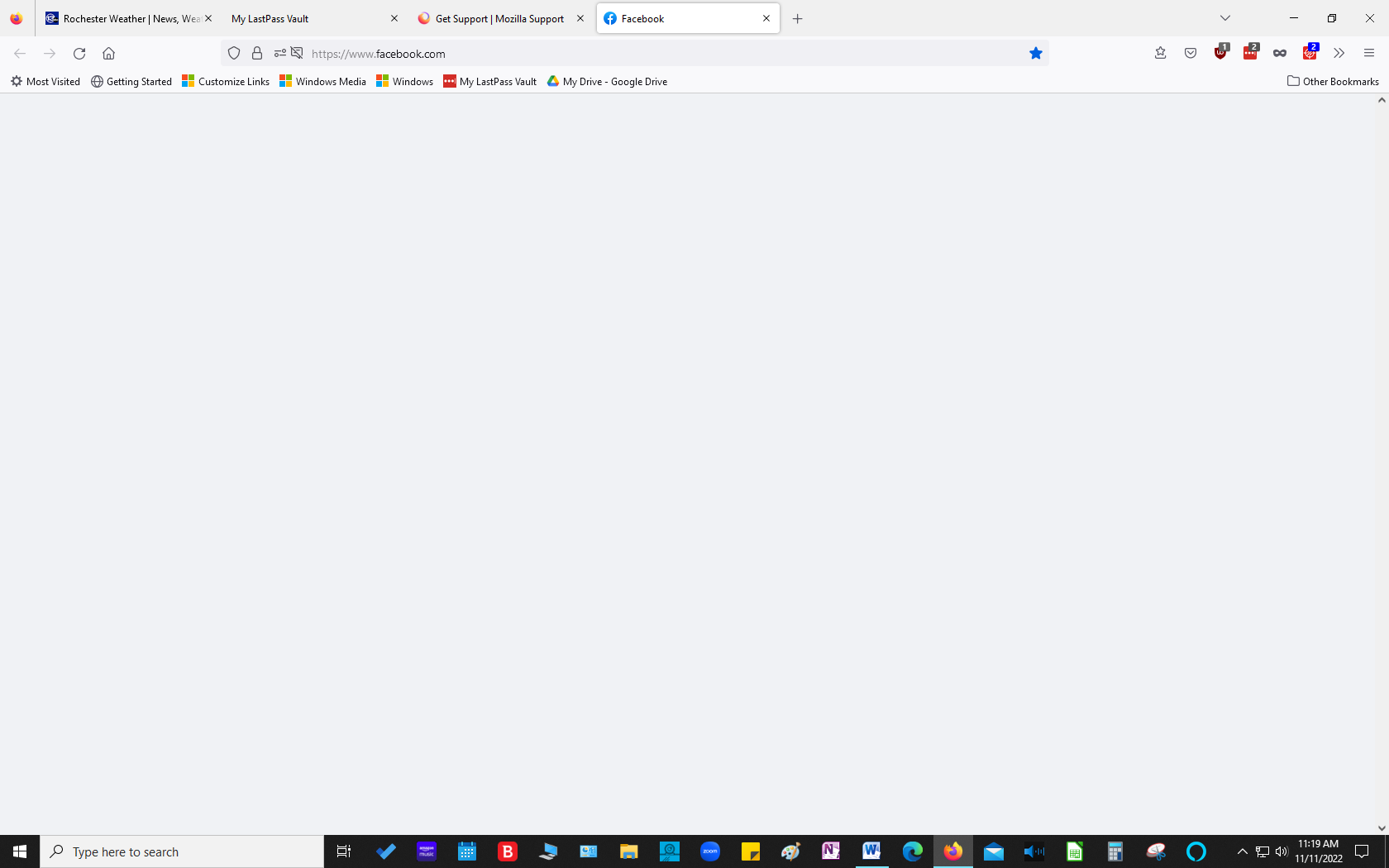
I use a desktop computer with Windows 10 and LastPass password manager. After an automatic update, Facebook opens but there is nothing there....the screen is blank. It will open in Troubleshoot mode. All of my other sites open normally. It is just Facebook...and driving me crazy. See attached image. I cleared history, rebooted, etc. Nothing seems to work.
모든 댓글 (5)

If you use extensions ("3-bar" menu button or Tools -> Add-ons -> Extensions) that can block content (Adblock Plus, NoScript, DuckDuckGo PE, Disconnect, Ghostery, Privacy Badger, uBlock Origin) always make sure such extensions do not block content.
- make sure your extensions and filters are updated to the latest version
- https://support.mozilla.org/en-US/kb/troubleshoot-extensions-themes-to-fix-problems
If it works in Troubleshoot Mode and in normal mode with all extensions ("3-bar" menu button or Tools -> Add-ons -> Extensions) disabled then try to find which extension is causing the problem by enabling one extension at a time until the problem reappears.
Close and restart Firefox after each change via one of these:
- "3-bar" menu button -> Exit (Power button)
- Windows: File -> Exit
- Mac: Firefox -> Quit Firefox
- Linux: File -> Quit
I discovered when I disable Bitdefender Anti-tracker, Facebook opens as it should. That said, I would not say that it solved the problem because I was able to use Anti-Tracker without it interfering with Facebook. I want to be able to enable Anti-tracker without it interfering with other programs.
If you are using Firefox, you might be facing the issue of Facebook not working properly. Here are some reasons behind this problem: Addons and extensions – Check your extensions and themes for compatibility issues. Sometimes, Facebook is not loading properly on Firefox because of third-party extensions
Regards, James
You could check with BitDefender. The recent update of Firefox may have affected how BitDefender applies.