


Windows 10 reached EOS (end of support) on October 14, 2025. If you are on Windows 10, see this article.

Search Support

Avoid support scams. We will never ask you to call or text a phone number or share personal information. Please report suspicious activity using the “Report Abuse” option.

Learn More

Trouble with adding a second Gmail account in Thunderbird

  • No replies
  • 0 have this problem

I am trying to add a business gmail account to my Thunderbird on Desktop and have run into difficulty.

I tried to use This Article in order to overcome the issue, however it is dated 2018 and seems very out of date with the current UI. So I am struggling with how to rename the incoming/outgoing servers to allow the new gmail account into the host.

When I try to add the gmail account I get the window to sign into the new account, but when I click continue I get "The server cannot process the request because it is malformed. It should not be retried. That’s all we know." (see attached image).

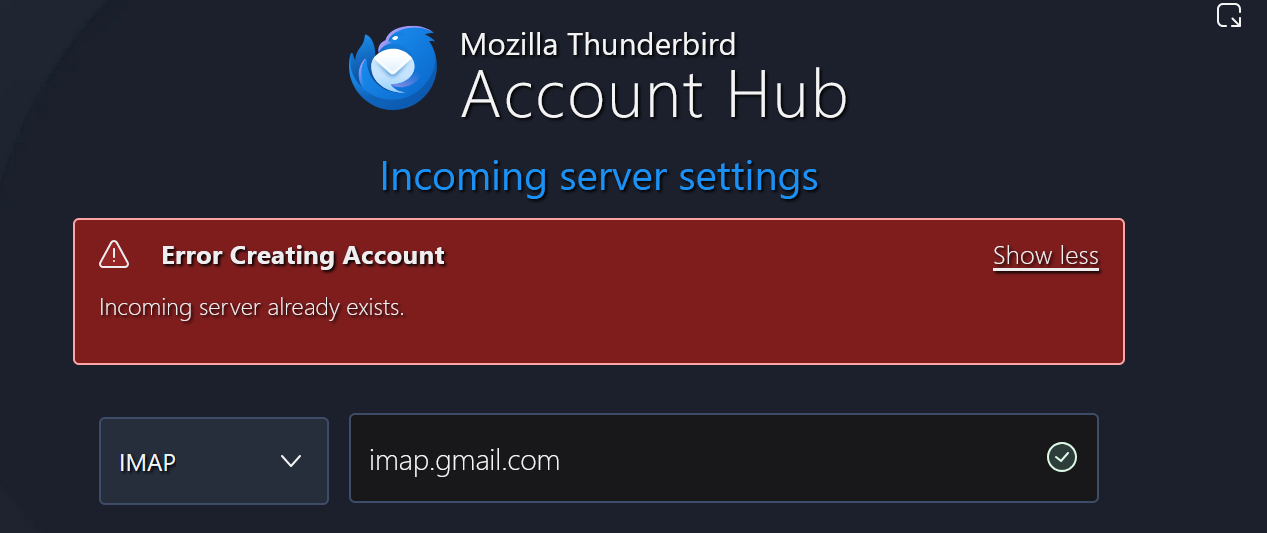
Escaping out of the log in screen brings me back to the config page which appears to have accepted the account, until I hit continue and then it tells me that the incoming server is already in use. (see the second image).

I also tried turning off the experimental add account and use the previous interface to work the problem. I got the same results both times.

Please advise, I'd really like to have access to the account emails on my desktop without using the google web interface.

Thank you DD Randall
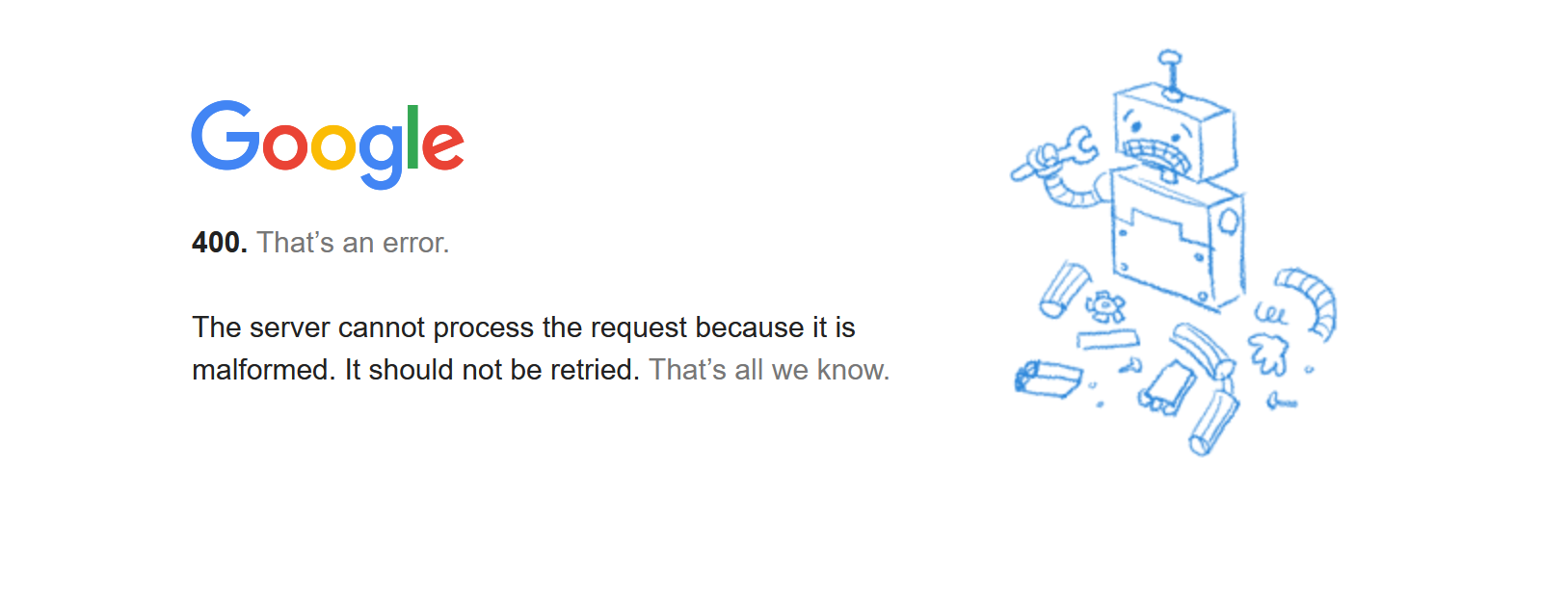
I am trying to add a business gmail account to my Thunderbird on Desktop and have run into difficulty. I tried to use [https://support.mozilla.org/en-US/questions/1231574 This Article] in order to overcome the issue, however it is dated 2018 and seems very out of date with the current UI. So I am struggling with how to rename the incoming/outgoing servers to allow the new gmail account into the host. When I try to add the gmail account I get the window to sign into the new account, but when I click continue I get "The server cannot process the request because it is malformed. It should not be retried. That’s all we know." (see attached image). Escaping out of the log in screen brings me back to the config page which appears to have accepted the account, until I hit continue and then it tells me that the incoming server is already in use. (see the second image). I also tried turning off the experimental add account and use the previous interface to work the problem. I got the same results both times. Please advise, I'd really like to have access to the account emails on my desktop without using the google web interface. Thank you DD Randall
Attached screenshots

You must log in to your account to reply to posts. Please start a new question, if you do not have an account yet.