


website access blocked?

I am using the Firefox browser on my iMac. Suddenly, I am not able to 'sign in' or access pages of common websites. I am getting blank pages or pages with the ever-circling ball when trying to access websites, like homedepot.com, shutterfly.com, etc. I can access them via safari.
I have gone through the Troubleshooting steps, have Uninstalled Firefox and Reinstalled, etc. What is happening with my browser?
All Replies (9)
Hi
What version number of Firefox do you have installed?
Are you using any add-ons?
What level of Enhanced Tracking Protection do you have set?
version 142.0.1
no add ons that I submitted
standard

Can you show the issue. Sites work for me. see screenshot
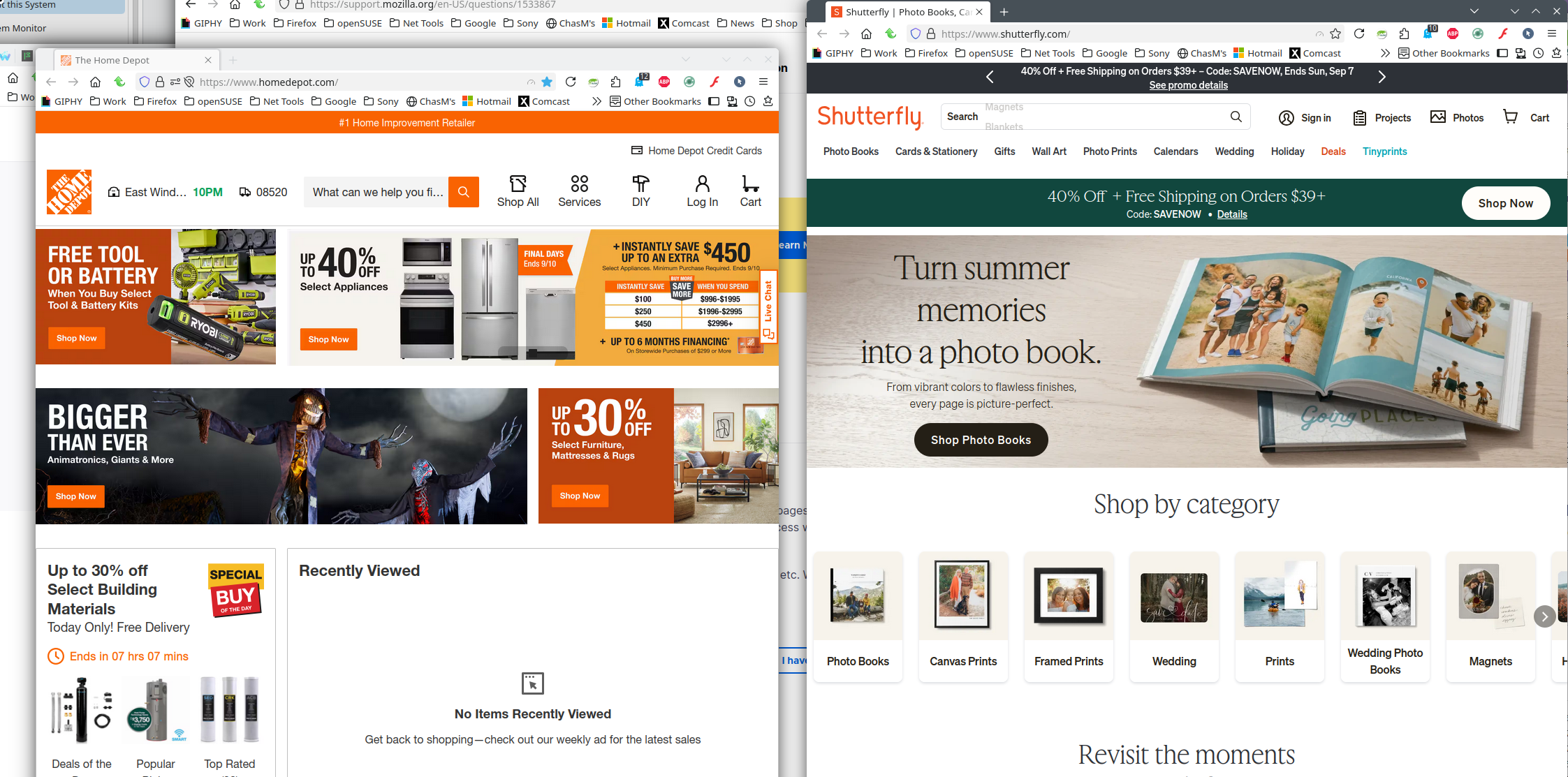
yes, I can get the full website for both on Safari - but not on Firefox.
I can get the initial homepage for both home depot and Shutterfly - but when I try to sign in to Shutterfly, it goes nowhere. Homedepot shows the page you recorded, but then it quickly flicks to an 'Oops!' comment, and will go no further.
just in case the answer was cut off: I can get the homepage for Home Depot, but it quickly flips to an 'Oops!' page and will go no further. I can also access the Shutterfly homepage, but trying to Sign In results in a blank page and again, can go no further.
What antimalware software do you have installed on your device?
Maywarebytes AVG Antivirus Avira Sophos
and please note: in error, I clicked the 'Mark it as solved' button.... I have NOT solved this issue.
Hi there,
Could you please try temporarily disabling all the firewall / "web safety" / etc. features and see if the websites load?
Also, what troubleshooting exactly have you done?
I did try disabling my firewall and it did not help.
I accessed the Help section of Settings and followed the Troubleshooting steps: refresh Firefox, clearing cookies and cache, clearing Everything in the History site, uninstall Firefox - reinstall from the Mozilla support site.