


How do I get rid of spam "warnings" that pretend to be from Mozilla Firefox?

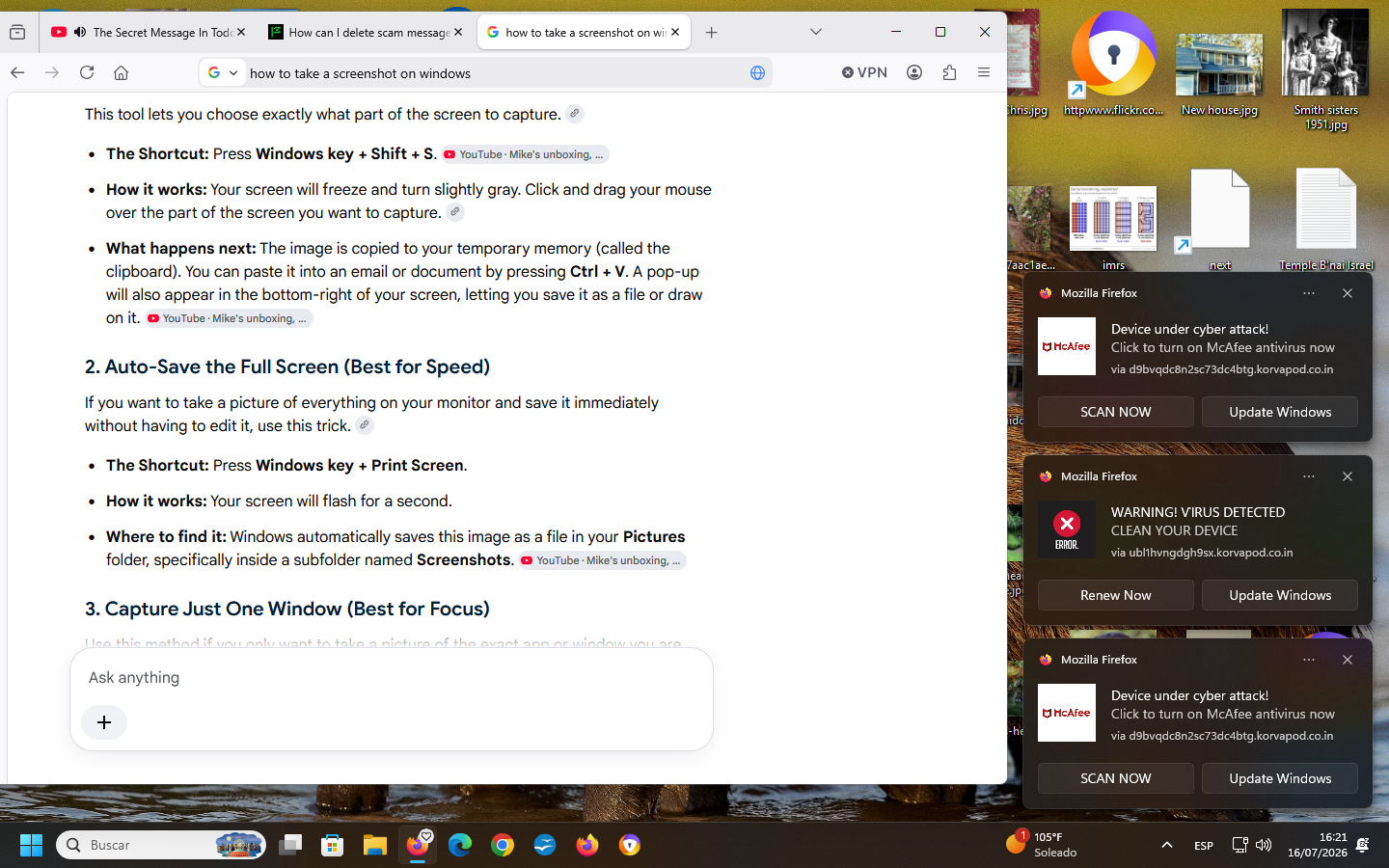
Several days ago a trio of "warnings" all labeled Mozilla Firefox popped up on my monitor. They included "Critical Error! Remove viruses now", "Warning! Virus Detected Clean Your Device" (with the choice of Renew Now {? renew what?} or Update Windows), "Warning! Your system is damaged by virus attack via d9BvqdcBn2sc73dc4btg.korvapod.co.in Remove the virus now", "Trojan Detected! (choose Remove virus now or Quick Scan), and variations on all of the above. I ran a malware scan from another provider and their advice was that this was an attempted hack so under no circumstances should I click on anything. They definitely said it wasn't from Mozilla Firefox. BUT they also couldn't find any traces anywhere in my computer. So for the past 5 days, I've been functioning with a partial screen, maybe 3/5 of full screen, because those darned "warnings" cannot be physically moved off the screen. How can I get rid of this mess? Thanks.
ყველა პასუხი (2)
Hi Lynn, it looks like these messages (push notifications) are coming from a website. You or someone/something else has given that website permission to send them to you.
You can just revoke the permission for notifications, and they should stop.
To revoke it, open your Settings and select Permissions and data on the left. Scroll to Permissions and click Notifications. The website (korvapod.co.in) should be listed there. Either click on it and then click on Remove Website or switch Allow to Block. After that it should stop.
Edit: For more information about it, please take a look here: Web Push notifications in Firefox
ჩასწორების თარიღი: , ავტორი: Fylvara
Yes these are web push notifications from sites you have allowed to send you notifications. Instead of useful information some may send you junk. spam or fake virus/trojan alerts etc. You can revoke these sites from sending you notifications as kb article in above reply shows.