Customize Layout

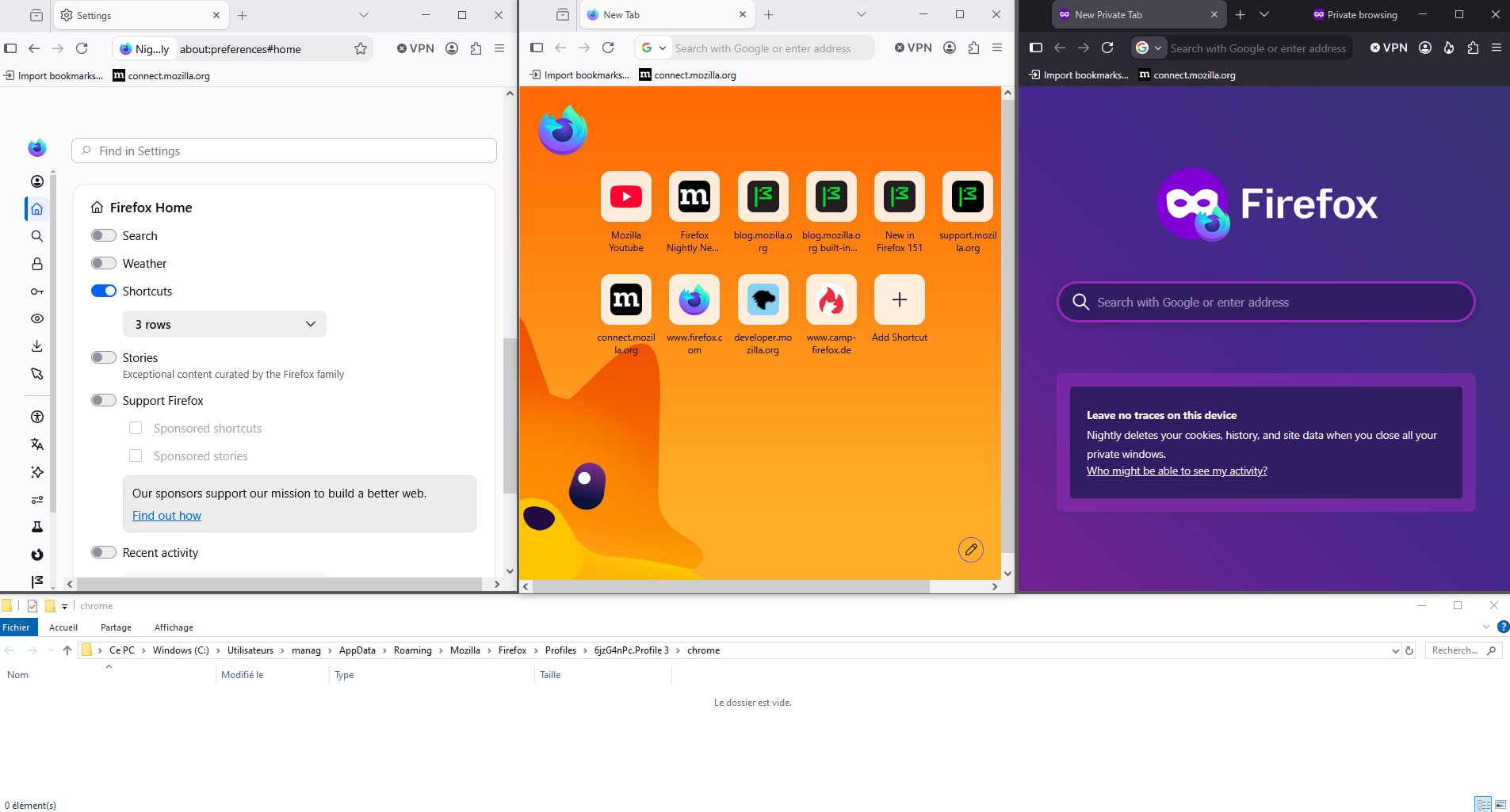
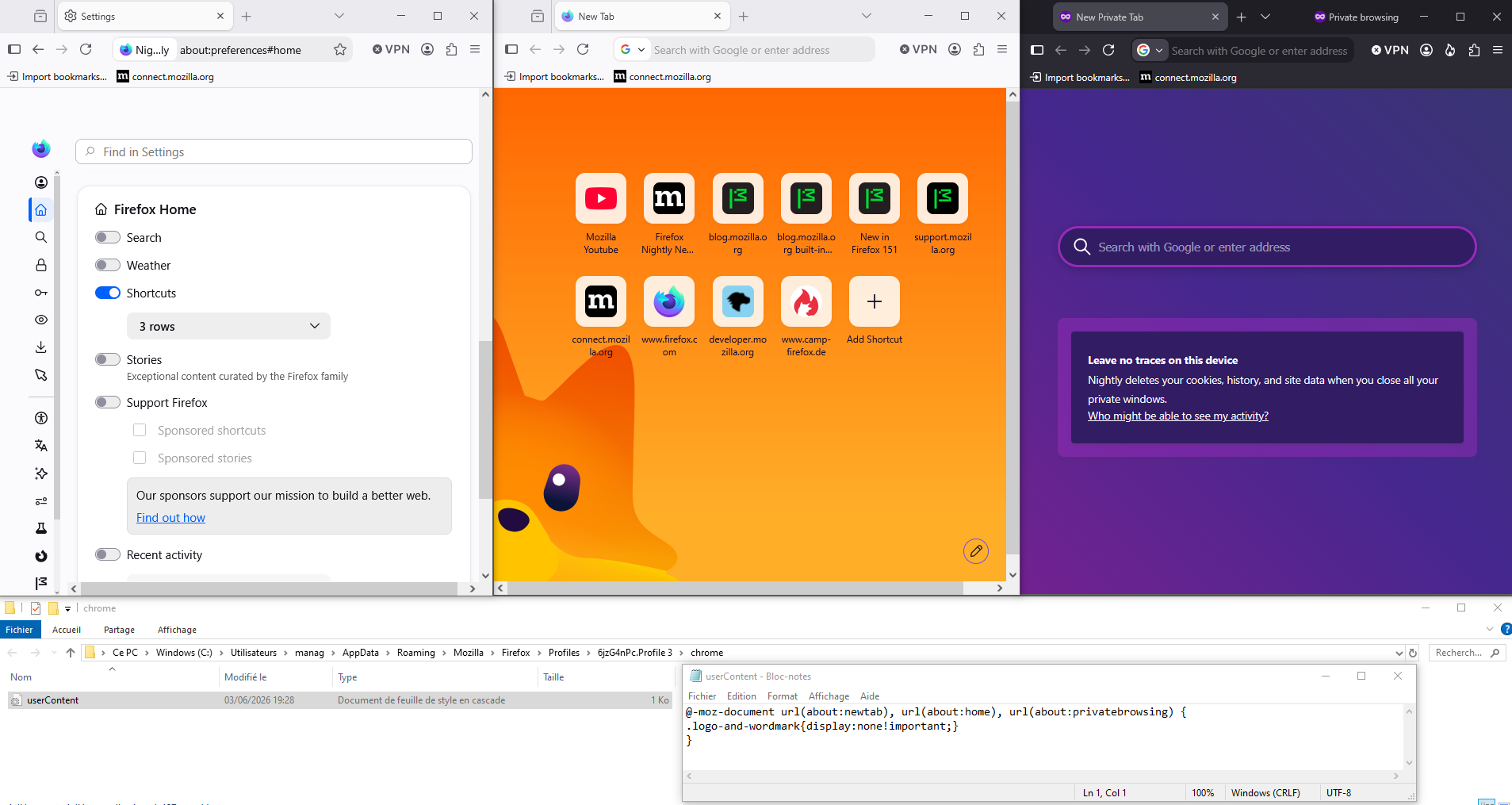
Since the last update, not this recent one, there has been a huge empty space at the top of the home page. I had to close the search so my favorites wern't off the bottom of the screen. I'd really like to remove the Firefox logo, move my favorites to the top of the page and the search under that. Can you make it more customizable?
ყველა პასუხი (4)
Hello
To see, you can test, browser.newtabpage.activity-stream.nova.enabled
1 - Go to configuration editor https://support.mozilla.org/en-US/kb/about-config-editor-firefox 2 - Enter a search term browser.newtabpage.activity-stream.nova.enabled You can double-click on the preference to set the value to false
https://support.mozilla.org/en-US/questions/1583851 https://support.mozilla.org/en-US/questions/1584456 https://support.mozilla.org/en-US/questions/1584969
This discussion thread https://connect.mozilla.org/t5/discussions/firefox-151-introduces-a-fresh-new-look-for-home-amp-new-tab/td-p/125715
ჩასწორების თარიღი: , ავტორი: Agent virtuel
Hi,
Thank you for reaching out! The logo with search will be moved higher in the future updates (bug 2041730).
You can leave feedback here: https://connect.mozilla.org/t5/discussions/firefox-151-introduces-a-fresh-new-look-for-home-amp-new-tab/m-p/125766
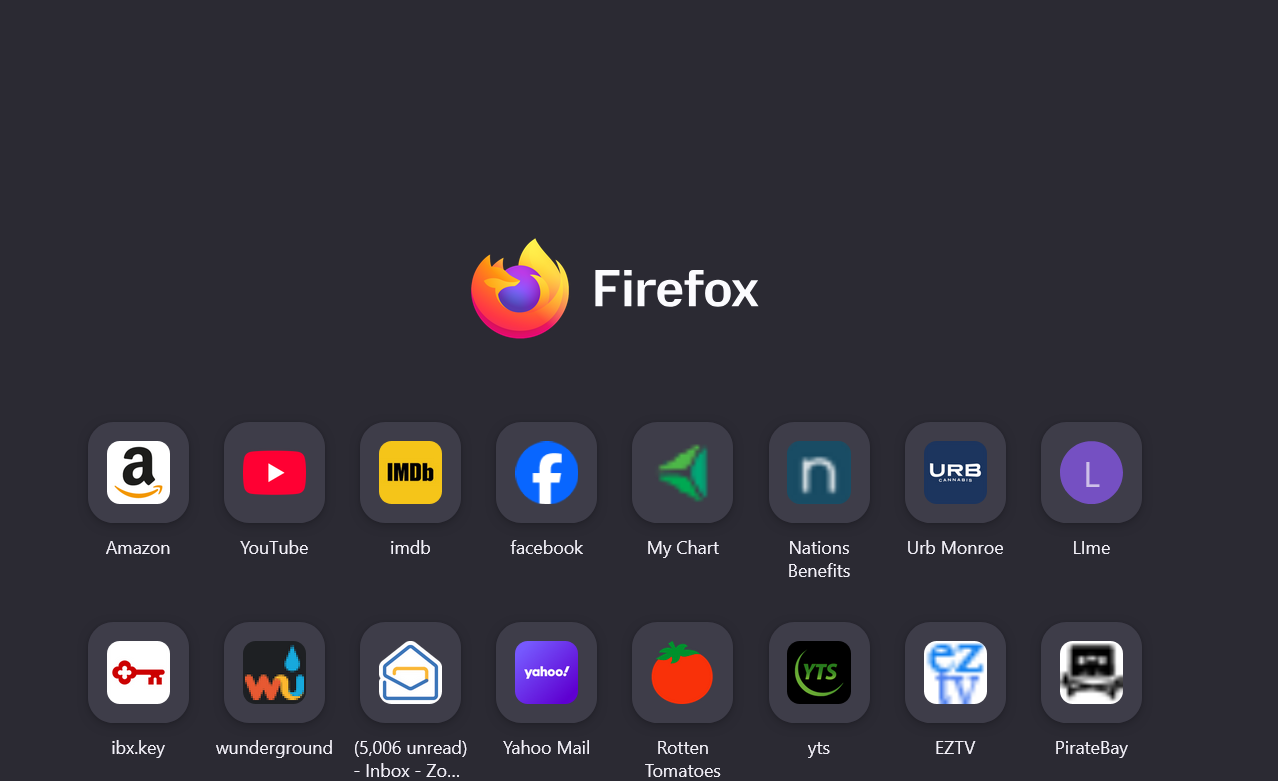
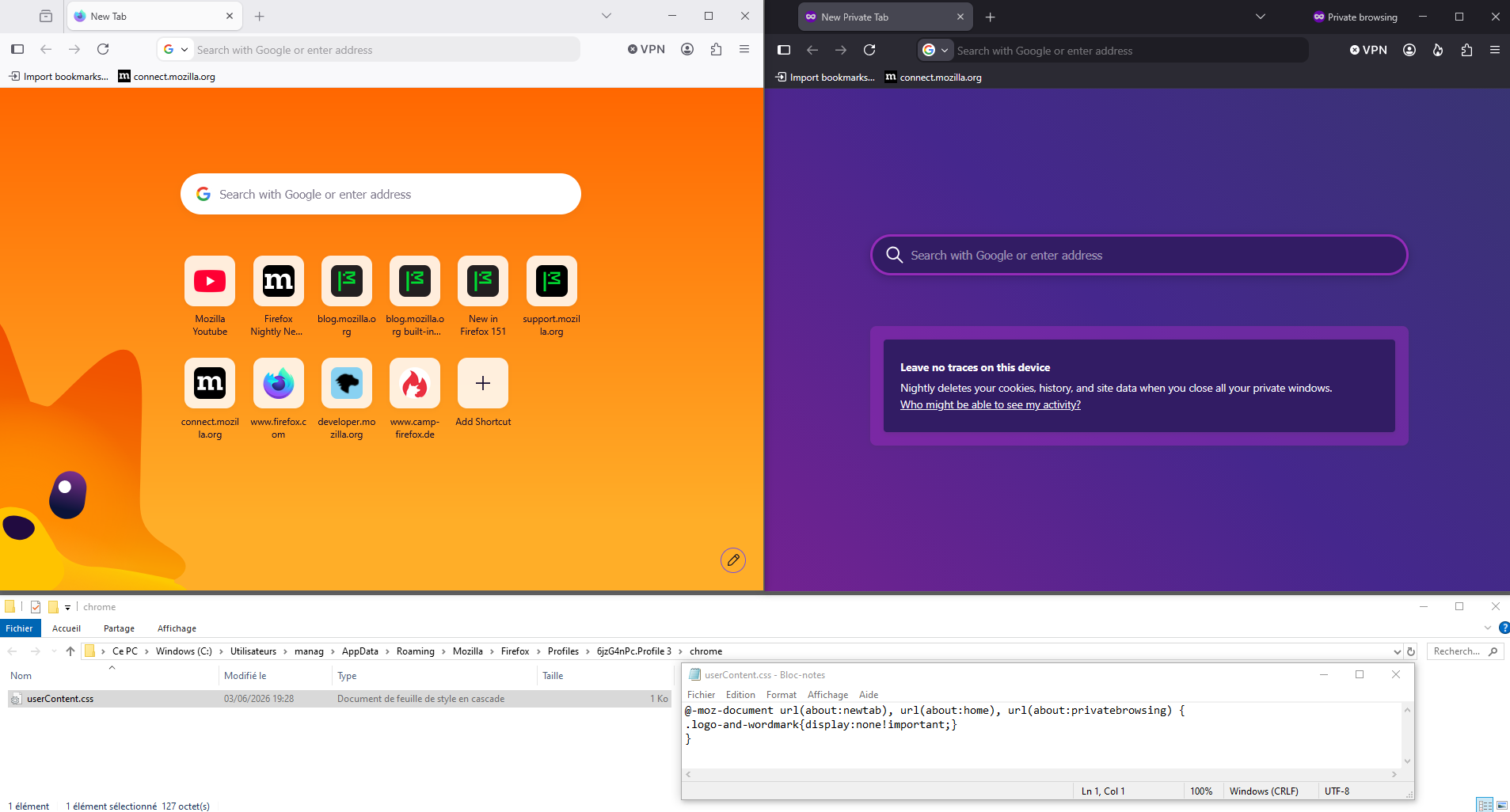
If you want to remove the logo, just, for information, a test with the help of userContent.css file, you can find tutorials on the web. https://connect.mozilla.org/t5/discussions/giant-logo/td-p/89137
Below, on Firefox Nightly, a test with the help of userContent.css
ჩასწორების თარიღი: , ავტორი: Agent virtuel
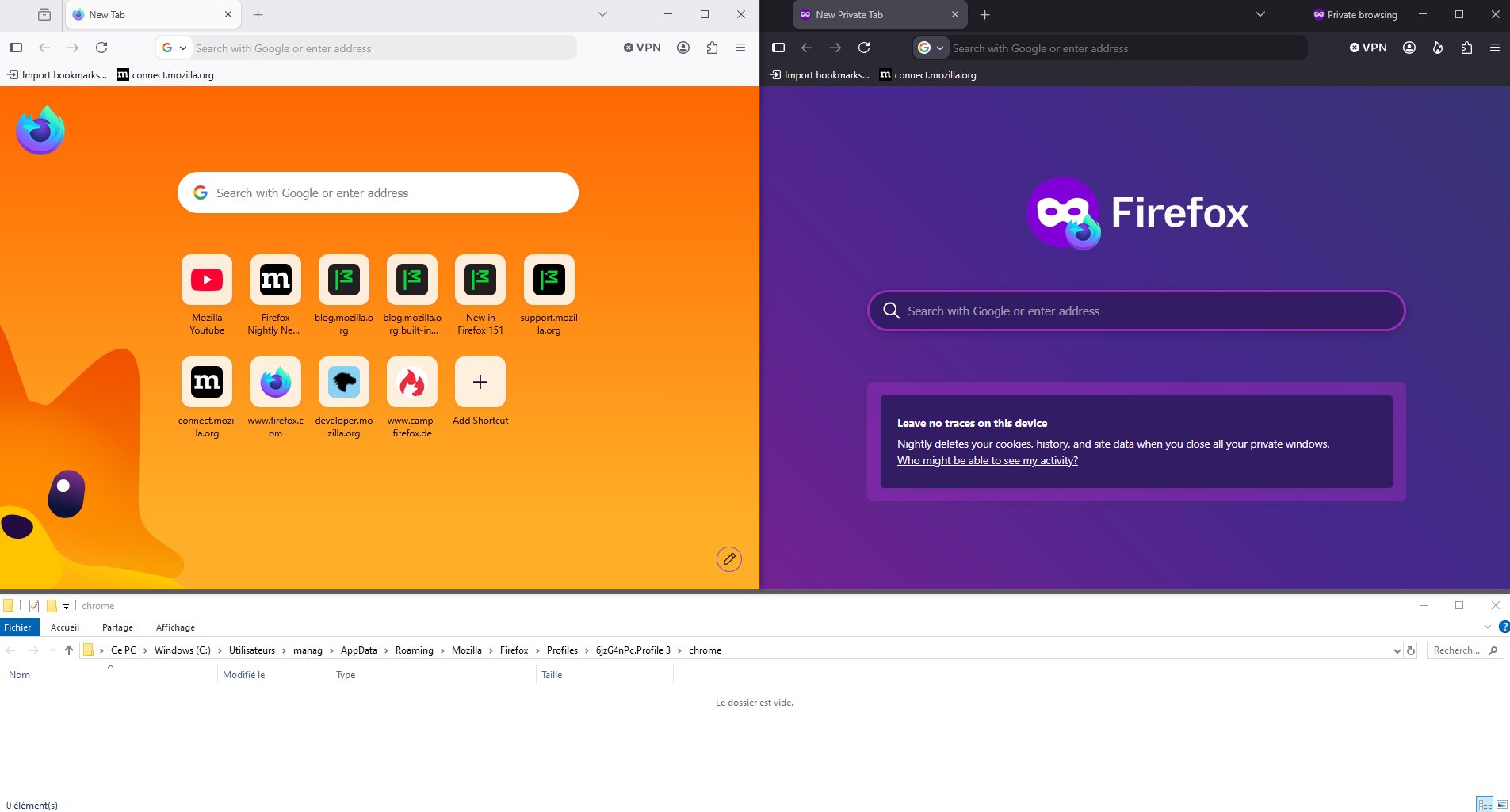
Additional experimentation screenshots