


Shortcuts Row(s) Disappeared

When v143 was released something happened to the shortcuts row(s). Regardless of refreshing efforts, rolling back versions, and searching the forums, there's no way to consistently get the shortcuts back. Sometimes they appear with a new browser instance, sometimes they don't. They don't appear with new tabs, and they don't stay when they do appear with a new browser. Grrrr. Please restore the shortcuts!
შერჩეული გადაწყვეტა
Nope, you're good. It's on us 🙈.
ყველა პასუხი (5)
Hi joehiker7549,
Our team is currently investigating this issue. It's currently ranked as P1, so I'm hopeful we can get an update soon. Please, hang in there!
Thanks!! (-: Thought I had accidentally started using a different browser or something!
შერჩეული გადაწყვეტა
Nope, you're good. It's on us 🙈.

I have this problem. I'm running Firefox 148.0.2 (64-bit) on Ubuntu 24.04 LTS
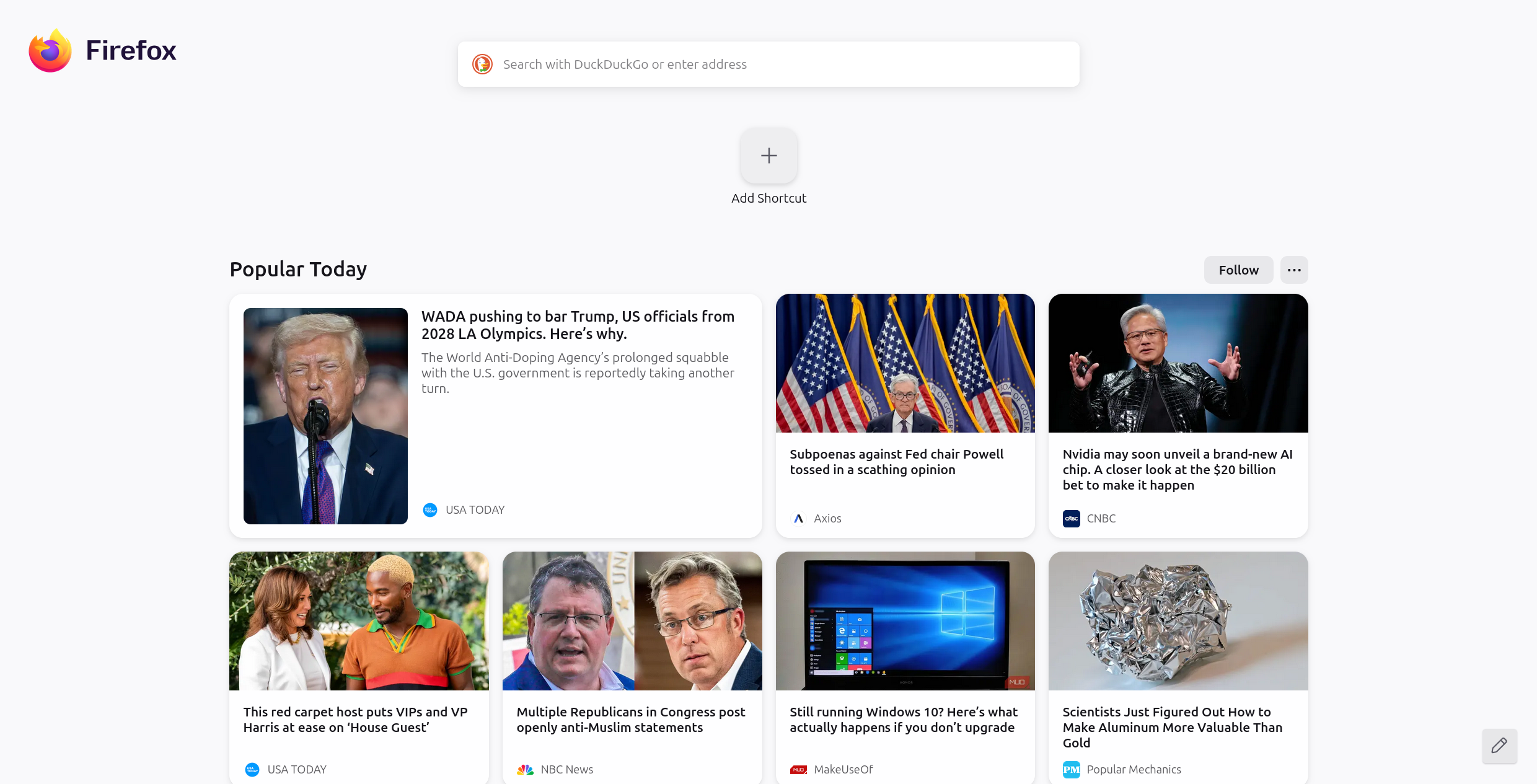
Hi @asb0656 this issue has already been solved. please open a new thread and specify your issue.