


Syncing Issues
Hello Mozilla. I am logged on to my Firefox account on a new computer. Although I have logged in, I haven't experienced Firefox automatically syncing my bookmarks and extensions as I did two computers ago to this last computer. I have tried syncing numerous time (pressing the sync button in my account) to no avail. What do I need to do to get this working? Thank you for your time and attention.
გადაწყვეტა შერჩეულია
Time to test... try another version of Firefox (Beta,Dev,or Nightly) and then sign into your account and see if it syncs. https://www.mozilla.org/en-US/firefox/channel/desktop/
პასუხის ნახვა სრულად 👍 1ყველა პასუხი (1)

შერჩეული გადაწყვეტა
Time to test... try another version of Firefox (Beta,Dev,or Nightly) and then sign into your account and see if it syncs. https://www.mozilla.org/en-US/firefox/channel/desktop/
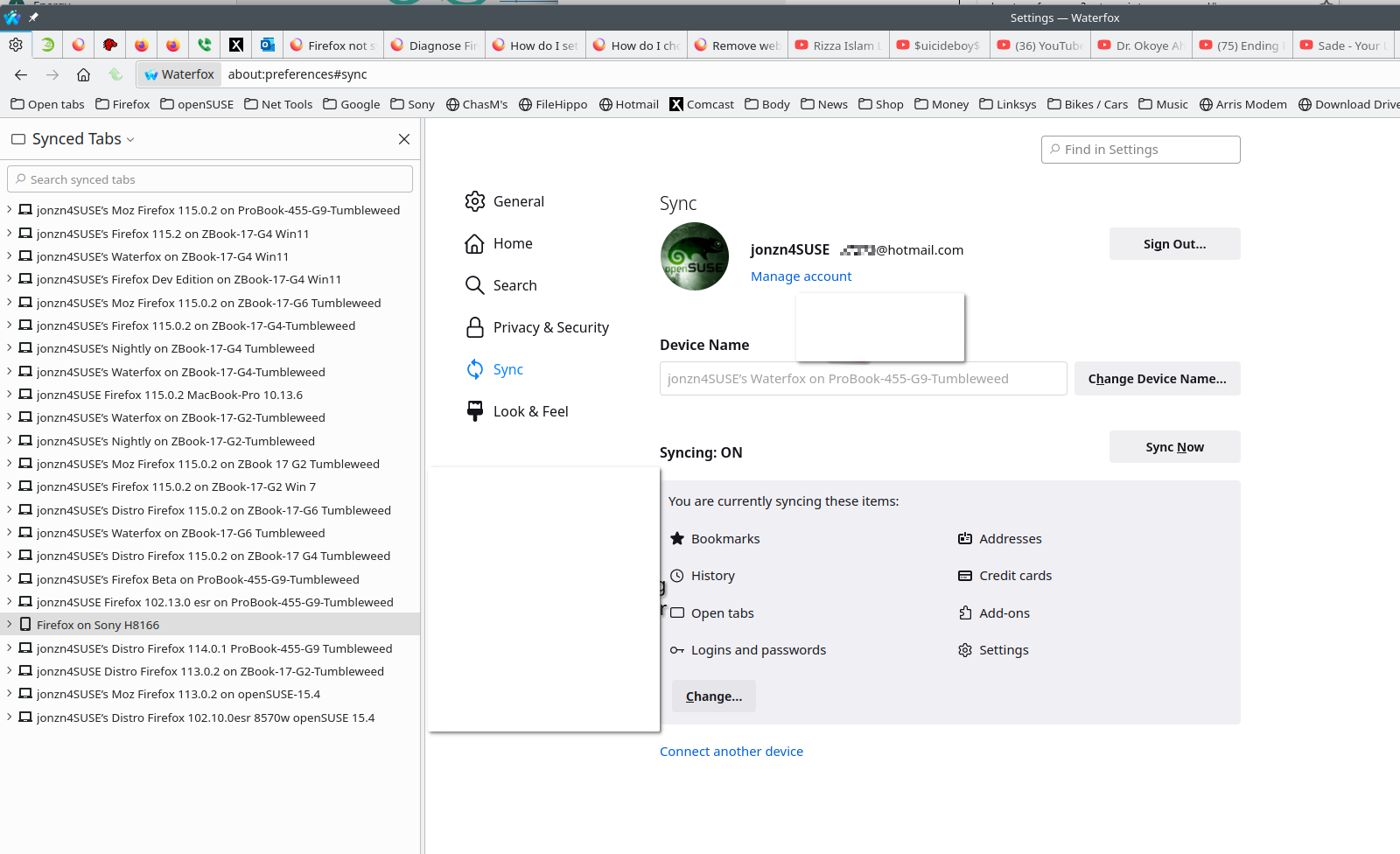
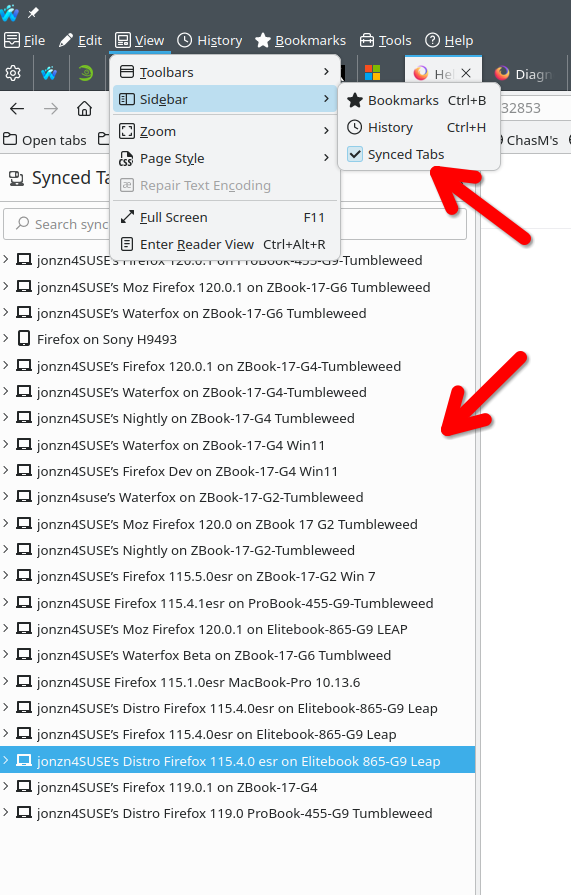
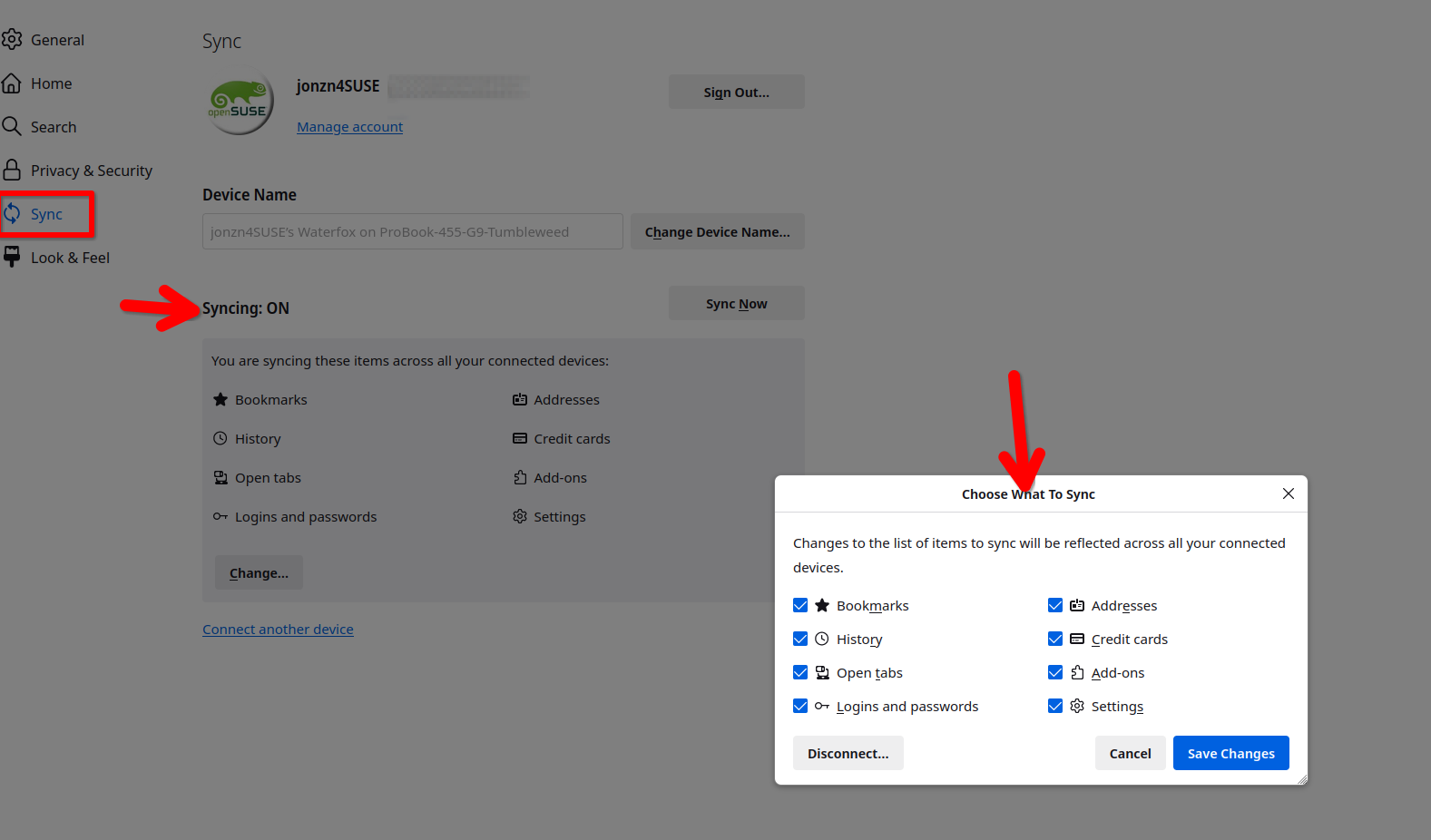
ჩასწორების თარიღი: , ავტორი: jonzn4SUSE