


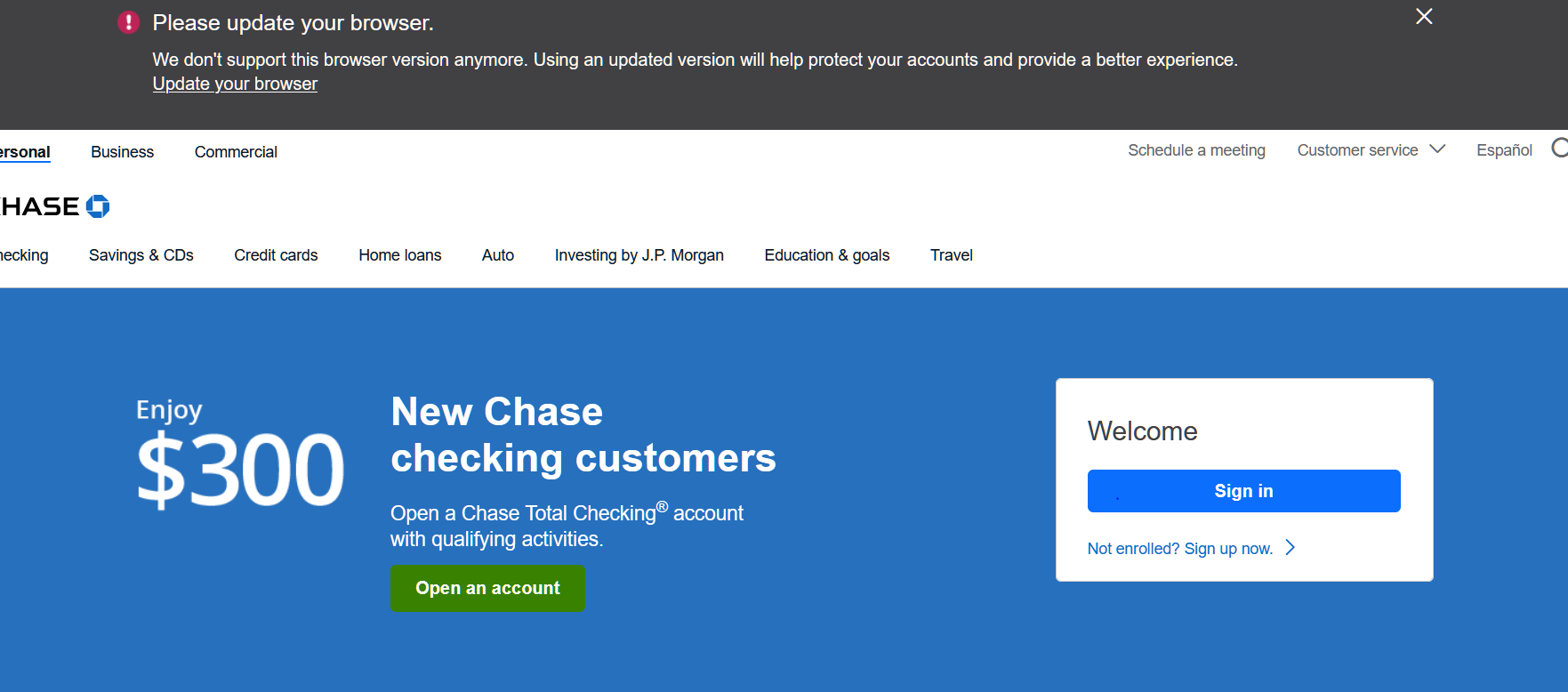
Chase Bank says my broweser is out of date

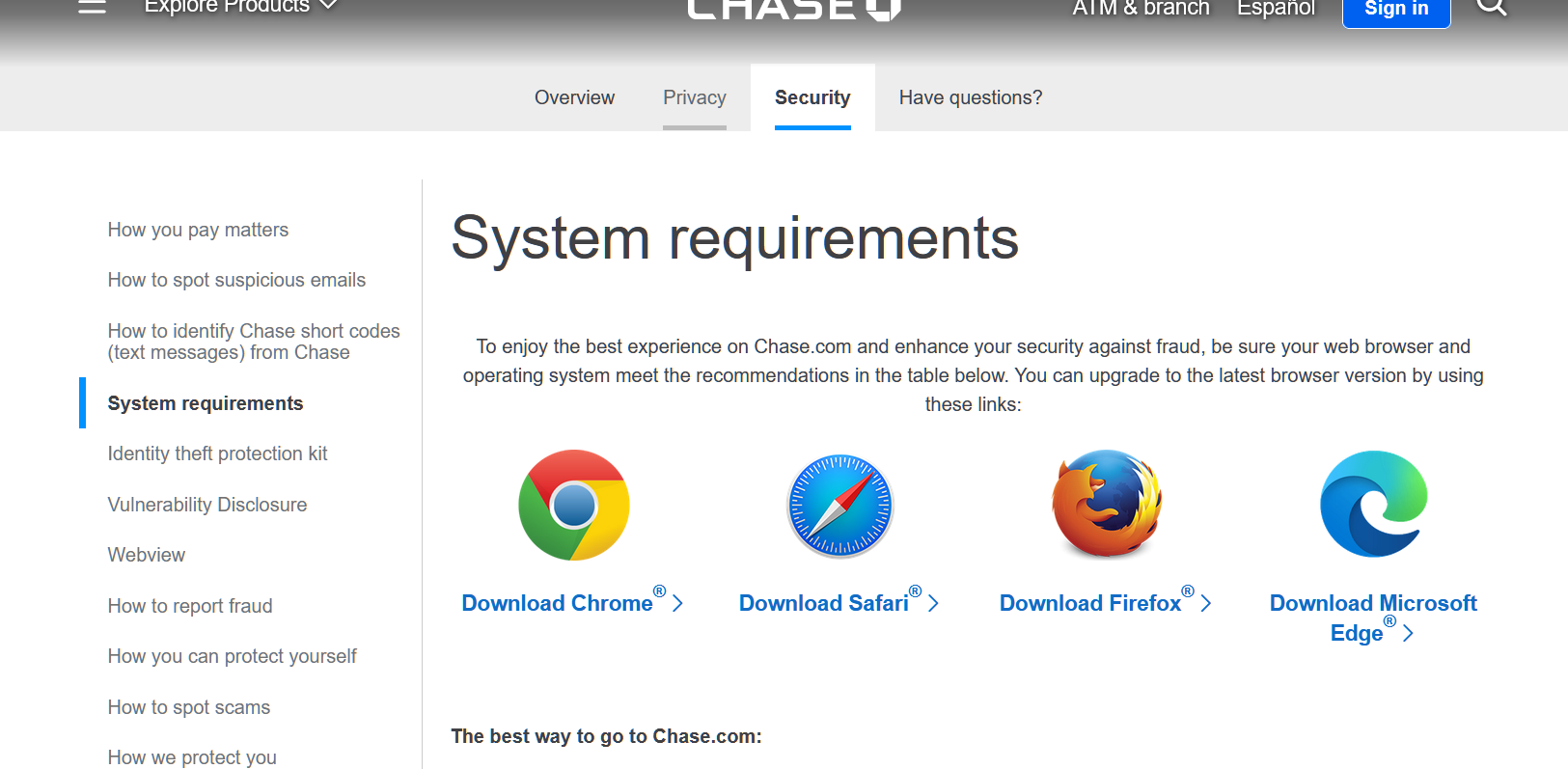
I'm running Windows 10, Firefox Release 126. I had the same issue with the previous version of Firefox. I was hoping 126, would fix the Chase Bank issue.. But it did not I read several articles from FF users, I checked my User Agent Settings, they are correct. Called Chase, they said use Chrome as Firefox does not have the 'needed code' to work with Firefox. Been using Firefox with Chase for at least 5 years.
Please help, Thank you
ყველა პასუხი (7)
Windows home or pro? Did you try with Firefox in Troubleshoot Mode?
Windows Home. Just tried Troubleshoot Mode. Chase is still asking me to Upgrade my browser.
I assume we have to go through the login process to replicate? It's not happening on the home right? Show the issue by posting a screenshot and provide a link. What security software are you running?
Are there relevant-looking messages in the Web Console about this issue ?
Yes, you have to go thru the log on process to duplicate. Using AVG security software, I'm also running a AVG VPN, have disabled a re-enabled, still get message from chase.
You can check for issues with Total Cookie Protection.
- https://support.mozilla.org/en-US/kb/total-cookie-protection-and-website-breakage-faq
- https://support.mozilla.org/en-US/kb/introducing-total-cookie-protection-standard-mode
You can check for issues with Enhanced Tracking Protection. Firefox shows a purple shield instead of a gray shield at the left end of the location/address bar in case Enhanced Tracking Protection is blocking content.
- click the shield icon for more detail and possibly disable the protection
You can check the Web Console for relevant-looking messages like blocked content.
I did a Refresh on FF. Problem is Solved. TU jonzn4SUSE and Cor-el