


Cannot enable two-step authentication
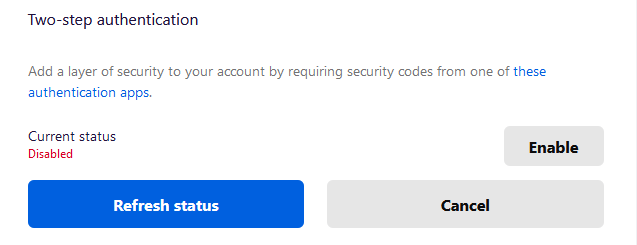
I am trying to enable Two-step authentication. I scan the QR code, enter the code, save the recovery codes and enter one. The green bar at the time says I have successfully enabled two-step authentication, but when clicking Refresh Status, it remains disabled.
I tried disabling add-ons and in a private window without success, I even tried deleting the account and trying again with a different email address. When I check the network tab I can see a request to "https://api.accounts.firefox.com/v1/session/verify/totp" is returning "{"success":false}".
I am trying to enable Two-step authentication. I scan the QR code, enter the code, save the recovery codes and enter one. The green bar at the time says I have successfully enabled two-step authentication, but when clicking Refresh Status, it remains disabled.
I tried disabling add-ons and in a private window without success, I even tried deleting the account and trying again with a different email address. When I check the network tab I can see a request to "https://api.accounts.firefox.com/v1/session/verify/totp" is returning "{"success":false}".
ყველა პასუხი (1)
You can create a new profile to test if your current profile is causing the problem.
See "Creating a profile":
You can use the Profile Manager to return to your current profile.