


Add-on's menu cannot be opened using keyboard

Add-on developed using the Add-on SDK show up in the add-on bar.
Once I tab onto the add-on bar and the icon for the add-on is selected, pressing enter (or spacebar) does not open the add-on's menu.
How to open add-on's menu using keyboard? Is it a bug in Firefox?
すべての返信 (7)

<Control> + <Shift> A. There are add-ons that you may like to use at Mozilla Add-ons Web Page There's lots of good stuff here.
I'm not sure if you can open such a menu with the keyboard.
Does it open if you left or right click the mouse on such an icon on the Add-on Bar?
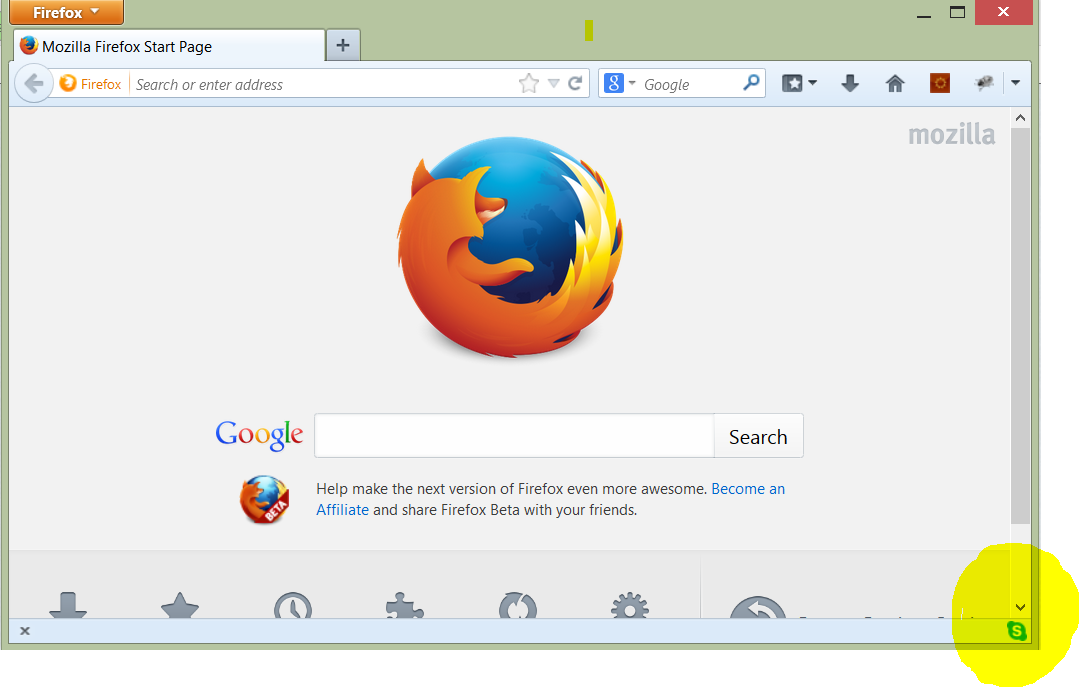
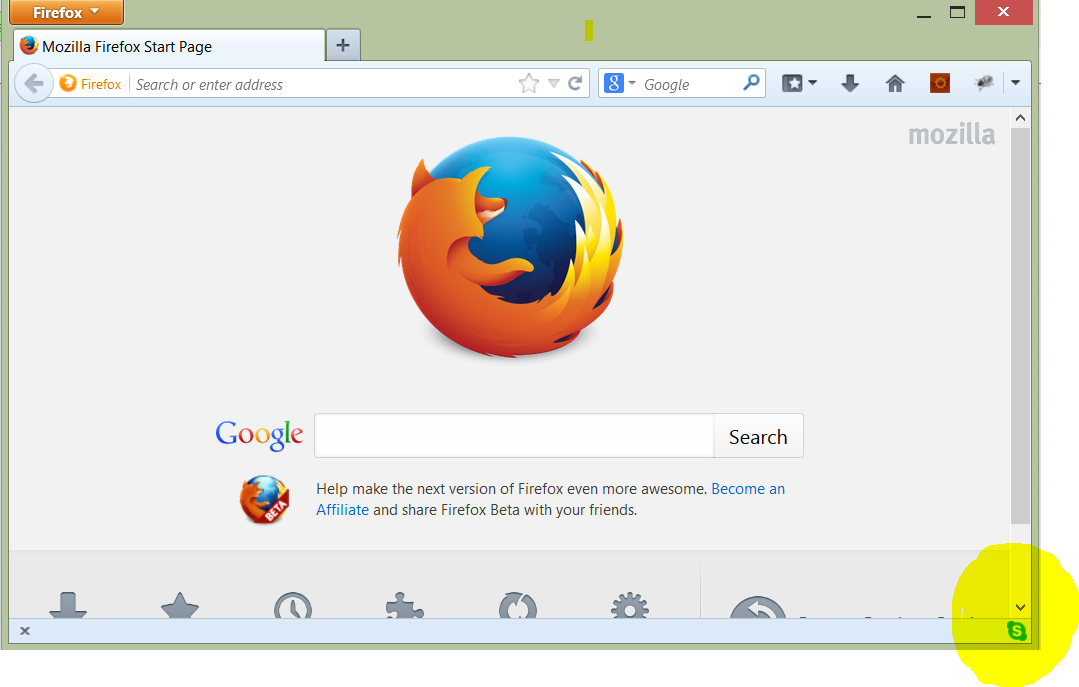
Yes, the add-on has a user interface which is displayed when I click on the add-on's icon in the add-on bar with the mouse. See the attached screen shot which shows the add-on bar. I wanted to know if there is a way to open it using the keyboard.
Looks like a bug accessibility bug in Firefox. How do I reports bugs about Firefox?
この投稿は RamDosNT により に変更されました
Screen shot
I can't figure out how to tab onto the Add-on bar, or tab to any icon in the Navigation bar. Am I missing a setting?
If you tab through the whole web page then finally you will arrive at the add-on bar and the add-on's icon gets focus but then pressing enter or space bar does not open the add-on's user interface.
Hi RamDosNT, I've never been able to replicate this, I can never get the cursor to move onto my Add-on bar when I tab through the cycle (address bar, search bar, body, links and form controls in the document, up to tab bar, back to address bar).