


Open
How do I stop some tech pages constanty overlaying a topic diagram in center screen if there is any movement on screen?

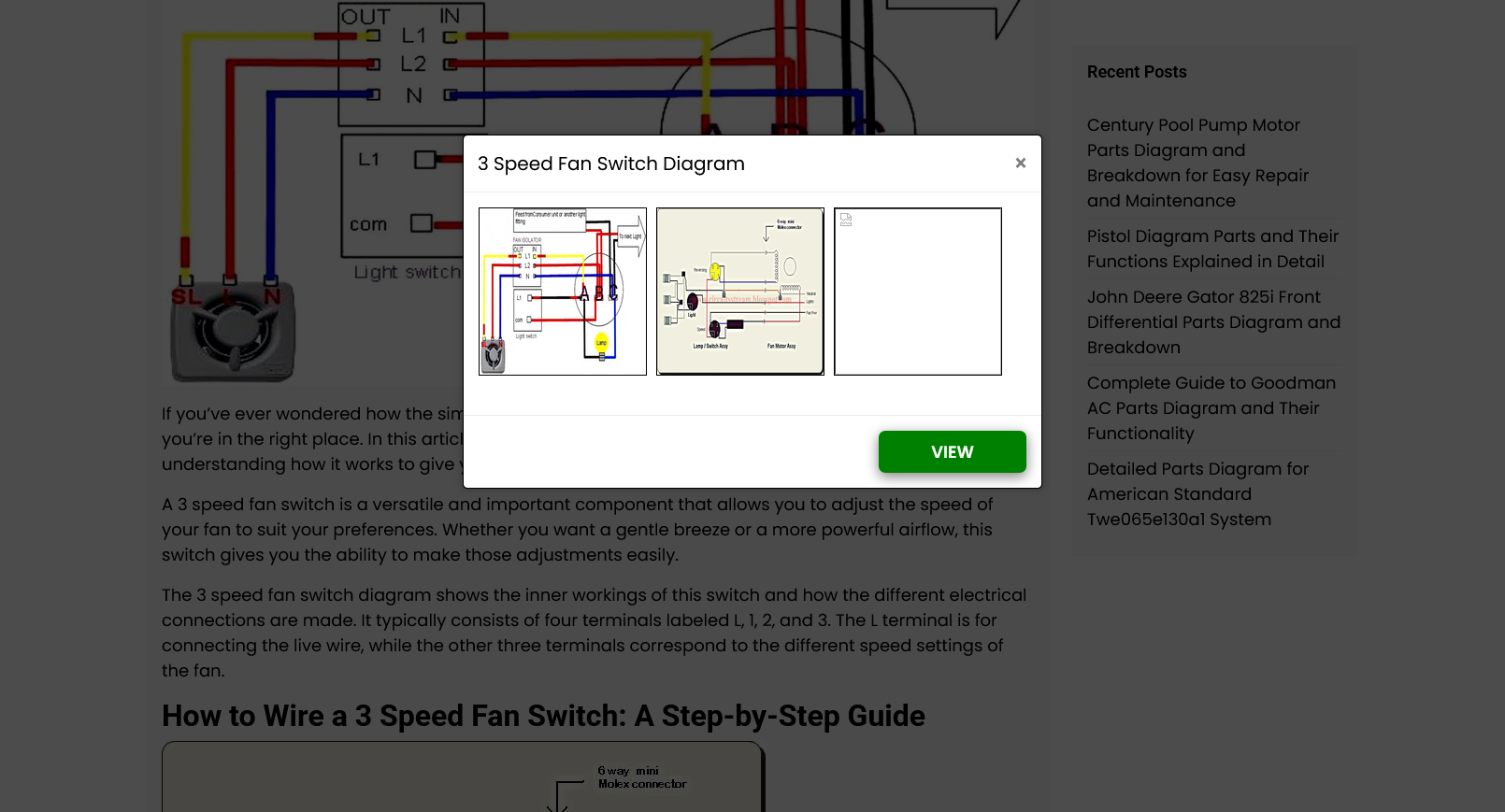
I am on a tech page, i,e,. on the wiring of a computer fan speed control. Immediately there is a popup of pictures or even a schematic in centre screen. No movement on screen is allowed. Hitting Return or Space bar makes the popup go away, but as soon as I move the page, the popup (same one each time) constantly keeps returning and i cannot read the article. So the page is totally worthless and frustrating to me.
Is there a way to suppress the popup?
screen shot is from https://wiringpictures.net/3-speed-fan-switch-diagram
I am on a tech page, i,e,. on the wiring of a computer fan speed control. Immediately there is a popup of pictures or even a schematic in centre screen. No movement on screen is allowed. Hitting Return or Space bar makes the popup go away, but as soon as I move the page, the popup (same one each time) constantly keeps returning and i cannot read the article. So the page is totally worthless and frustrating to me.
Is there a way to suppress the popup?
screen shot is from https://wiringpictures.net/3-speed-fan-switch-diagram
すべての返信 (1)
You can try an extension like addons.mozilla.org/firefox/addon/noscript/ — and just disable scripting on that page.