


VPN login loop
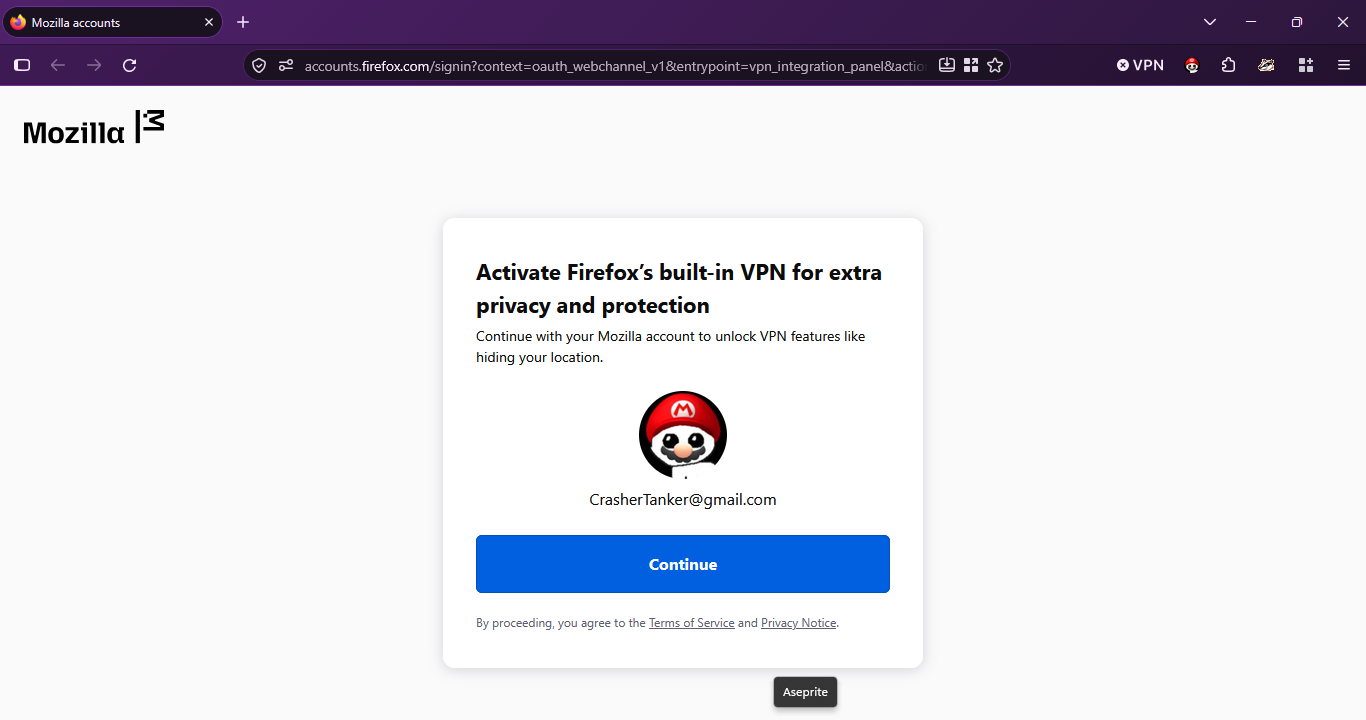
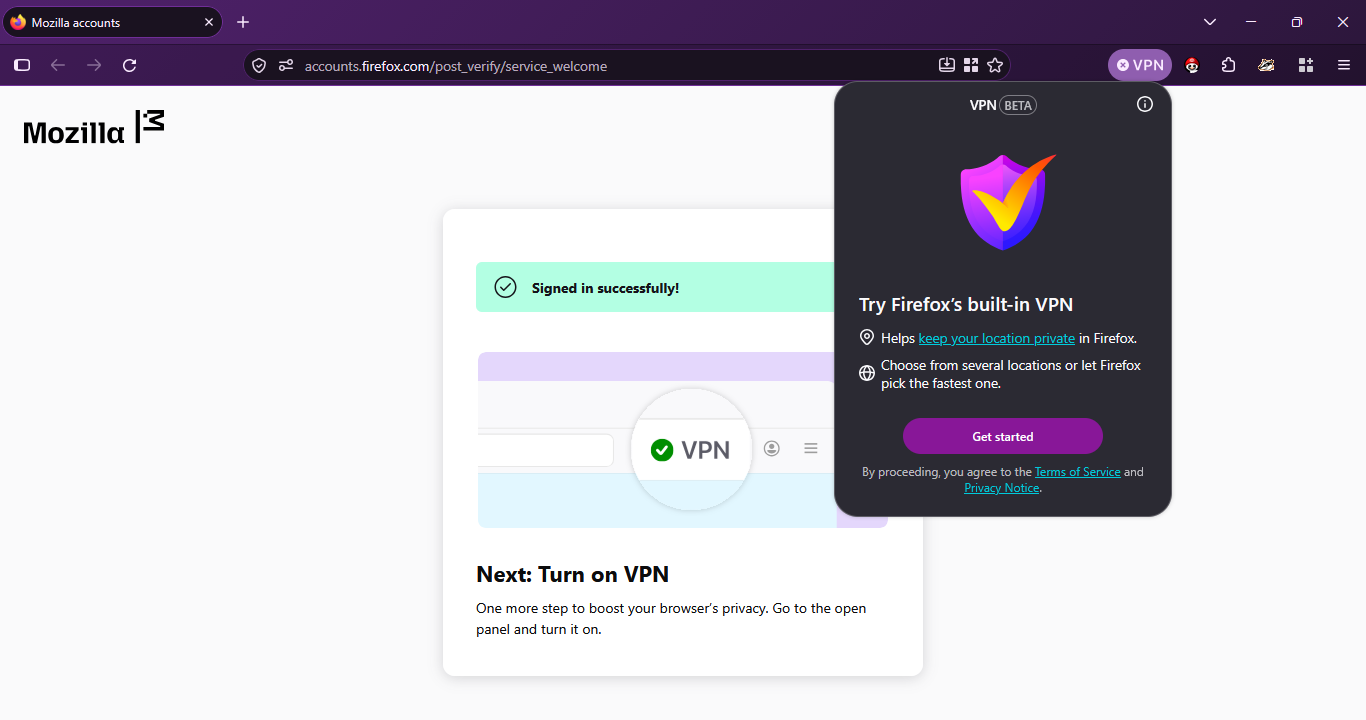
It keeps forcing me to login, without giving me the option to turn on the Vpn. I AM signed in, so I have no clue what the issue could be.
すべての返信 (3)
Hello,
Firstly, you can try going to menu > settings > account and sync, then log in there. After you have checked you are logged in, try enabling the VPN again.
Next, try clearing cookies, site data, and startup cache. Note that clearing cookies will sign you out of websites. To clear these, go to settings > privacy & security, scroll down to cookies & site data and click "clear data". To clear startup cache, go to Help > more troubleshooting info, and click "clear startup cache".
Lastly, check for browser extensions. disable them one by one and see if an extension caused it to malfunction, and if so, find a workaround or remove it.
dessertdish said
Hello, Firstly, you can try going to menu > settings > account and sync, then log in there. After you have checked you are logged in, try enabling the VPN again. Next, try clearing cookies, site data, and startup cache. Note that clearing cookies will sign you out of websites. To clear these, go to settings > privacy & security, scroll down to cookies & site data and click "clear data". To clear startup cache, go to Help > more troubleshooting info, and click "clear startup cache". Lastly, check for browser extensions. disable them one by one and see if an extension caused it to malfunction, and if so, find a workaround or remove it.
I completely uninstalled and Reinstalled Firefox, and it didn't work. I'm only using the recommended extensions, except maybe a Remove Gemini overview extension. None of those could have caused this issue, and this was present without them. The VPN works perfectly fine on my mobile device. If I could give you more information I would,
Bonjour
File a bug report or feature request for Mozilla products https://support.mozilla.org/en-US/kb/file-bug-report-or-feature-request-mozilla If you wish, you can file a bug report
Product: Firefox Component: IP Protection https://bugzilla.mozilla.org/buglist.cgi?product=Firefox&component=IP%20Protection