


Why did a Tiger favicon show up on my recent history after logging into my Yahoo ATT email?

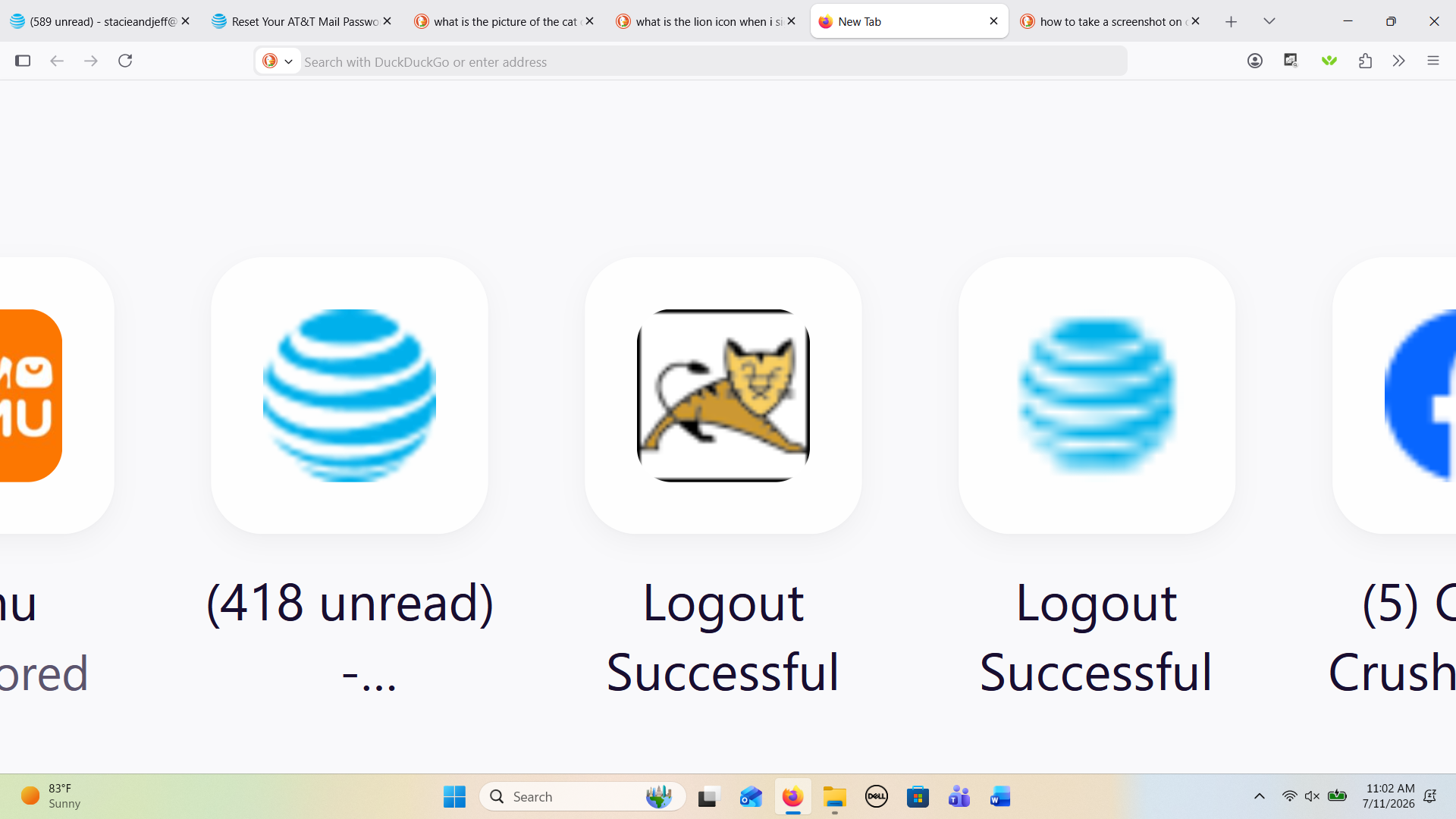
When I went to log into my email it would not let me without confirming my profile information by hitting the "Submit" button. I tried to find a way around this but was not able to. The information had my name, an erroneous zip code of 99999, and my phone number. Since the info was minimal I went ahead and hit submit. It said a confirmation would be sent to my phone, but I did not receive anything. I then logged into my email, but as I was logging in it said, "logging out" and then logged me in. I opened a new tab to research if the ATT profile confirmation was legit or a scam. I was unable confirm either. However, when I opened the new tab I noticed the Tiger favicon between two ATT favicons on my recent history. I attempted to confirm whether this Tiger favicon was part of ATT or Yahoo but could not find out anything it. I am concerned someone may have hacked my email and phone. Can anyone confirm whether this Tiger favicon is legit or who it belongs to?? (photo attached)
すべての返信 (6)
Hi
I recommend that you swiftly contact your email service provider as this may be someone impersonating your email provider in some way. I have not seen this icon before and this does not look like an issue with Firefox.
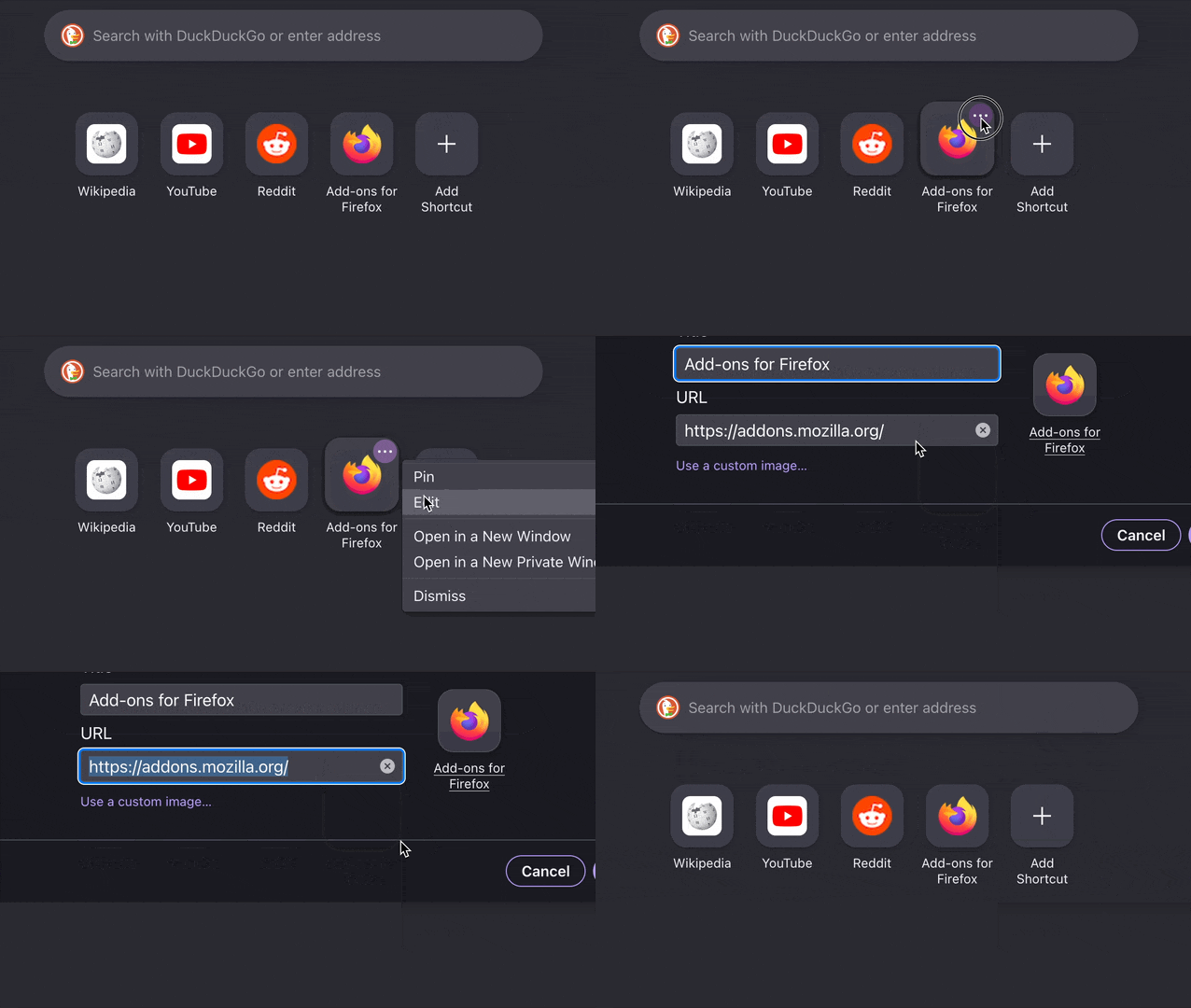
You can verify what address that icon represents by clicking the three dots and selecting "Edit" from that menu:
Hi jbr, I did as you suggested and reviewed the URL and then compared it to the normal ATT favicon that is on my shortcuts. It appears the only difference is the tiger URL says signout and has a few extras at the end and the normal one says signin. Still concerned as to why this tiger suddenly showed up when it has never been there before after logging out. Especially combined with the other circumstances I described above. Maybe I'm just being paranoid, but I do know my email and other info is on the dark web from an ATT security breach: Tiger https://signout.att.net/iamLRR/LrrController?IAM_OP=logout&returnURL=https%3A%2F%2Fcurrently.att.yahoo.com&dotNetLogout=N] Normal https://signin.att.com/dynamic/iamLRR/LrrController?IAM_OP=logout&returnURL=https%3A%2F%2Fcurrently.att.yahoo.com
Hi
I recommend that you contact your email providers support team for help with this issue.

I did a reverse image search on the favicon. It is the logo of Apache Tomcat. https://tomcat.apache.org/
Meaning it was only a site outage most likely at that time — and that favicon belonging to their internal/error page.