


Keyboard shortcuts for copy/paste not working on print dialogue.

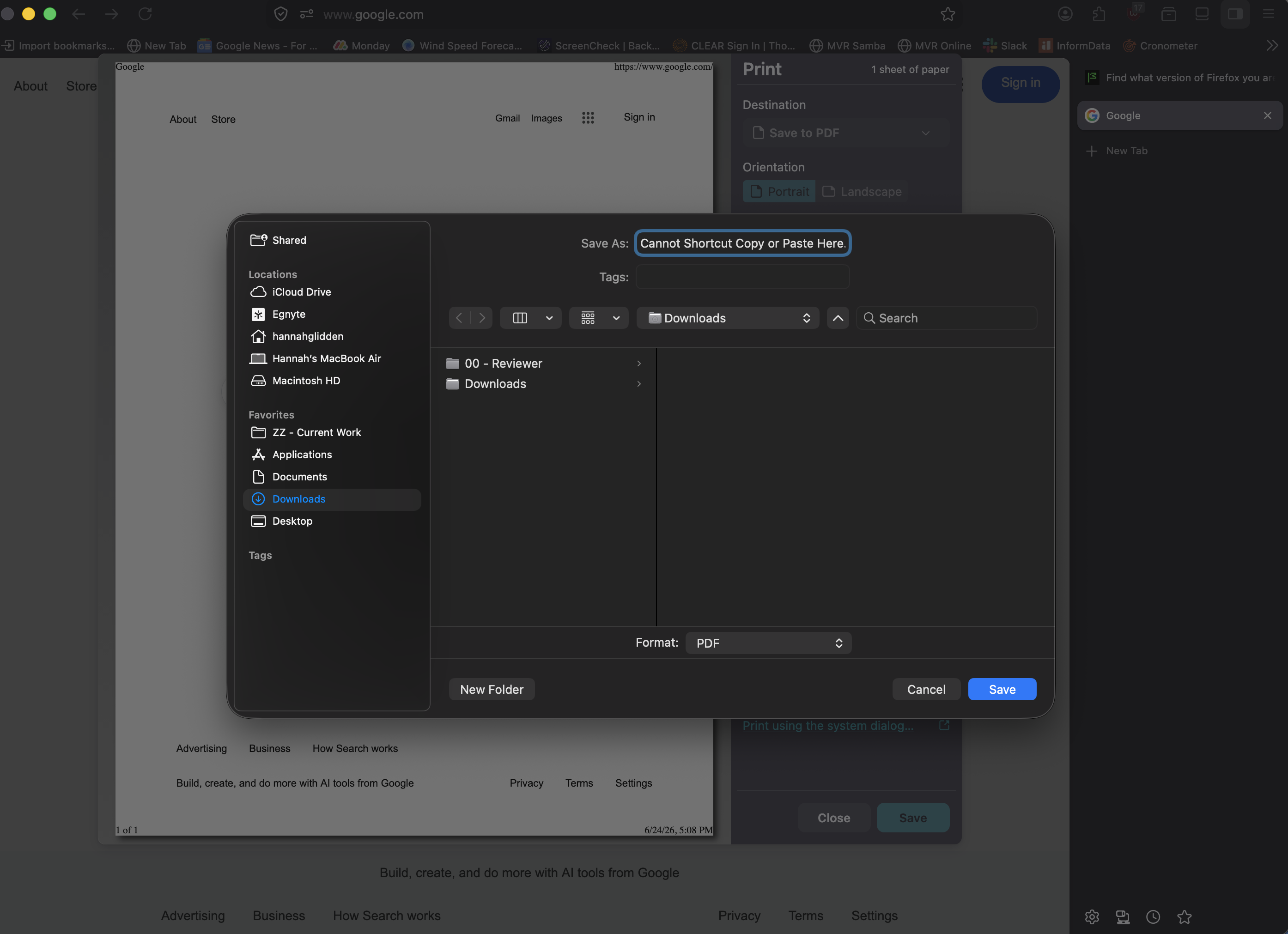
New (to me) issue, was not happening prior to system and browser updates. Using MacOS Tahoe 26.5.1 with Firefox Version 152.0.2 (64-bit), when I attempt to use keyboard shortcuts to copy paste into print dialogue (when I use Destination 'Save to pdf' and want to paste a file name I have copied), I get an error noise and no copy/paste happens. Using "right click" copy/paste is working properly (allows copy/paste of text into print dialog save to pdf name box). I have no custom keyboard settings for any apps and this issue is not occurring elsewhere in the browser (and is not occurring in other browsers). Have done the normal, updating OS and browser, used terminal to kill the clipboard and restart it, and restarted system and browser a couple of times. Would love to know if there is something I can do to fix this as I use this function frequently.
この投稿は Jeanneataroy により に変更されました
すべての返信 (2)
Tahoe 🤦 … well, nobody really knows, seems to be something different for everyone:
There have been a few changes around both how the print dialog is raised, and also what system defaults are used for it in v152.0.4 — it would be interesting to hear back once you update if you still see the same issue. Thanks!