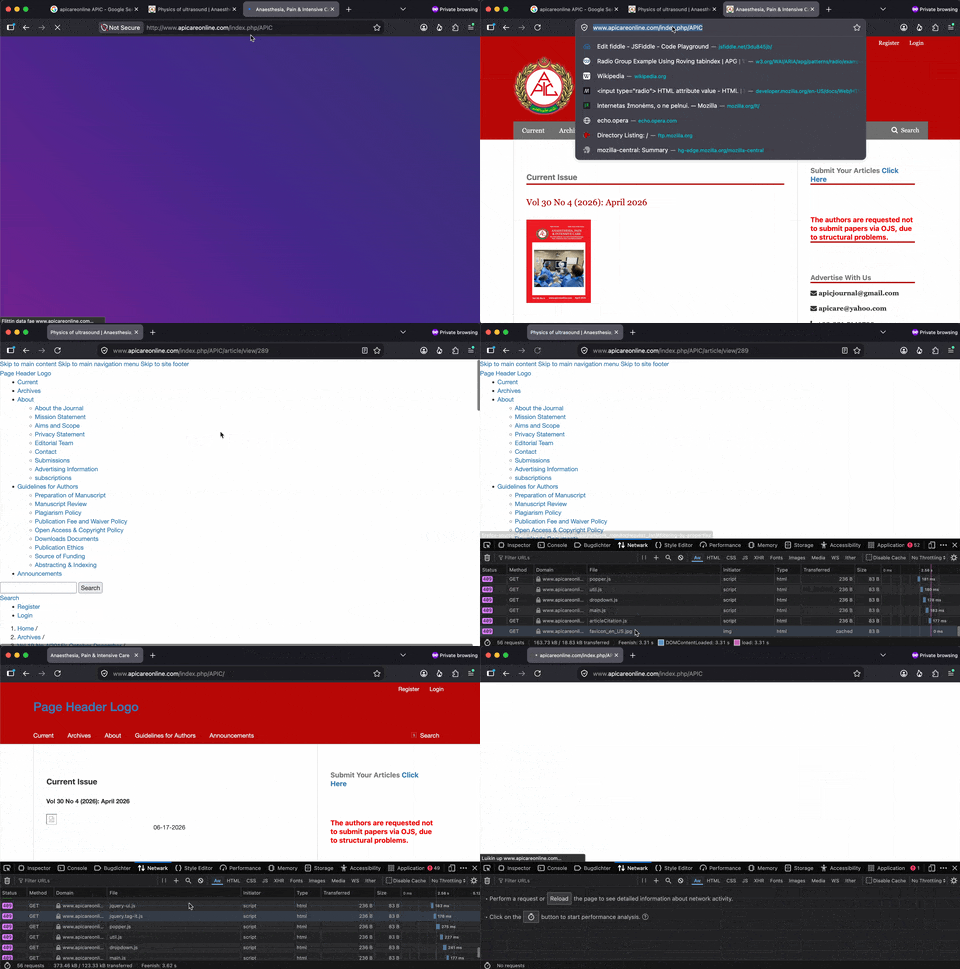
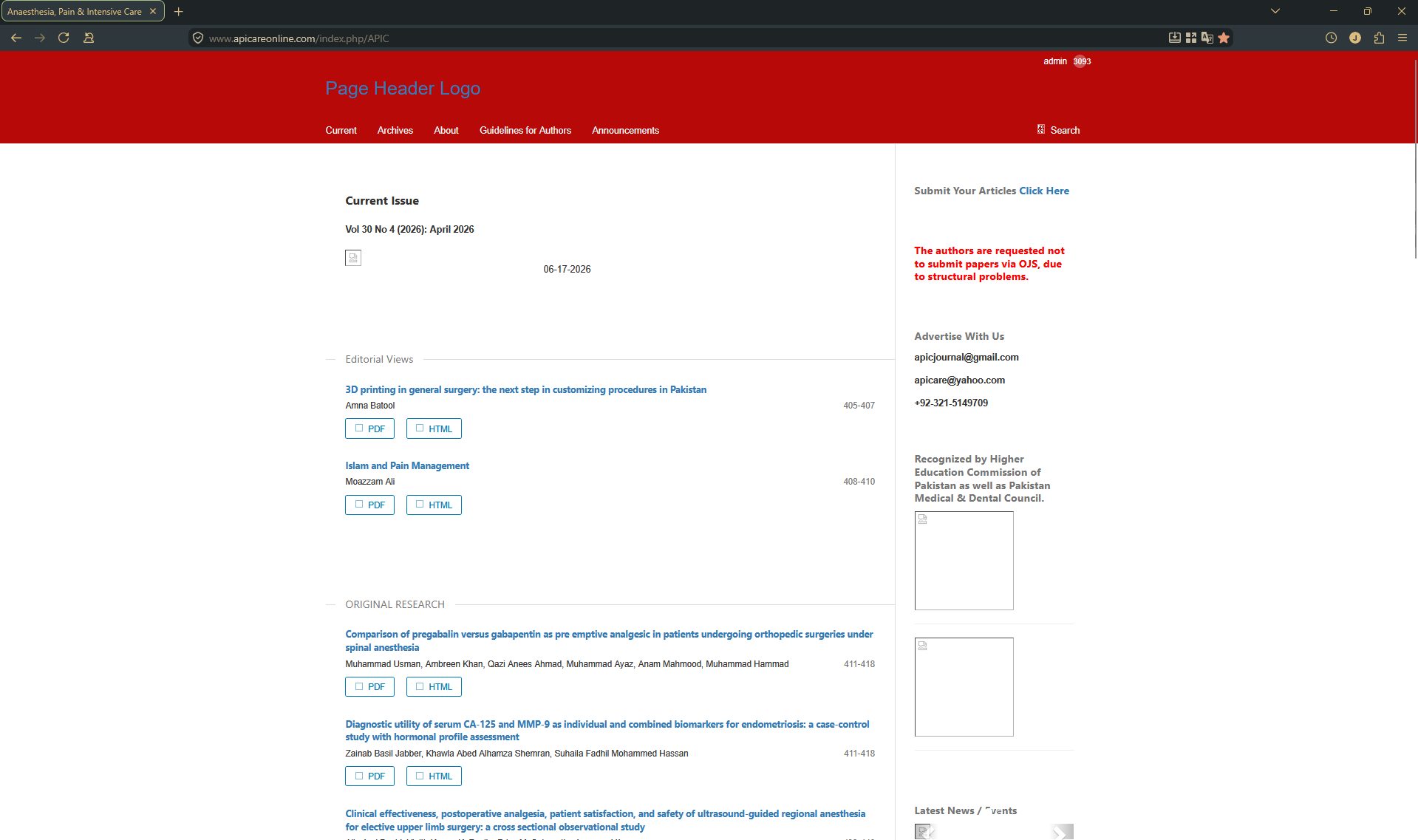
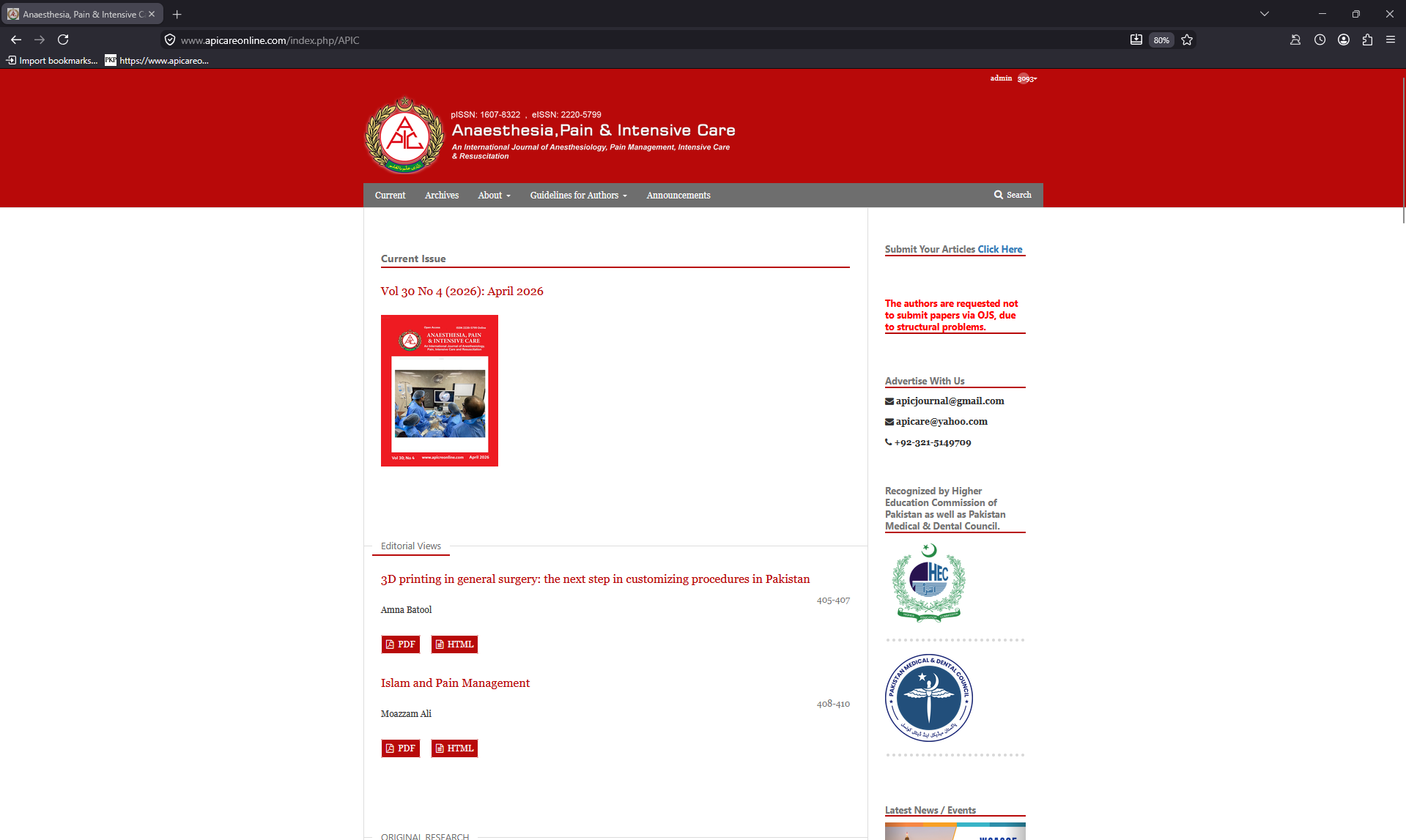
On Original profile, website does not load images, logos, etc. On new fresh profile they do?

The website in question loads great on other browsers and on a new profile. I have attatched images of the website open on original and new profiles. On new profile i didn't change any settings. Things i have tried: 1. disable all extensions 2. disable strict security settings in firefox 3. reset all windows 11 internet settings 4. reset firefox through about:profiles > Restart with addons disabled > Refresh Firefox 5. just to check i tried to copy all the original profile settings on to the new profile, and the website still opens fine, with all the same wxtensions enabled too.
This has only started happening recently. I use that site for publishing articles, it is based on OJS. What more can i try?
すべての返信 (7)
If you click on the shield icon in toolbar for that domain, and "Clear cookies and site data" does it make any difference?
Does it work in Private Window tab or it's the same? Have you tried restarting into Troubleshooting Mode via the Help menu to check for any change?
If nothing works, open the DevTools (F12), switch to Network pane, tick "Disable Cache" and reload the page. You'll see requests that errored out and their entries will have some more details as to why…
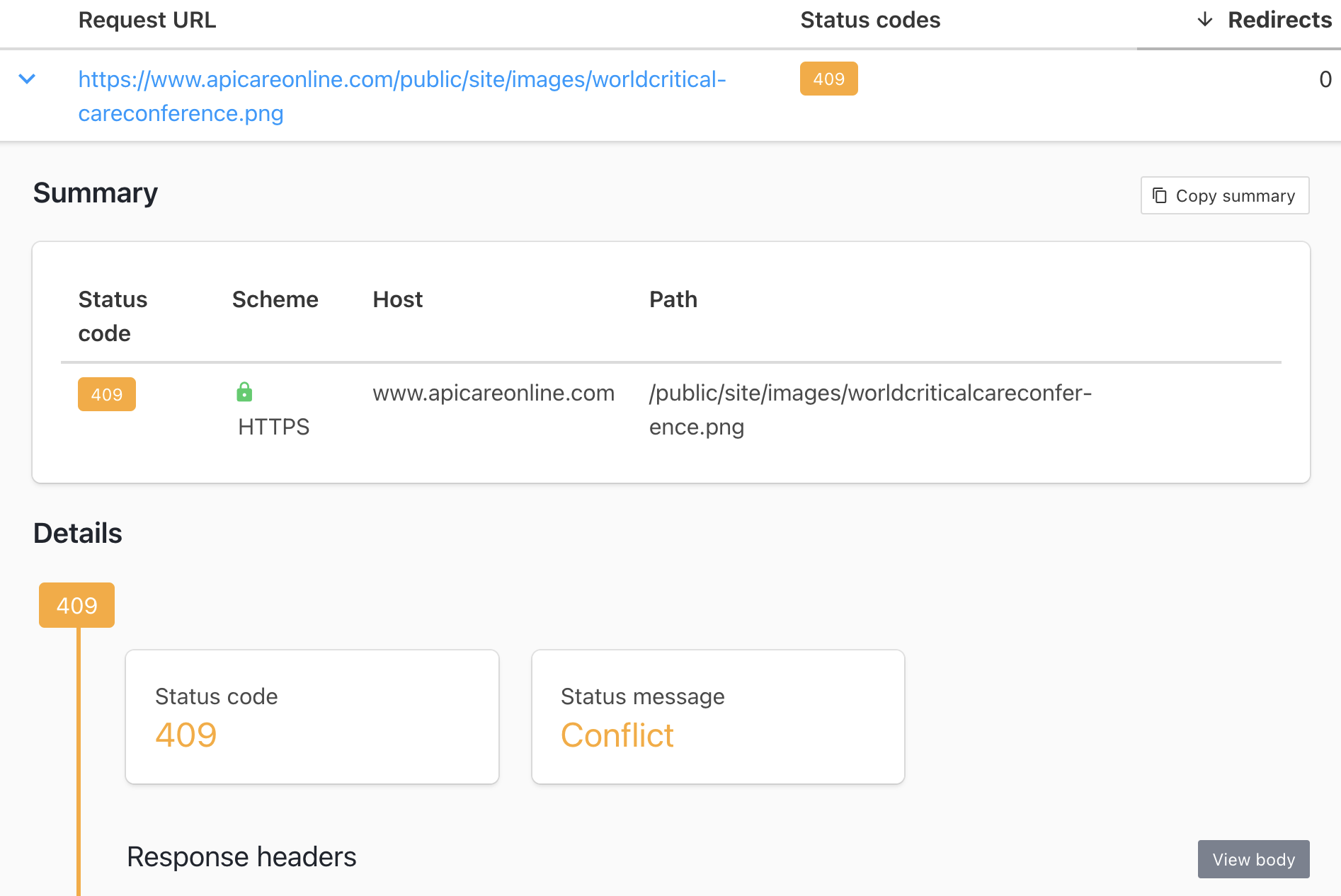
I think this is broken for pretty much anyone, the first thing to clean up is mixed content (non–HTTPS resources as images and scripts served for the HTTPS document) — however the broken images specifically are sent from the server as 409 Conflict and rendering an error document:
jbr said
If you click on the shield icon in toolbar for that domain, and "Clear cookies and site data" does it make any difference? Does it work in Private Window tab or it's the same? Have you tried restarting into Troubleshooting Mode via the Help menu to check for any change? If nothing works, open the DevTools (F12), switch to Network pane, tick "Disable Cache" and reload the page. You'll see requests that errored out and their entries will have some more details as to why…
It doesn't work in Private mode. Using the shield icon doesn't anything No requests error out
jbr said
I think this is broken for pretty much anyone, the first thing to clean up is mixed content (non–HTTPS resources as images and scripts served for the HTTPS document) — however the broken images specifically are sent from the server as 409 Conflict and rendering an error document:
I'm not this tech savy
You need to talk to whoever operates the site and tell/show them the above. It's something the application/server has to fix.
But why does it work with a new Firefox profile?
Oh it doesn't seem consequential — it's just intermittent, so you might get a "fresh start" without any errors, but on the second access get this load of HTTP errors and HTTPS issues.
The server response image I posted above is not even from Firefox or a browser per se — it was responded to just a single image request from a terminal, so that went nowhere near any Firefox data or preexisting profile with session info, and still errored out on itself.
You may have some success by "Clear cookies and site data" from the shield icon in address bar if the server responses are based on previous data stored, but for me it broke either on first access to certain path from search results, or if accessed directly worked the first attempt, but broke in another (so that's something they need to look into, the responses are weird/wrong), see the attached GIF recording: