


Any way to make the vertical or horizontal menu titles BIGGER?

While I can make the website text bigger, I can't make the menu items bigger. I have to lean in, shut one eye, and then I can squint to see the text on my big screen. On the Mac screen, it is too small to read. Enlarging the text on the Mac screen doesn't enlarge the menu items.
Mozilla can help by figuring out a way to allow the menu items to be enlarged, perhaps when the screen itself is enlarged?
すべての返信 (2)
Could you attach a screenshot of what do you need to be enlarged exactly?
Hello
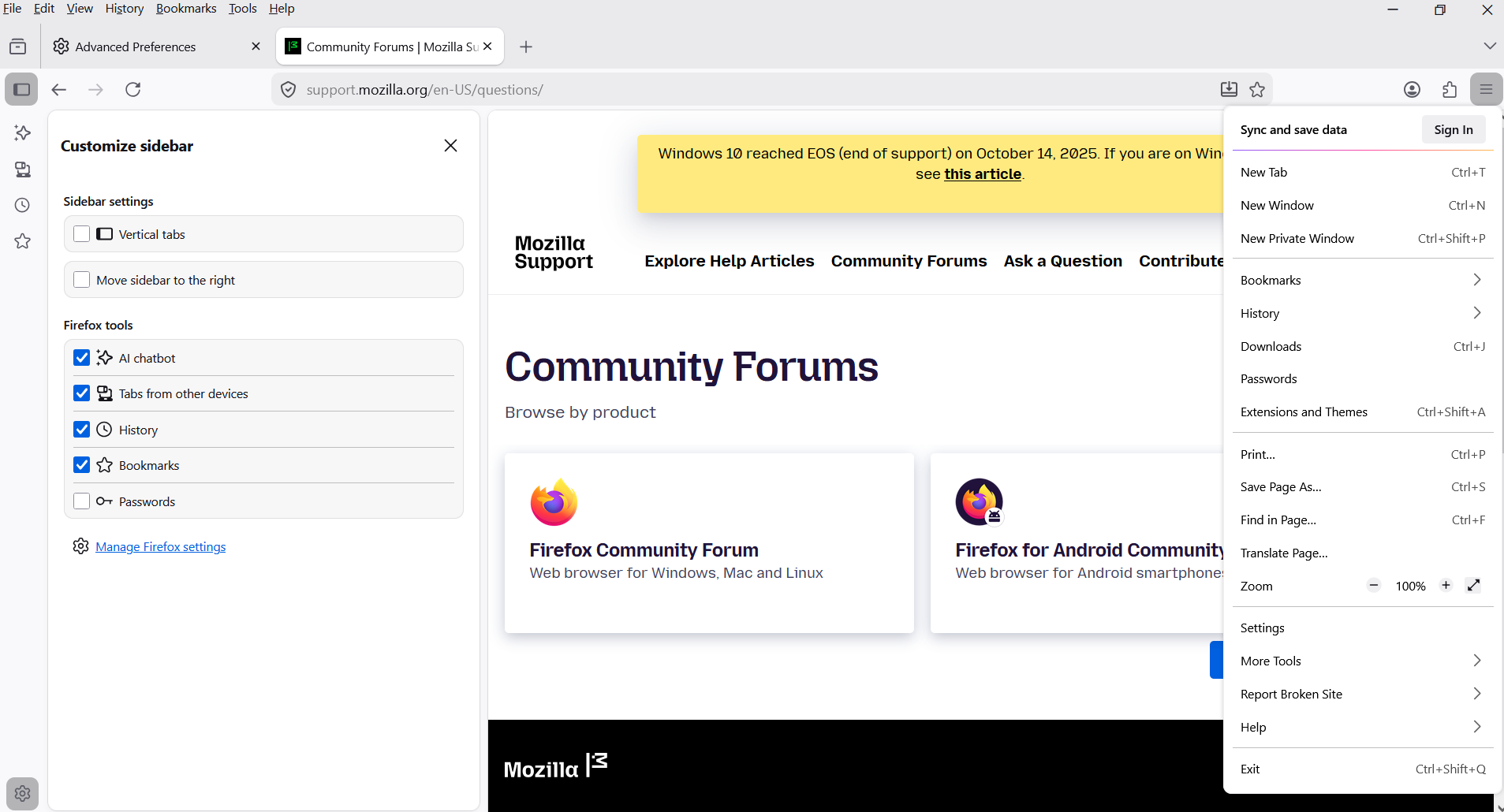
About user interface
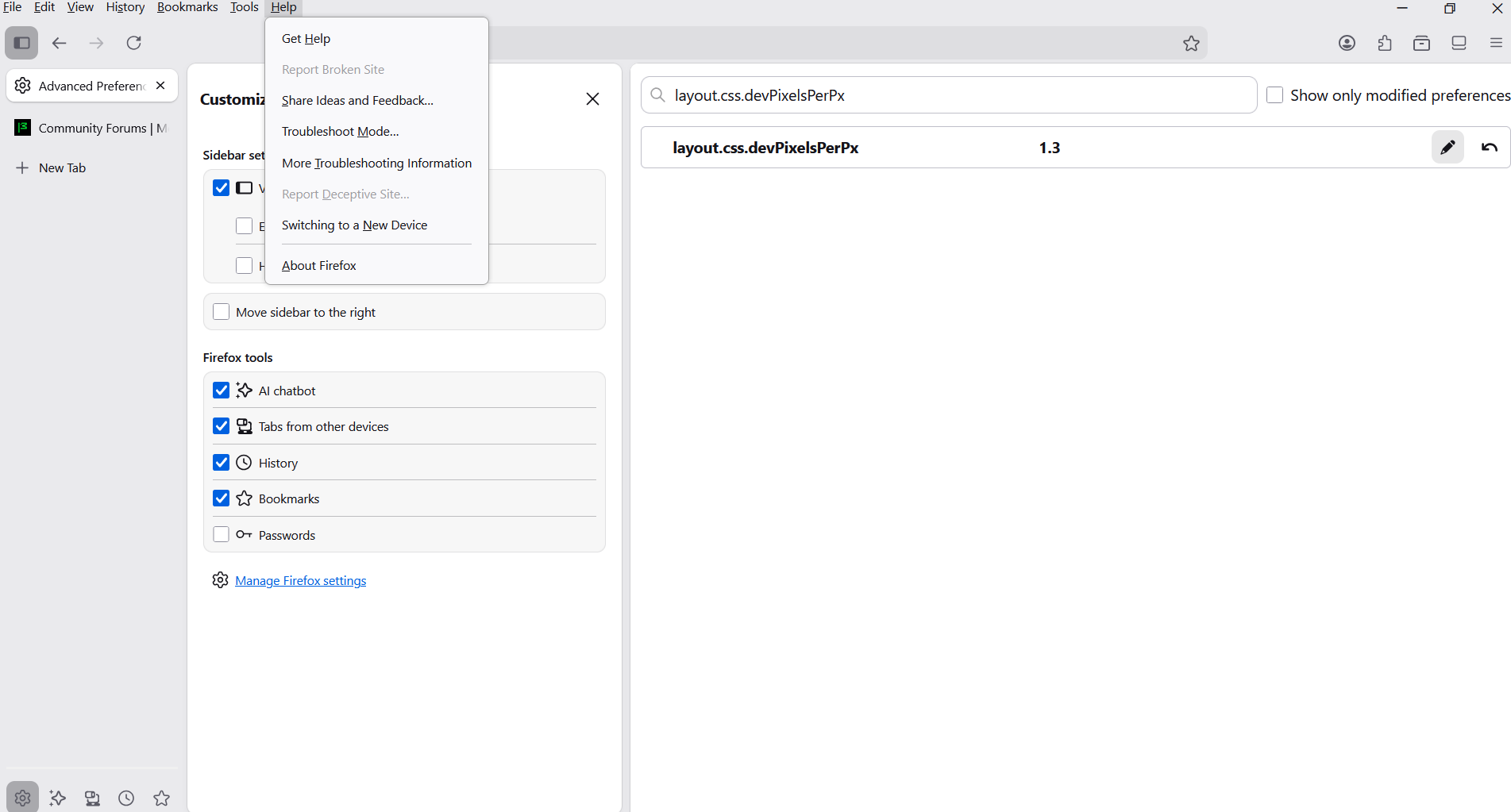
If you wish to test, the preference, layout.css.devPixelsPerPx And there's propagates also side effects on the web pages
1 - Go to configuration editor https://support.mozilla.org/en-US/kb/about-config-editor-firefox 2 - Enter a search term layout.css.devPixelsPerPx value by default -1.0
A test, value, 1.3
この投稿は Agent virtuel により に変更されました