


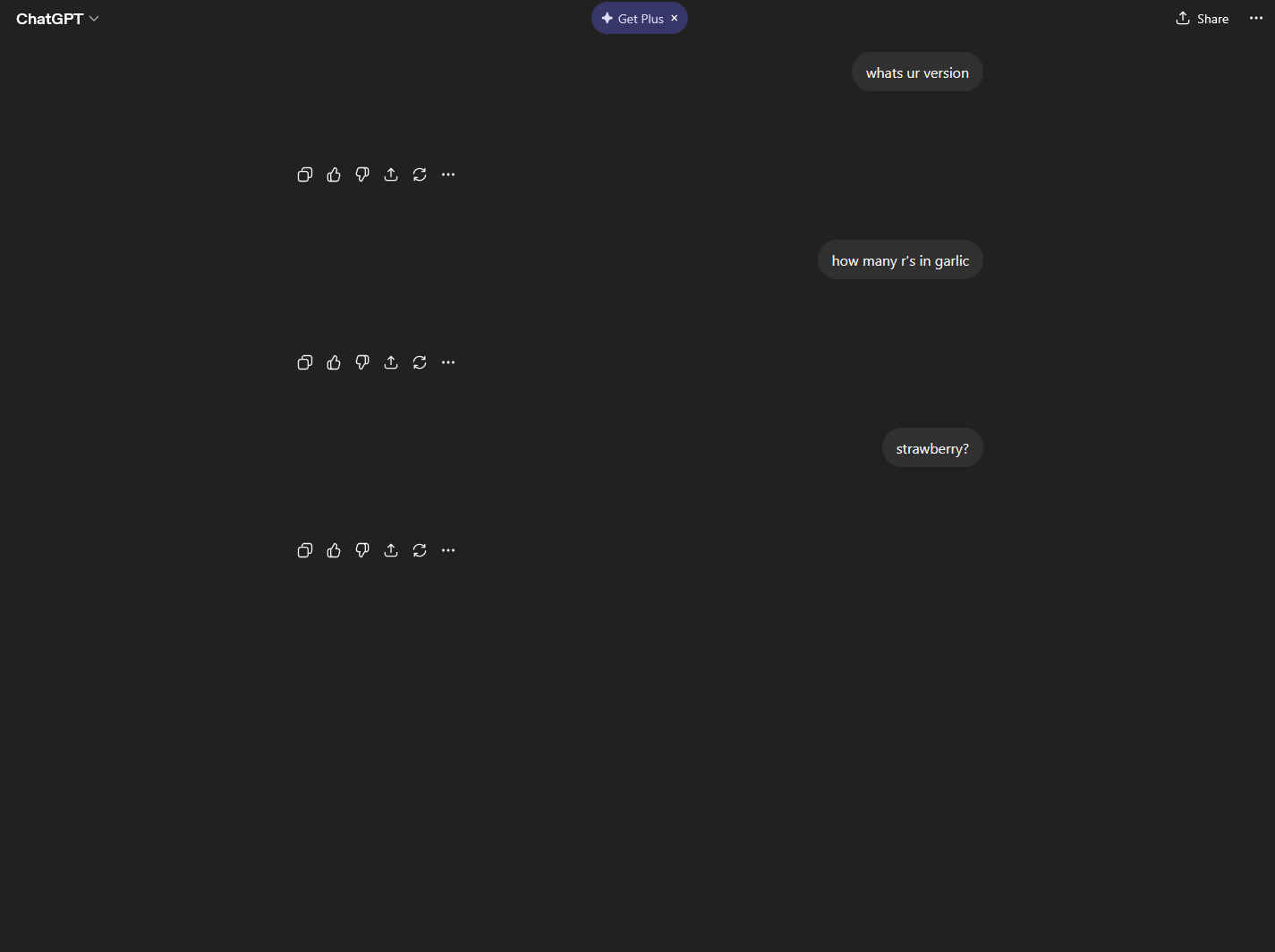
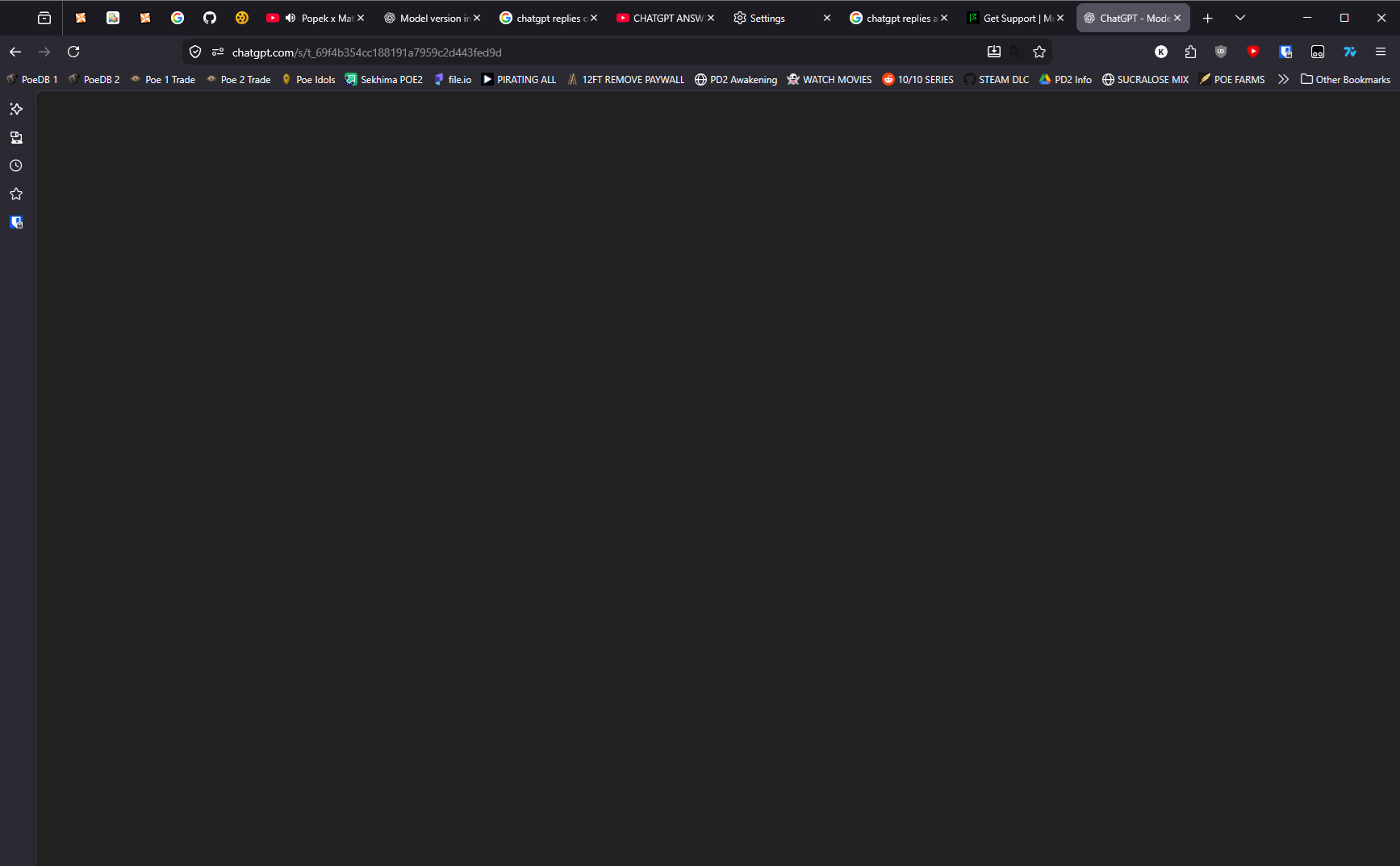
ChatGPT replies are empty only on firefox

Issue persists on Incognito Mode and it goes away if I use different browser.
Since 2 days issue like this happened and it is retroactive meaning all previous conversations are also blank, all replies of chatgpt are blank except replies with image generation, those are fine.
Before you recommend me to do something please keep in mind that Incognito itself does not help.
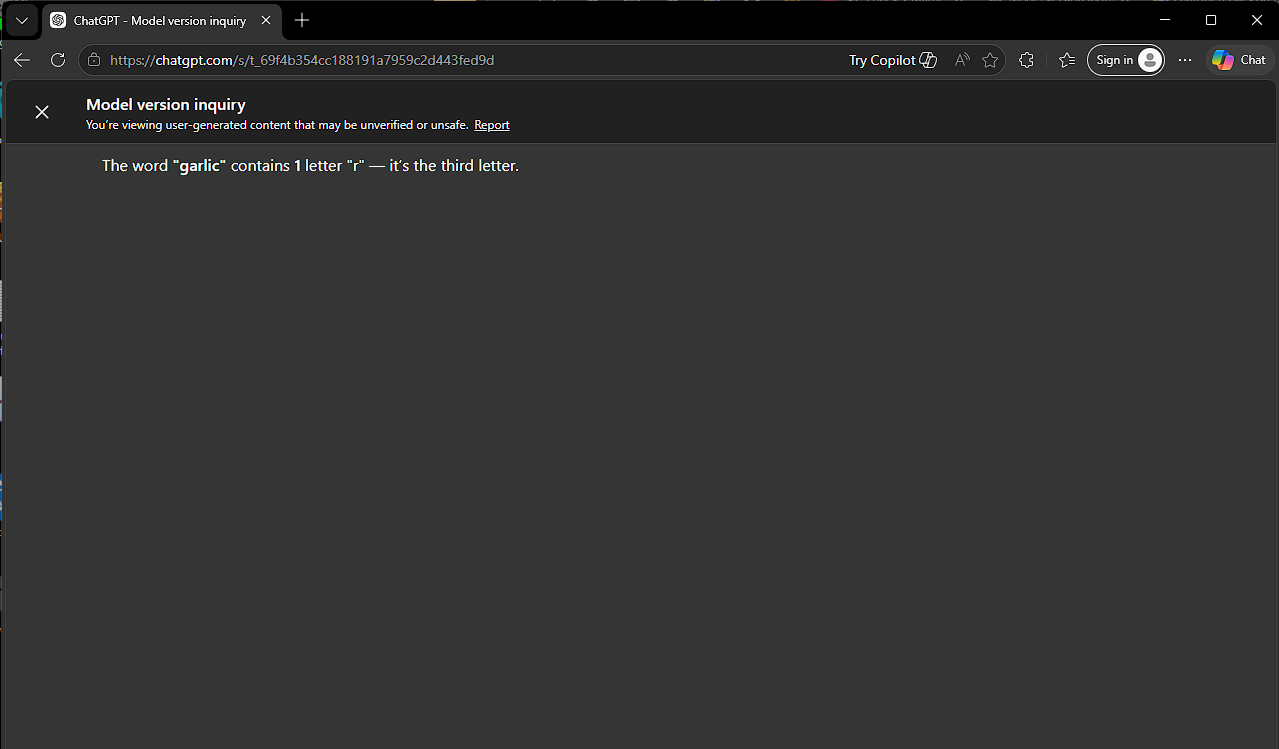
I am able to share that chat, paste it in my firefox and page is blank. https://chatgpt.com/s/t_69f4b354cc188191a7959c2d443fed9d
I can use this adress on different browser and it works fine
すべての返信 (3)
選ばれた解決策
and it works now
Hi kruszkush,
Thank you so much for coming back to this thread to provide an update. By doing this, you're not only resolving your own issue but also helping others who might run into the same problem. We really appreciate it!

I have a similar issue with chatgpt in the sidebar. Whats the solution here? Did you do anything?
EDIT: Coincidently I got it working now. PopupOFF extension was interfering with it. Not sure why this is the case. It was never an issue previously
この投稿は obscure.username73 により に変更されました