


Text is scrambled

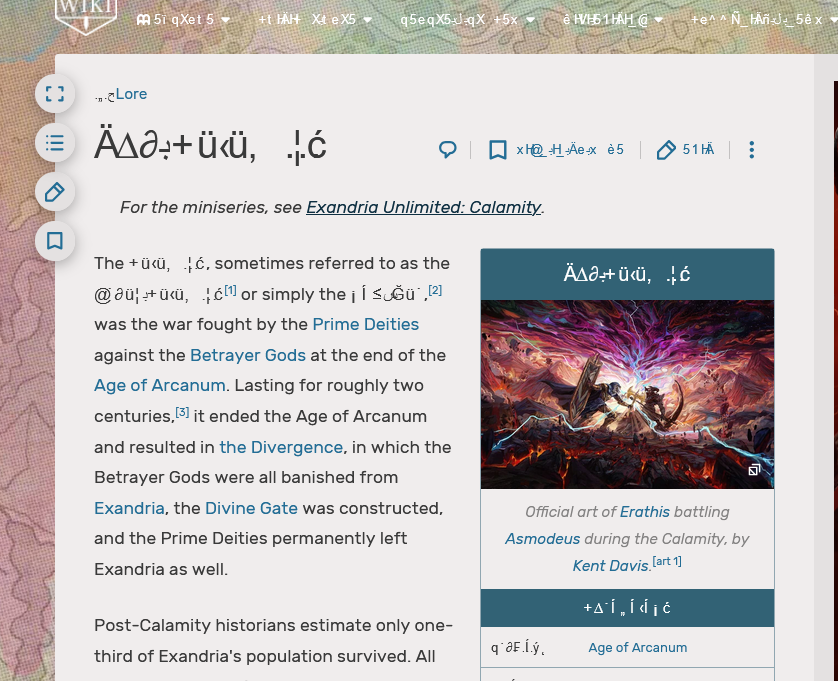
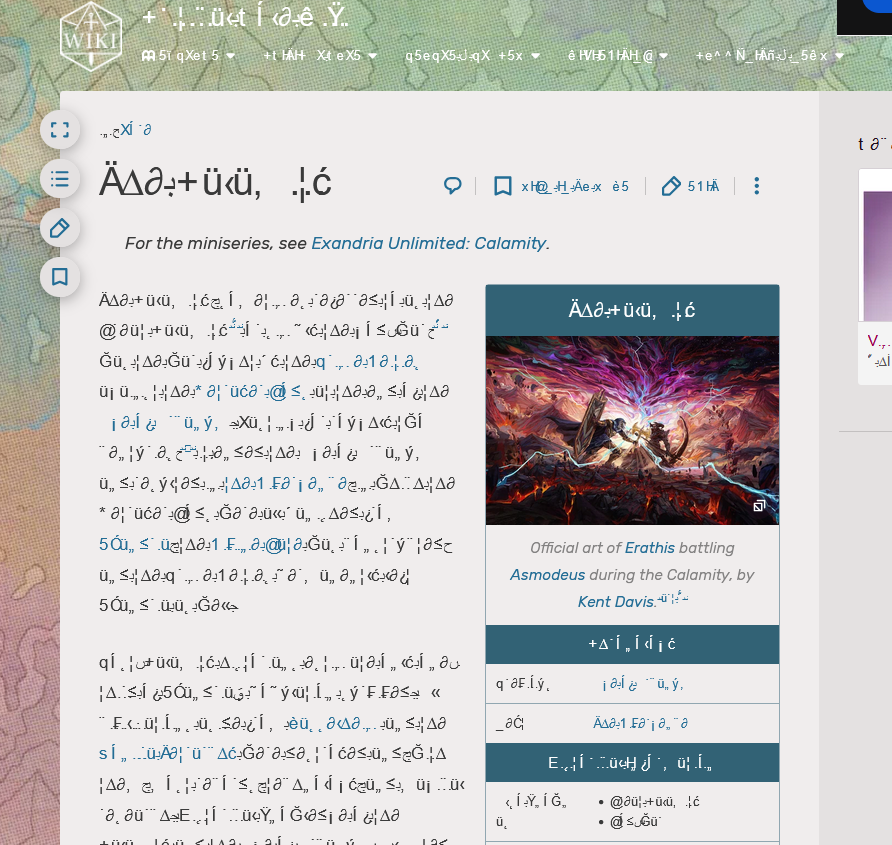
Some sites have scrambled text. I've attached two images of what I see when I visit this link: https://criticalrole.fandom.com/wiki/The_Calamity
When I inspect the HTML, the text shows up as it should (unscrambled English). I checked my default language settings and they are set to en-US. I tried disabling extensions one by one but nothing seemed to have an effect. However, a private browsing window didn't have that issue.
Some sites have scrambled text. I've attached two images of what I see when I visit this link: https://criticalrole.fandom.com/wiki/The_Calamity
When I inspect the HTML, the text shows up as it should (unscrambled English). I checked my default language settings and they are set to en-US. I tried disabling extensions one by one but nothing seemed to have an effect. However, a private browsing window didn't have that issue.
すべての返信 (1)
Replying to myself with a solution: I reset my fonts in Windows to default and it seemed to fix the issue.