


Vertical tabs and hikcentral camera server, camera display problem

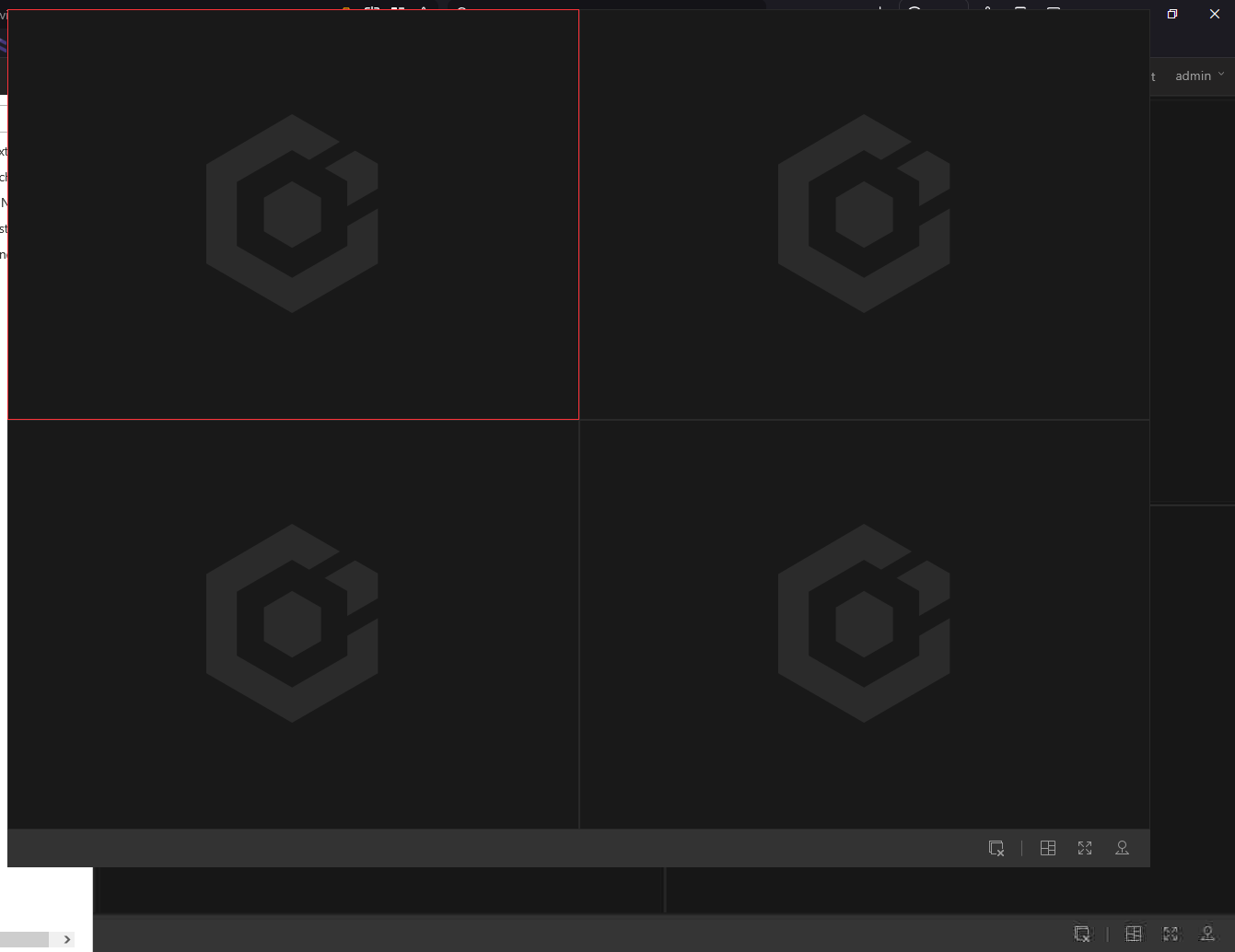
When I switched to vertical tabs in Firefox, the Hikcentral professional web client camera server page changed, part of the page appeared at the top, making it difficult to use and watch the camera images, and the image doesn't display properly. How can I fix this problem?
すべての返信 (2)
Hey Khaled,
From the screenshot it looks like the HikCentral web client layout is being miscalculated when Firefox switches to Vertical Tabs. That feature slightly changes the browser viewport width and some older web applications (especially surveillance dashboards that use fixed canvas/video grids) don’t recalculate the layout correctly.
HikCentral’s web interface is known to rely on fixed positioning and sometimes legacy plugins/WebComponents, so when the left sidebar width changes the video grid can shift or render partially off-screen like what you’re seeing.
A few things you can try that usually fix this type of issue:
1. Toggle Vertical Tabs off for that page
Open Firefox Settings
Go to Tabs
Switch back to Horizontal Tabs
If the grid renders normally again, then it confirms the layout engine of the HikCentral client is not adapting to the changed viewport.
2. Force the page to recalculate its layout Sometimes the UI is calculated only on initial load.
Try:
Press Ctrl + Shift + R (hard reload)
Or F12 → Responsive Design Mode → toggle once
That forces the page to recompute dimensions.
3. Check Zoom Video dashboards break easily with zoom changes.
Make sure:
Zoom = 100%
4. Disable hardware acceleration (sometimes helps with camera streams) Settings → General → Performance → uncheck Use recommended performance settings → disable hardware acceleration → restart Firefox.
5. Try the page in a new profile / troubleshoot mode Menu → Help → Troubleshoot Mode
This rules out extensions interfering with the layout.
Hey Walter,
I've tried the steps, but to no avail—the problem persists. If a solution to this problem is found, please let me know, as I'm a Firefox user and prefer it over other browsers.
Thank you