


why is a webpage now being directed to an italian site

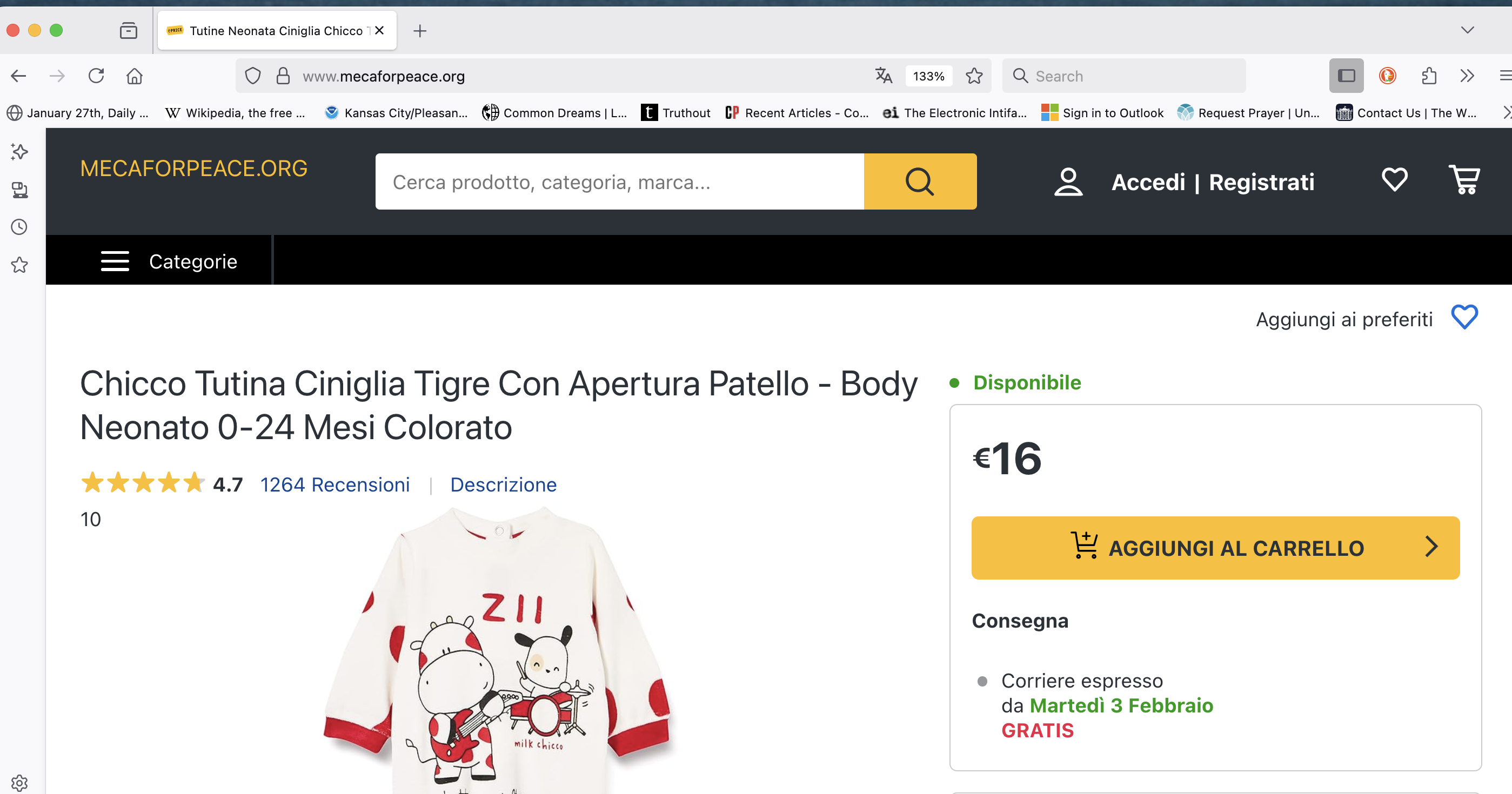
A website I have accessed many times before now redirects me to an italian site. Is this because of the beta translation? I'd like to be able to go to the real site. mecaforpeace.org
すべての返信 (8)
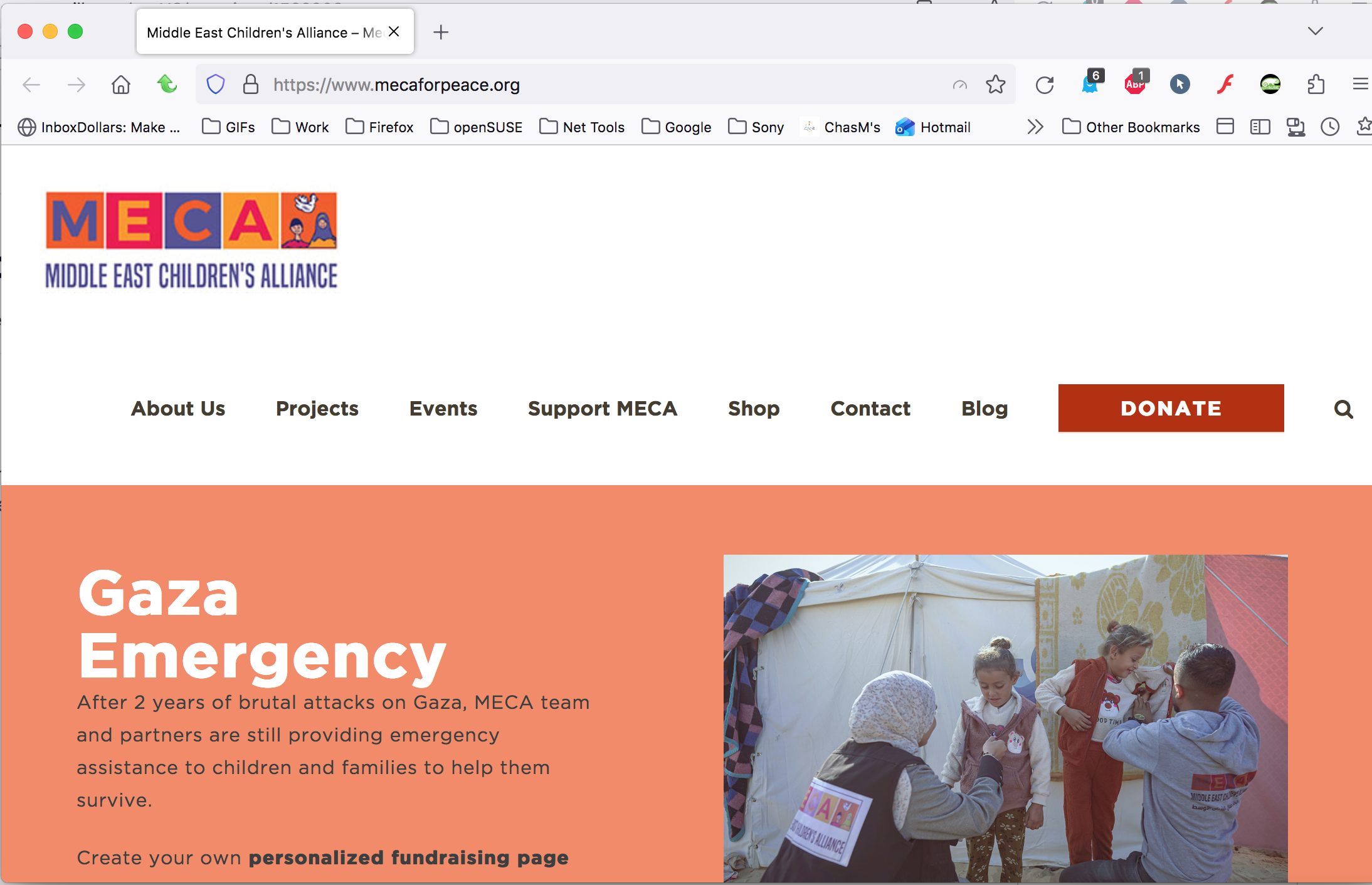
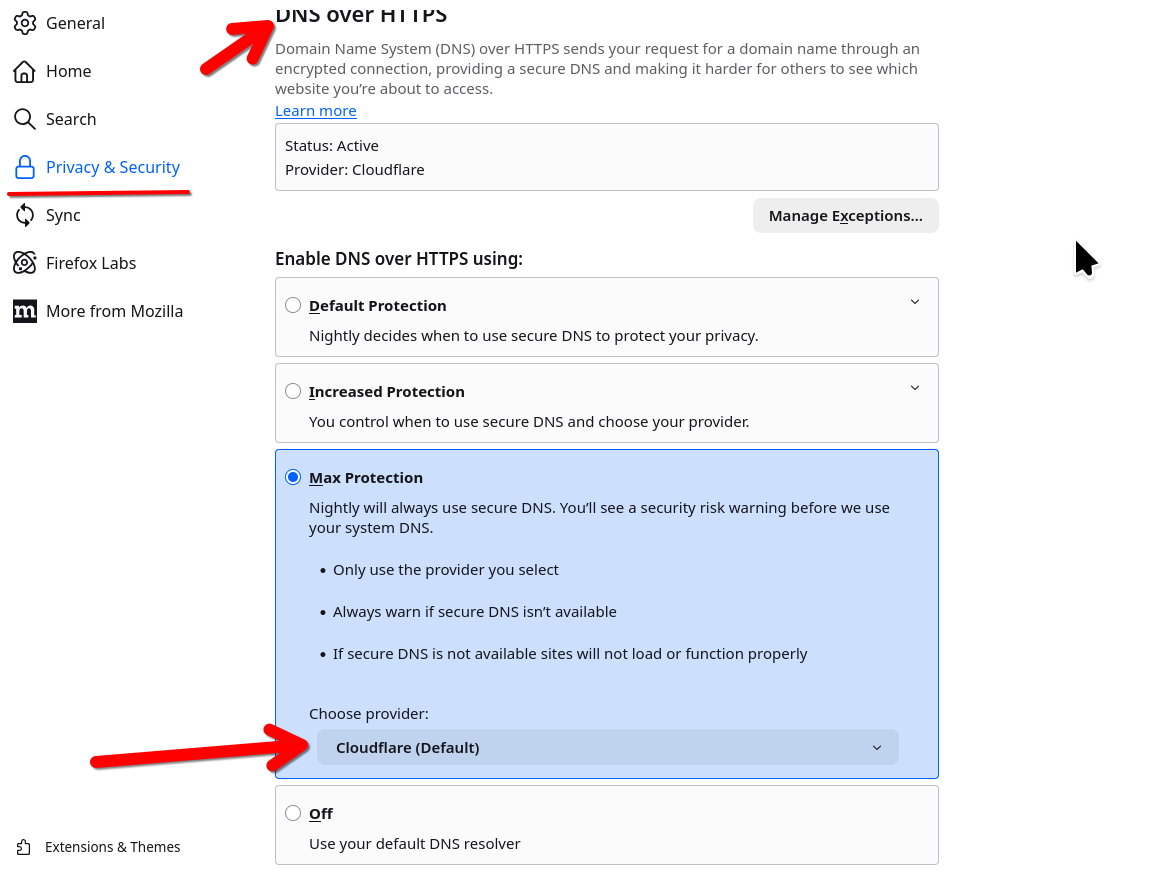
Interesting... Here is what I see. see screenshot Who are you using for DNS? Try clearing your browser cache and see what happens.
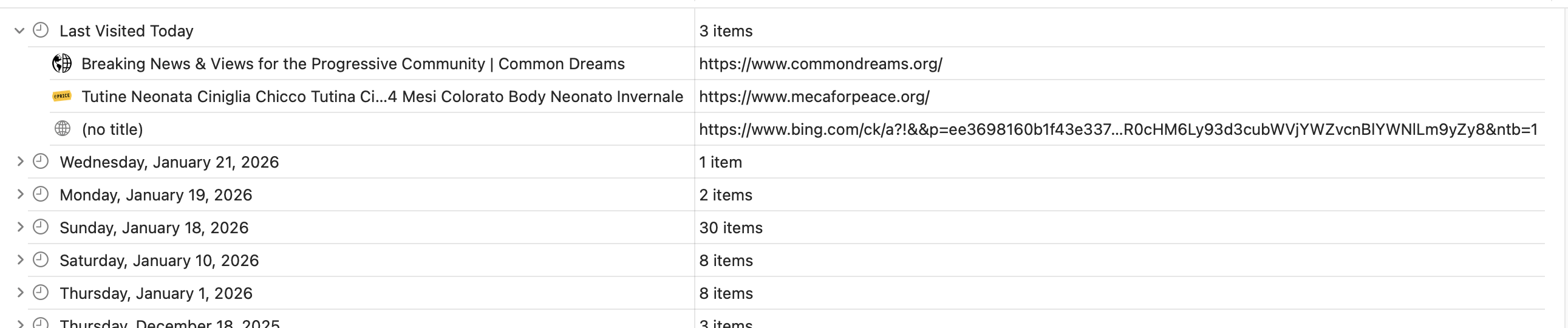
Clearing history ddn't resolve the problem. Also this redirect to a wierd site occurs on Safari as well. I
'm currently running a scan of the computer with Eset to see if that helps. Message on Safari shows that it could be a Bing redirect?
What's really interesting is the url is correct, but the page content is different. Where are you located? I'm on the east coast of us. Did you try Firefox in Troubleshoot Mode? https://support.mozilla.org/en-US/kb/diagnose-firefox-issues-using-troubleshoot-mode#search104 Who are you using for DNS?
I don't know what I am using for DNS. When I tried the Troubleshoot link, I got the same wierd redirect. I am in Kansas City. One other friend (who also uses a Mac) got the Italian website -- and a friend on a different operating system got ther real site.
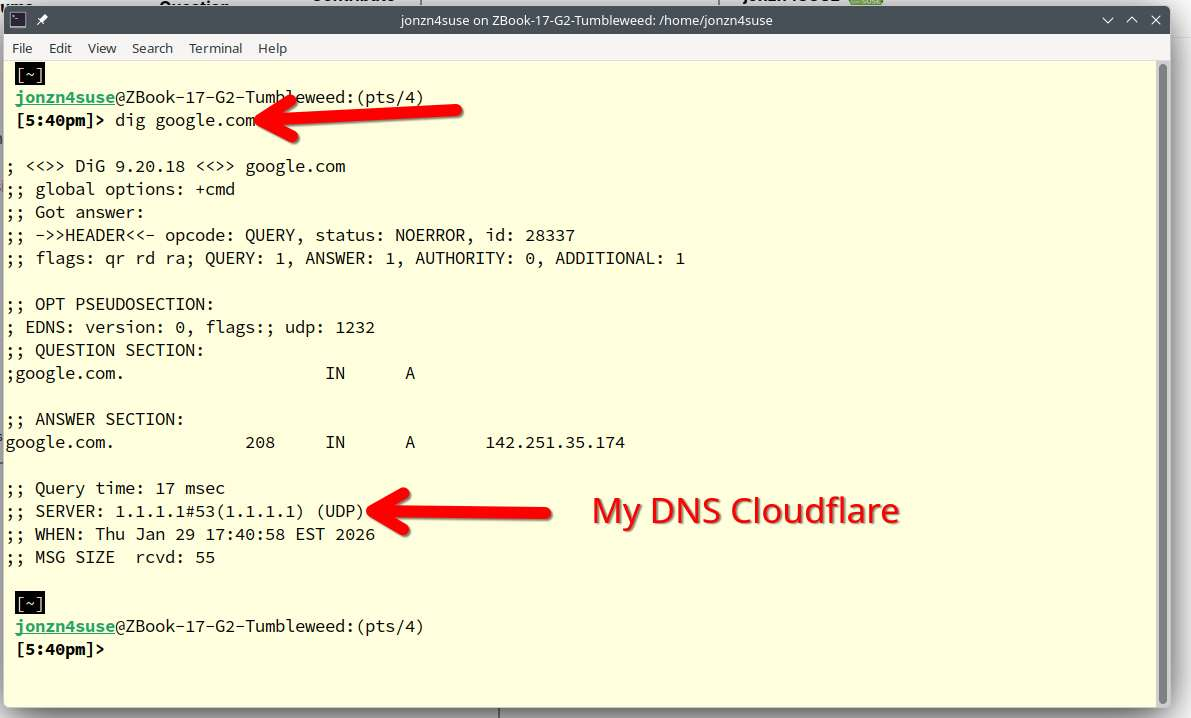
Mac... open a konsole or terminal and run the below cmd. see screenshot dig google.com
この投稿は jonzn4SUSE により に変更されました
I tried making a FireFox exception for the DNS option, but it still is going to the Italian website. I'm chicken to try the terminal commands. I do see that Cloudflare is the default.
この投稿は burdickaj により に変更されました
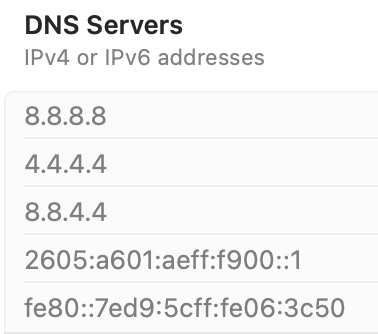
So we know it's not a browser issue, but more of a system / network issue. Get on your phones hotspot, clear cache and see if you get the same page content.