


Payment methods not working
I am using Firefox 146.0 (64 bit), canonical-002 - 1.0 on Kubuntu 24.04.
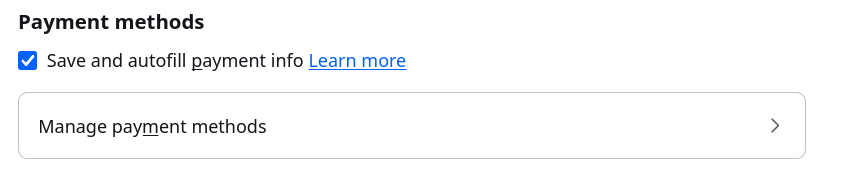
The browser will not store credit card information. If I enter correct information into a Web site, Firefox correctly queries whether I want to save this information. Clicking "Save" closes the dialog but when I look at "Manage payment methods" in Settings nothing is saved. Attempts to enter the information at this point fail as well. Note that the check box "Save and autofill payment info" is set.
すべての返信 (2)
Hi Tim
This is something that we are aware of and are looking into.
Can you try installing a copy of Firefox Nightly directly from Mozilla? (No need to sign into your Mozilla Account).
Do payments work fine in the Nightly build?
I'm willing to help and have downloaded the nightly .tgz file. However, I can't find instructions for installing it and I don't want to mess up my current installation.