


Downloading from a .ics file

I don't know if something has changed since the last time I downloaded a .ics file into thunderbird or not.
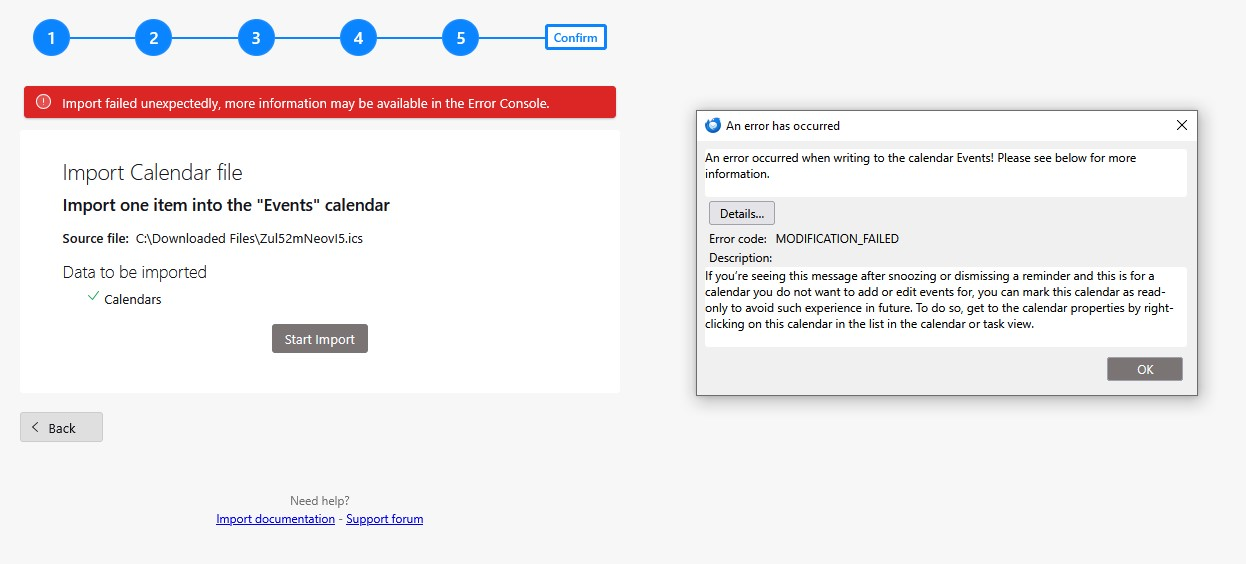
I used to be able to load a .ics file directly into 'events' in my calendar. But something has changed. When I download the file now it gives it the name "Zul52mNeovl5. Which happens to be the name of the file I'm downloading from. So now I have 3 options of where to put the file - Events, Tasks or this filename. I can't find this file anywhere on my computer. How do I get rid of it?
Any Help would be appreciated.
Thanks
すべての返信 (2)
Import to what calendar? Do you have a read write calendar configured because that looks like it is tryting to update a read only one/
I had only the default calendars, events & tasks. I have no idea what I did to get this other one that is causing all the problems.
I am trying to import to the 'events' calendar.
No matter what I do, the program still wants to put the information into the garbage one that I somehow created.