


sync not working

I got a new phone and my pinned sites and open tabs are not syncing like it said.
すべての返信 (3)
Hi
Are your bookmarks and passwords still stored on your other device that you normally sync data from?
Yes I have it all synced and backed up.
Sync allows you to see and open tabs from other devices or versions of Firefox.
Sync info... FYI... Firefox Sync IS NOT A DATA BACKUP SERVICE https://support.mozilla.org/en-US/kb/how-do-i-set-sync-my-computer https://support.mozilla.org/en-US/kb/how-do-i-choose-what-information-sync-firefox https://www.mozilla.org/en-US/firefox/features/sync/ https://hacks.mozilla.org/2018/11/firefox-sync-privacy/ Sync is not a backup tool but it is a good sync/transfer/move tool https://support.mozilla.org/en-US/forums/contributors/707681
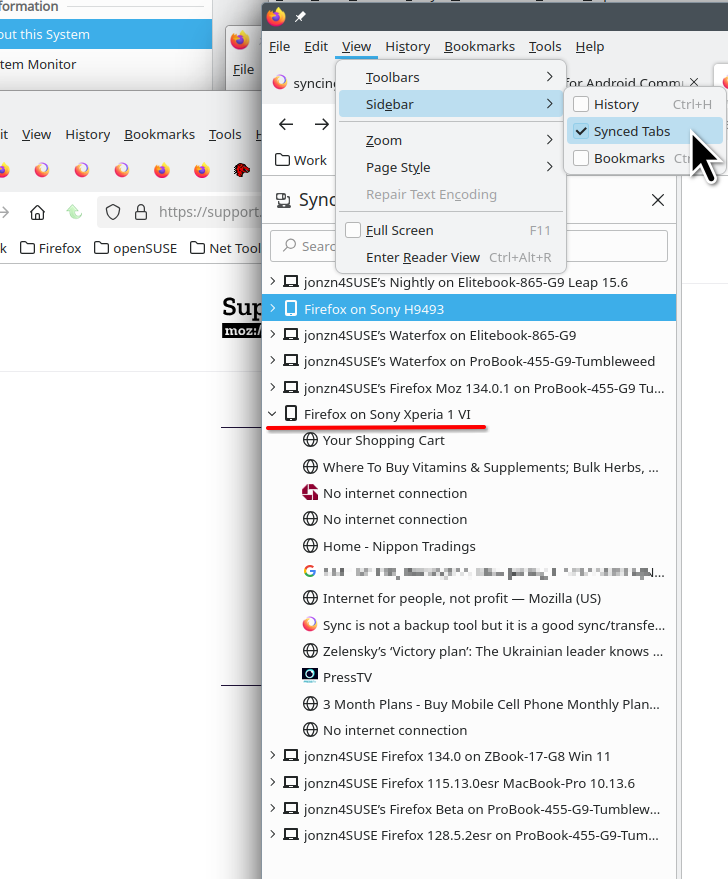
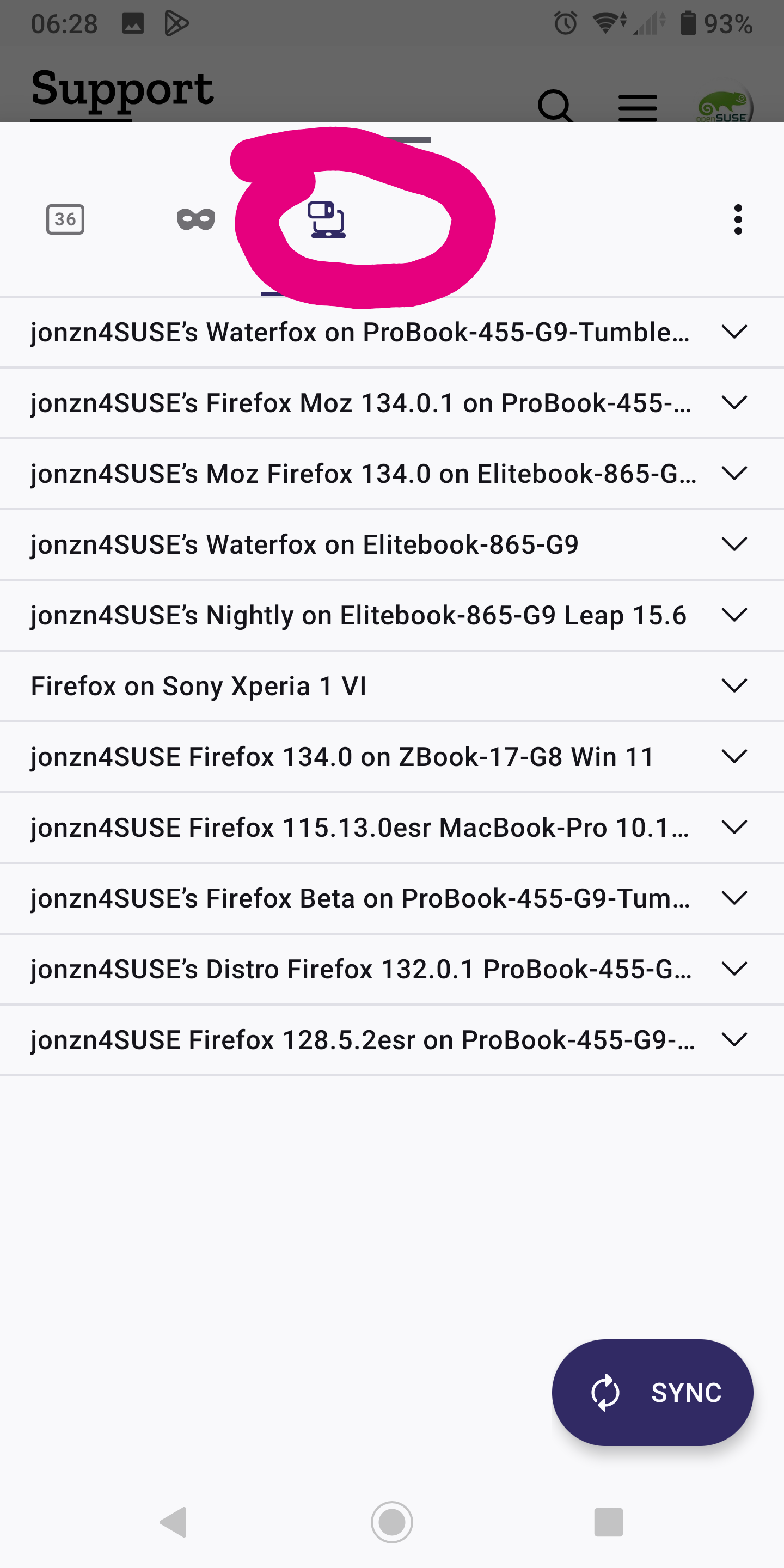
この投稿は jonzn4SUSE により に変更されました
This question has been locked because the original author has deleted their account. While you can no longer post new replies, the existing content remains available for reference.