


Firefox set up from one computer to another
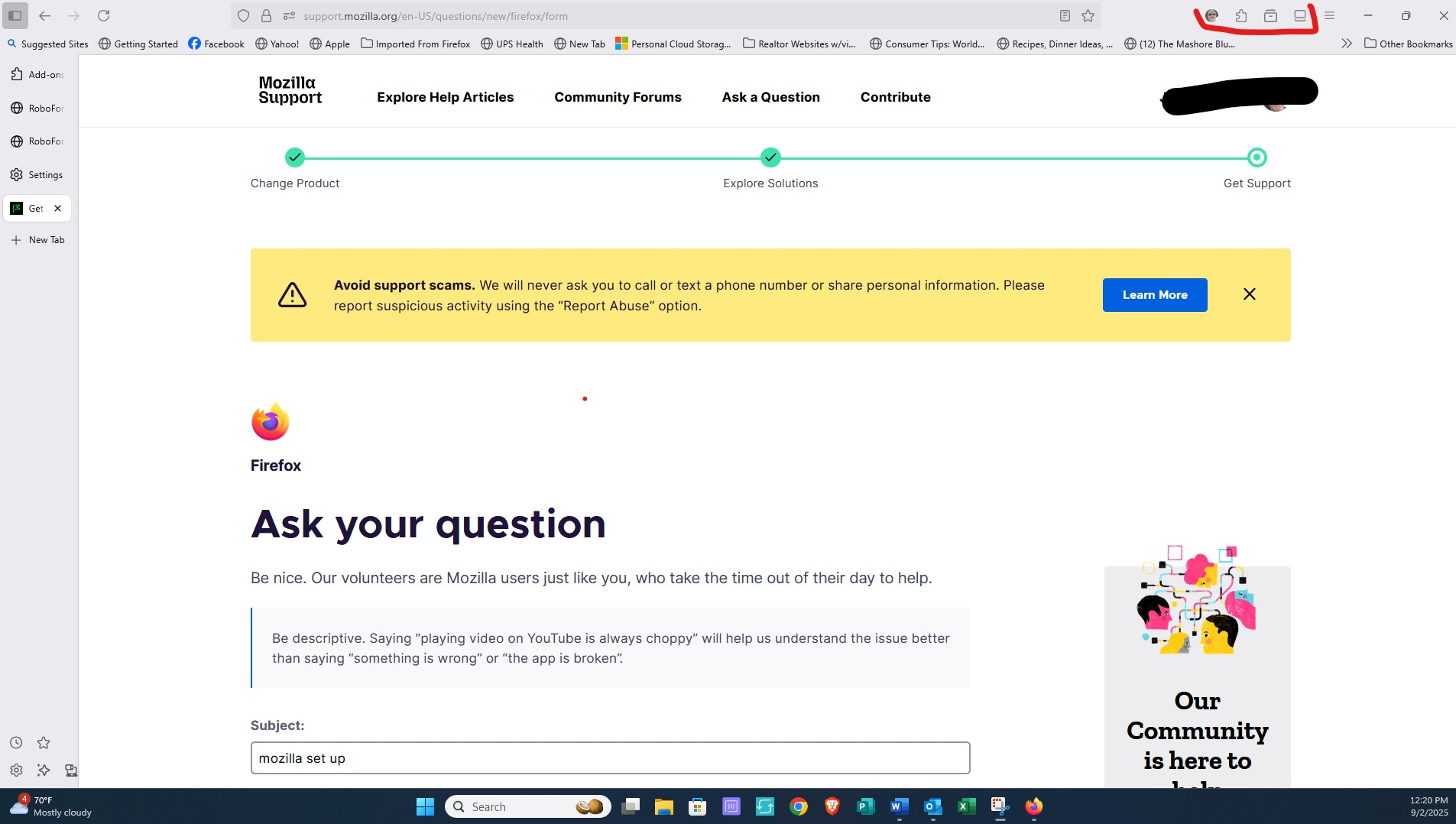
It seems that my main page settings aren't the same from one computer to the other. For instance, I use Roboforms password keeper and have an icon for it above the bookmark ribbon on one computer, but moving to the newer computer, that is missing. What am I doing wrong?
選ばれた解決策
On the second computer, is Roboform on the drop-down from the "puzzle piece" button? See: Manage your extensions using the extensions button in the toolbar.
If not, do you recall whether it's a paid extension that installs directly from the manufacturer? Firefox might not be able to sync those between computers.
この回答をすべて読む 👍 0すべての返信 (1)
選ばれた解決策
On the second computer, is Roboform on the drop-down from the "puzzle piece" button? See: Manage your extensions using the extensions button in the toolbar.
If not, do you recall whether it's a paid extension that installs directly from the manufacturer? Firefox might not be able to sync those between computers.