Changing my saved credit card payment methods

I have attempted to remove some saved credit card payment methods Following the instructions on your support website, I have succeeded on the first three instructions. But on the 4th step, I am instructed to choose one of the following - Add, Edit or Remove .
1) Only the "add" prompt works. But it won't accept the credit card number I enter.
2) What is more, I cannot access the other two prompts.
What should I do?
すべての返信 (1)
Hi, is this in Firefox for Windows? (Your question posted under Thunderbird, the email program.)
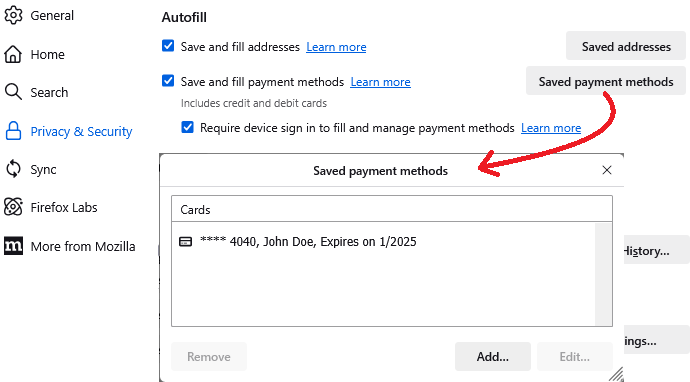
I created a sample card for testing. I have attached a screenshot of what that looks like.
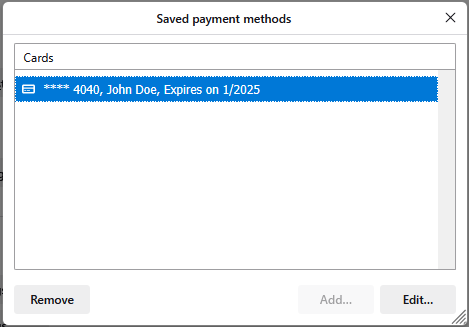
In order to enable Edit and Delete, I need to click on that card to select it. I have attached a screenshot of what that looks like.
Yours doesn't change the available buttons when you select a card that you want to remove?