

このスレッドはアーカイブに保管されました。
必要であれば新たに質問してください。

Solved
アーカイブに保管済み
Cookies and YouTube

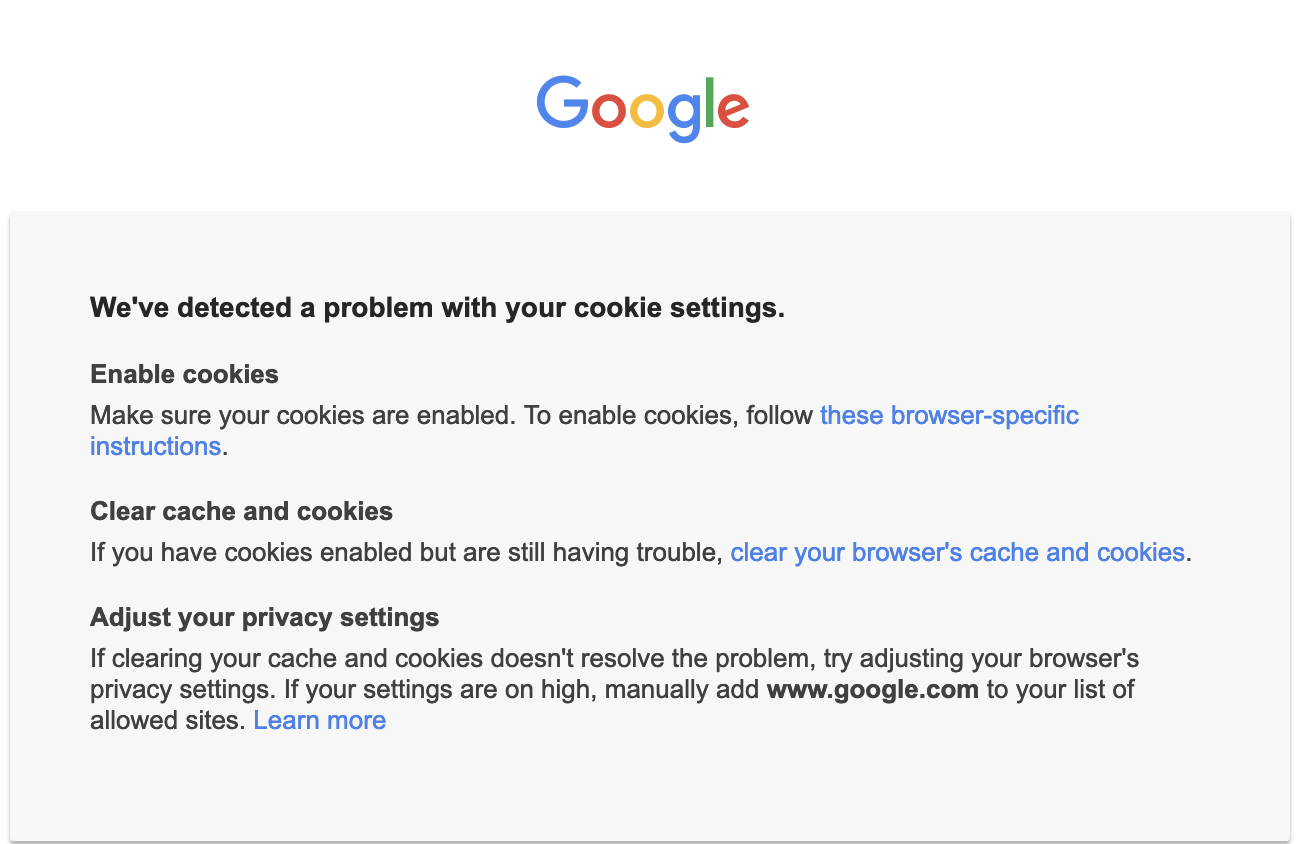
When I try to go to YouTube, I get this: (See Image,)
When I try to go to YouTube, I get this: (See Image,)
すべての返信 (2)
選ばれた解決策
If you use extensions ("3-bar" menu button or Tools -> Add-ons -> Extensions) that can block content (Adblock,NoScript,DuckDuckGo PE,Disconnect,Ghostery,uBlock Origin,Malwarebytes), always make sure such extensions do not block content.
- make sure your extensions and filters are updated to the latest version
- https://support.mozilla.org/en-US/kb/troubleshoot-extensions-themes-to-fix-problems
You can check for issues with Enhanced Tracking Protection and Total Cookie Protection. Firefox shows a purple shield instead of a gray shield at the left end of the location/address bar in case Enhanced Tracking Protection is blocking content.
- click the shield icon for more detail and possibly disable the protection
You can check the Web Console for relevant-looking messages like about blocked content.
I turned off Hardware acceleration. That solved the problem.