


Box in center of screen

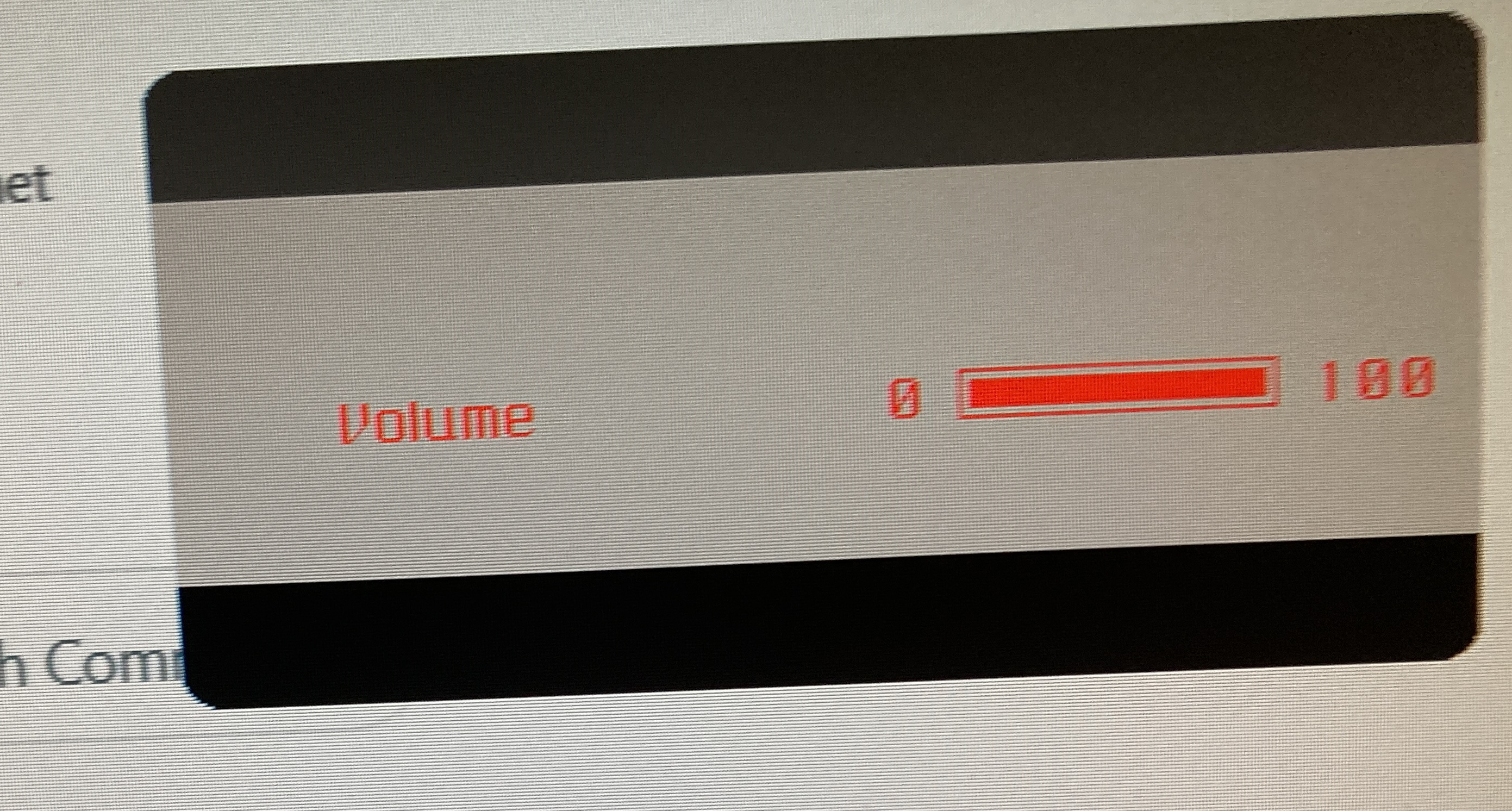
I don't know if you can help, Miscrosoft is useless so have given up on them. For some days now I've been getting a grey box with red printing appearing repeatedly on my screen, right in the centre. Try as I might I cannot get it to stop. It could have something to do with videos as today it started appearing after I looked at a video on Twitter. I have included a photo of the box Weirdly, I can't take a screen shot of it - it comes up blank and also, the cursor disappears behind the box and is invisible.
If you can't help could you point me to where I might get help please?
Thank you. Jenny
この投稿は NoahSUMO により に変更されました
すべての返信 (1)
That would be the controls that come on the usually bottom of your screen in that case offering volume control. Perhaps you have plopped something against the button or pushed the screen back until something behind it is pushing a button. It certainly has nothing to do with Thunderbird and is rather unlikely to have anything to do with Microsoft either.