


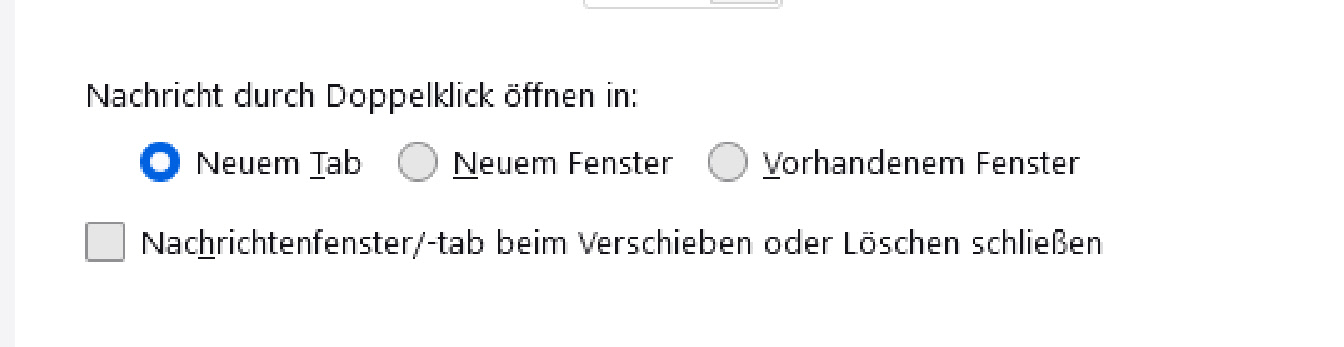
Fonts are not clear in thunderbird

Since 115 the displayed fonts are not clear anymore, and I cannot find a solution
Since 115 the displayed fonts are not clear anymore, and I cannot find a solution
選ばれた解決策
Check to see if you need to update the graphics driver.
If no change then
Try switching off hardware acceleration in Thunderbird.
- Settings > General
- Scroll to bottom and uncheck 'Use hardware acceleration'
- Restart Thunderbird.
Report on results.
この回答をすべて読む 👍 2すべての返信 (2)
選ばれた解決策
Check to see if you need to update the graphics driver.
If no change then
Try switching off hardware acceleration in Thunderbird.
- Settings > General
- Scroll to bottom and uncheck 'Use hardware acceleration'
- Restart Thunderbird.
Report on results.
Yes, switching off hardware acceleration was the solution! Thank You!