


Camp LeJeune popup advertisement

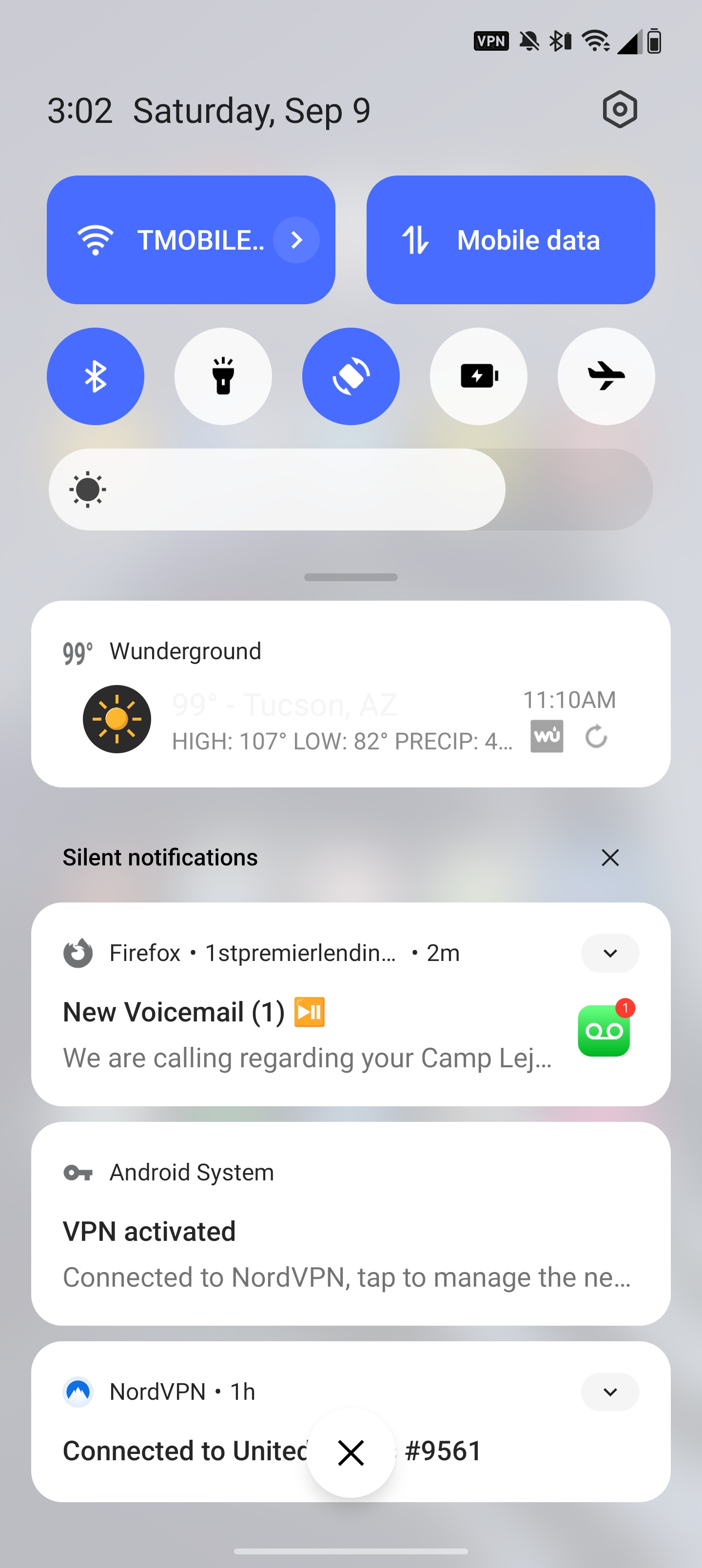
How do I get rid of the Camp LeJeune popup advertisement? It shows up multiple times in a matter of just seconds whenever I use Firefox. It appears linked to 1stpremierlending. This is an advertisement seeking Marines that were exposed to toxic chemicals at Camp LeJeune.
How do I get rid of the Camp LeJeune popup advertisement? It shows up multiple times in a matter of just seconds whenever I use Firefox. It appears linked to 1stpremierlending. This is an advertisement seeking Marines that were exposed to toxic chemicals at Camp LeJeune.
すべての返信 (1)
Hi
The simplest way I can think to resolve this would be to clear your browsing history in Firefox for Android. This support article should help:
https://support.mozilla.org/en-US/kb/clear-your-browsing-history-and-other-personal-data