


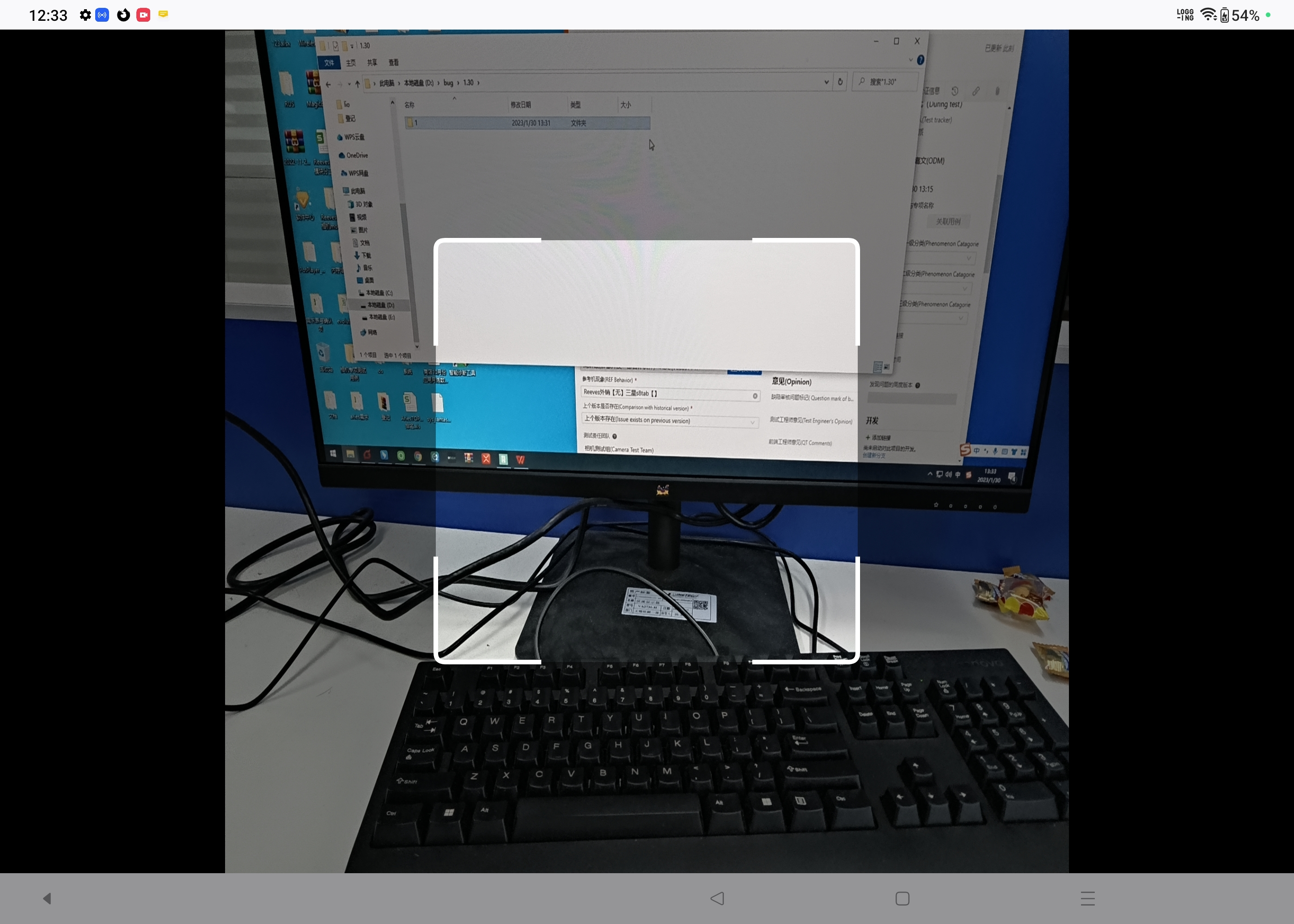
The preview of the scanning interface appears stretched when entering Firefox in landscape mode. --bugid:5134092

issue information: Title: The preview of the scanning interface appears stretched when entering Firefox in landscape mode Package name: org.mozilla.firefox Build number/version: 109.2.0 Device, Model, Android ,OS: OPPO (New Tablet, unreleased), Android 13.0, OS 13.1 (Huawei mate11 & Samsung S8 also have this problem) Recurrence rate: 10/10 Expected impact: All Android Tablet users will be affected.
Steps to reproduce: 【Prerequisite】Download the latest version of Firefox from the Google Play Store 【Operation steps】 1. Enter Firefox app in landscape mode 2. Click Scan from the upper right side of the input box 3. Observe the issue
Actual Result:The preview of the scanning interface appears stretched. Expected result:The preview of the scanning interface should display normally without stretched.
Analysis from our engineers: The problem will appear in landscape mode, and the app needs to correctly obtain the current orientation of the system and configure a suitable resolution. Physical size:2000x2800 Physical density:400
Log link: attached phenomenon video & log: https://drive.google.com/drive/folders/1cnFMNnDu-gukKqcr-Lq9d51nk1K7aL4l?usp=share_link
すべての返信 (4)
Hi
Please follow that bug report for progress on this issue.
Hi Paul,
Is there any update about this issue ?
Hi Paul,
I can't find the bug report ,can you tell me how to track it ?
Hi,
The people who answer questions here, for the most part, are other users volunteering their time (like me), not Mozilla employees or developers. If you want to you can file a bug report. See File a bug report or feature request for Mozilla products for details.