


2 email accounts on Thunderbird - All messages received on either account appear on BOTH accounts.
I have 2 email accounts on Thunderbird, a Yahoo account and a GMAIL account. Whenever I receive an email on either account, it appears as an email on BOTH accounts. This results in a completely duplicate list of emails on both accounts. My intention is for incoming emails to appear only on the account to which they were sent. How do I accomplish that? Thanks in advance for any suggestions!
すべての返信 (3)

Hello, In your account settings, for one of these accounts, maybe you could change the folder used to store the new messages ? For this - save eventually the emails that are in this account's inbox - rightclick the tree dots just to the right of your inbox, - click on "Account Settings", - if needed click the right arrow near your account to open choices, - click on "Server Settings, - at the down right of the page, near "Message storage", click "Advanced" - in the popup check "inbox for different account" and select "Global Inbox (Local folders) Send a message in this account, get all new messages for this account only and verify the message goes correctly in the inbox of local folders without duplication. Send a message in the second account, get all new messages for this second account only and verify the message didn't go in the inbox of local folders. Good luck! JF
JF, Thank you for your detailed reply. Right away, though, I don't see the three dots to the right of my inbox that you mention. Am I looking at the right Thunderbird page? Please see the attached Thunderbird screenshot. Thanks, Mike
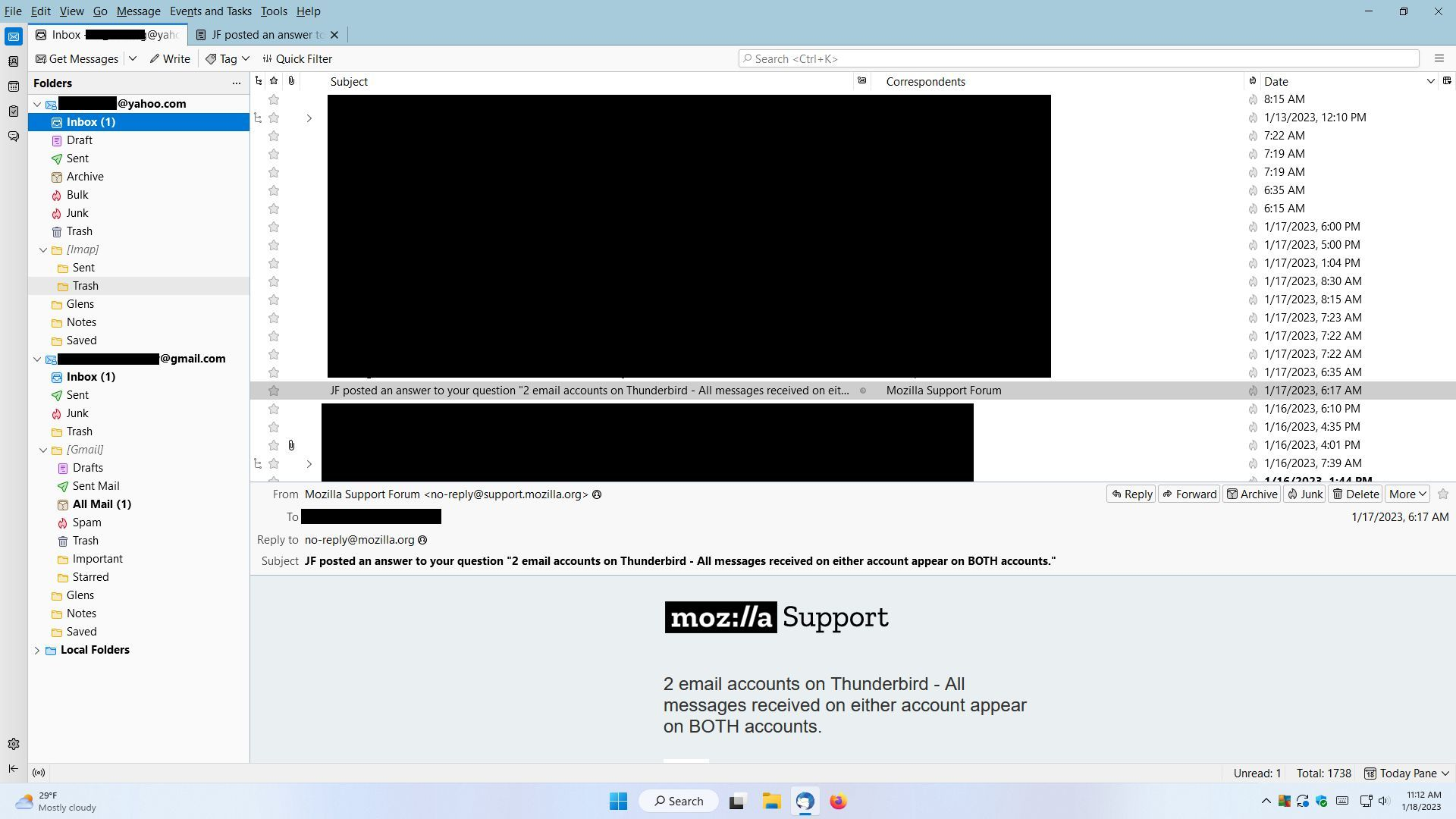
On your screenshot, you have it just at the end of the third line which begin by "Get messages". It is just after the search box. It symbolizes the 3 lines of a menu... Sorry, I am working on an UBUNTU computer: it is slightly different from Windows.