


email account quit working,

I've tried everything I know to resolve this with no luck. is there a real live person I can talk to on the phone that can help me, PLEASE? John
すべての返信 (12)
If you will post some specifics, such as error message, POP or IMAP, screenshot of input server settings, screenshot of smtp server settings, we may be able to assist.
Hey David, Sorry to take so long to reply. I'm dealing with a bunch of other things along with trying to get my thunderbird to work. When I open my thunderbird acc, it opens to my normal page then a few minuets later a pop-up says login to server pop verizon.net with user name piper247 failed. (sorry I don't know how to do a screen capture.) Does this help at all? John
'loginto server pop verizon.net
There is a free screenshot utility at url of bluefive dot pair dot com . please do a screenshot and tell much more of whatever your problem is. Include whether POP or IMAP, the email provider and maybe the screenshot of input server settings and smtp server settings. Thanks.
Ok Dave, Now, how do I post the screen shots?
You should be receiving email notices on this thread. When you click the Reply button, it should bring you to the online forum to post text and below that text box are the words 'Add Images (Optional)' and a 'browse' button. CLick that and upload your screenshot.
Hey Dave Now I' really confused, I've been getting your emails through my aol mail acc. but, your address says "do not reply" so I've been using this forum to reply. I can't find any way to post a screen shot. what am I doing wrong?
Dave, never mind, I figured it out! I'm such a dumb ass. here are the pop-ups I'm getting when I try to login. after trying for a while thunderbird crashes on me. I really like thunderbird and have used it for years before this happened. and I really hate using aol for my email!!!. John
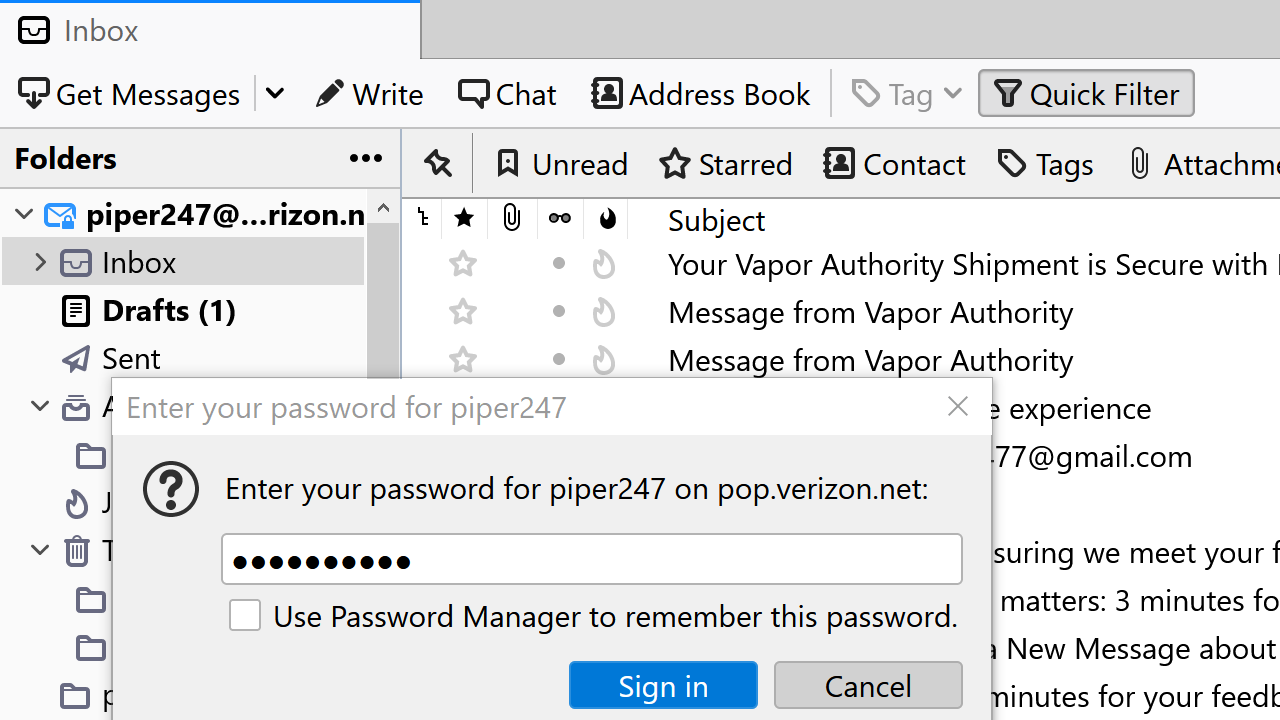
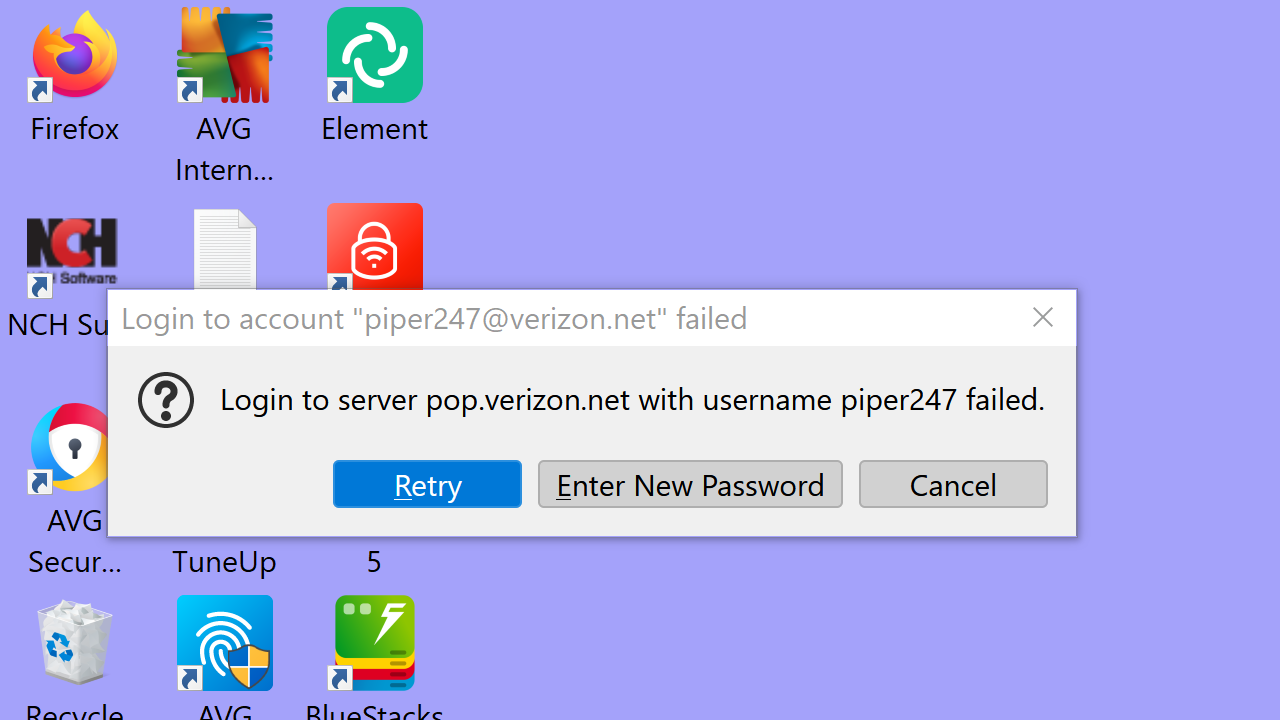
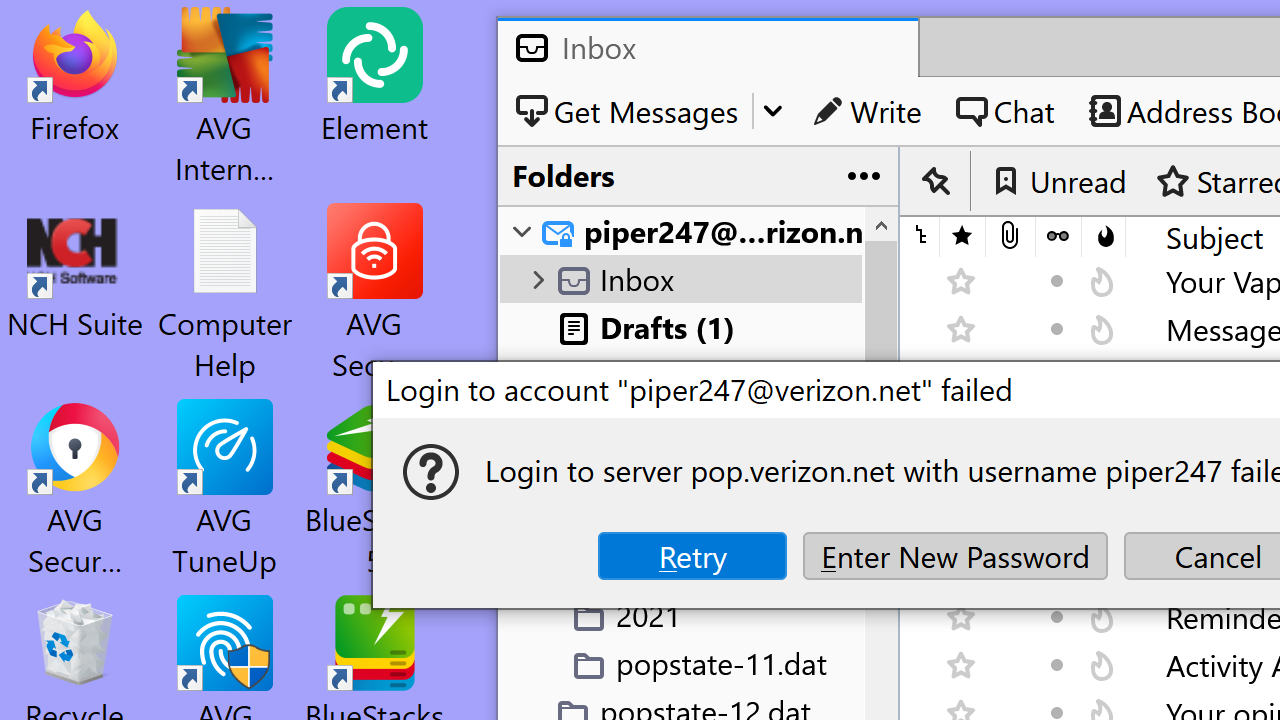
Hey Dave, here's a couple more shots...
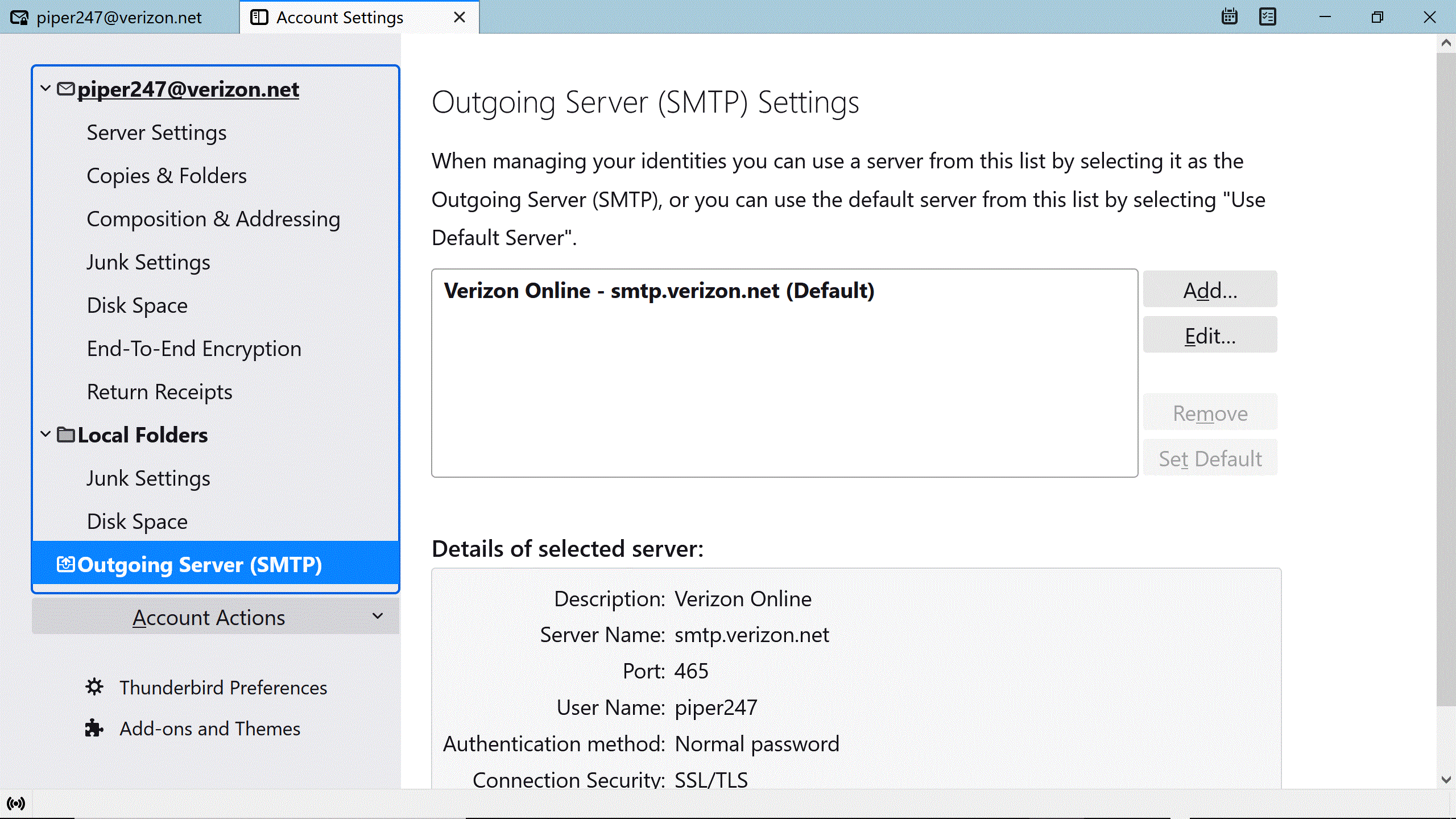
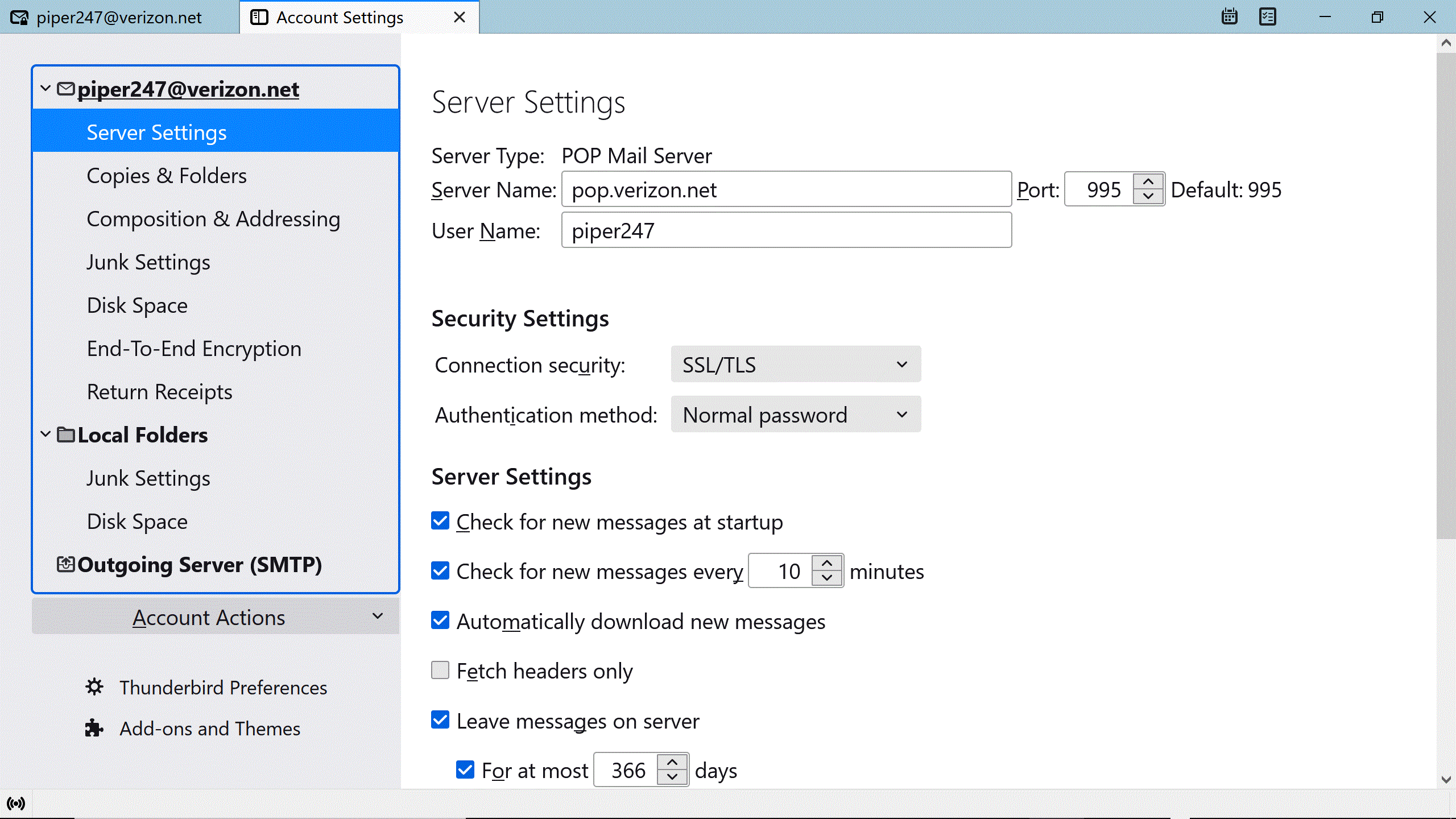
I do not have time to look for it right now, but there is a bug involving verizon accounts on AOL using POP and oAuth authentication that was fixed recently. Recently enough that I do not think it has actually made it to release yet.
Hey Dave, So what are you saying, I just have to wait till someone finds a fix for this? Just think there is a fix already, I hade this same thing happen years ago and got it fixed and it worked fine until this time. I really like thunderbird, but if I can't use it... Why is it impossible to talk to someone on the phone that can help me? Thanks, John
Regarding phone support, please consider the fee to use Thunderbird. Relying solely on donations, there is not enough to fund helpdesk staff to handle all the questions out there. We are volunteers who give our time to help. Regarding the bug, that sometimes happens. I regret that it affects you, but problems that stop usage are very very rare. Matt is right, I believe, but I don't know when the fix will roll out. You could revert to a prior release, but that can be nasty.
david said
I don't know when the fix will roll out. You could revert to a prior release, but that can be nasty.
Or change the authentication method to normal password and use an app password from AOL. You are not locked out, only locked out of that authentication method.
I have a little more time today. The bug is https://bugzilla.mozilla.org/show_bug.cgi?id=1782250 and should have seen the issue resolved in Version 102.2.0, first offered to channel users on August 23, 2022 so apparently I was a bit late in assuming it had not made it out the door. But as you have not mentioned what version you have I still do not know if it applies to you or not.