

このスレッドはアーカイブに保管されました。
必要であれば新たに質問してください。

Solved
アーカイブに保管済み
mozilla firefox not working

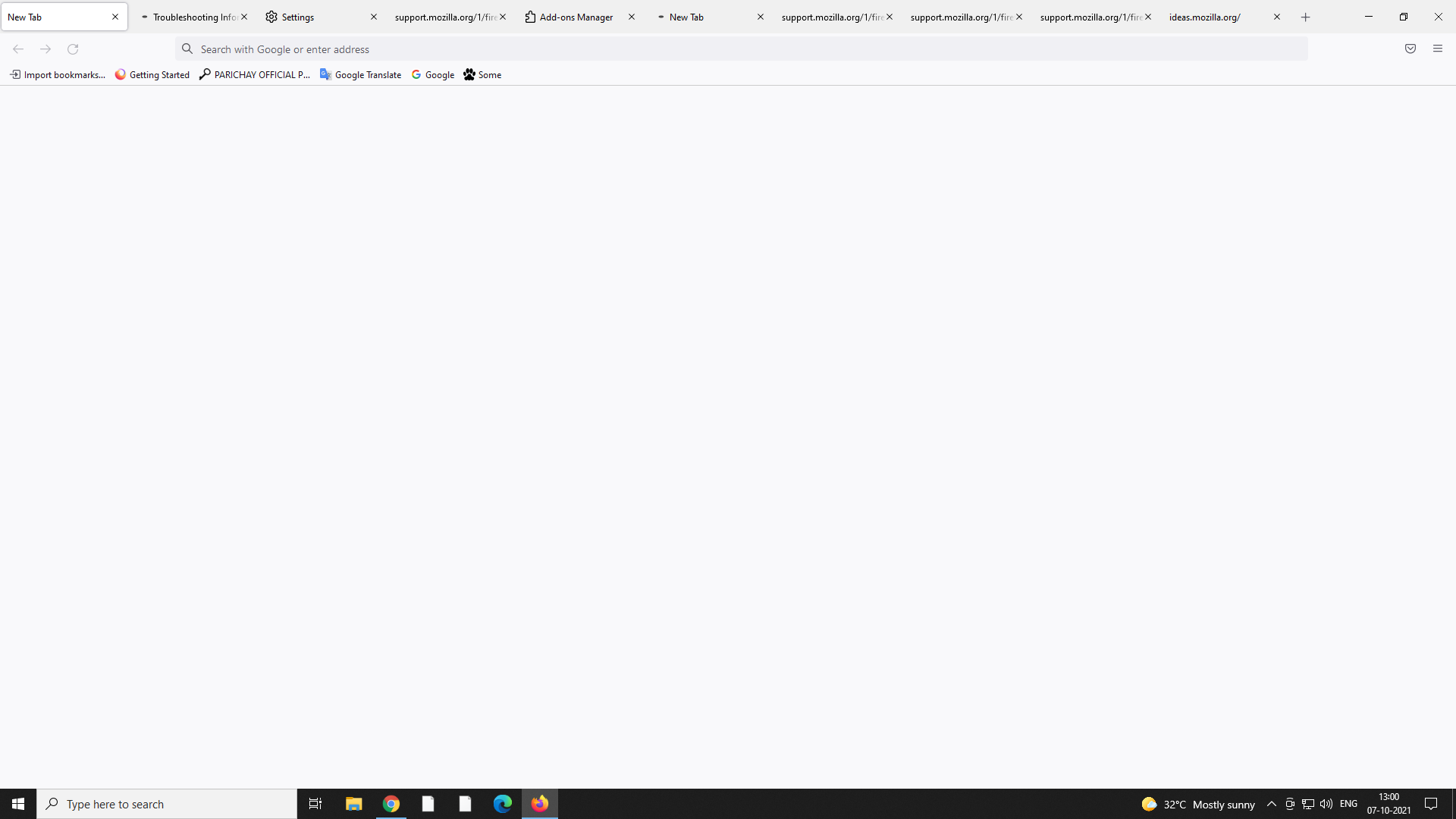
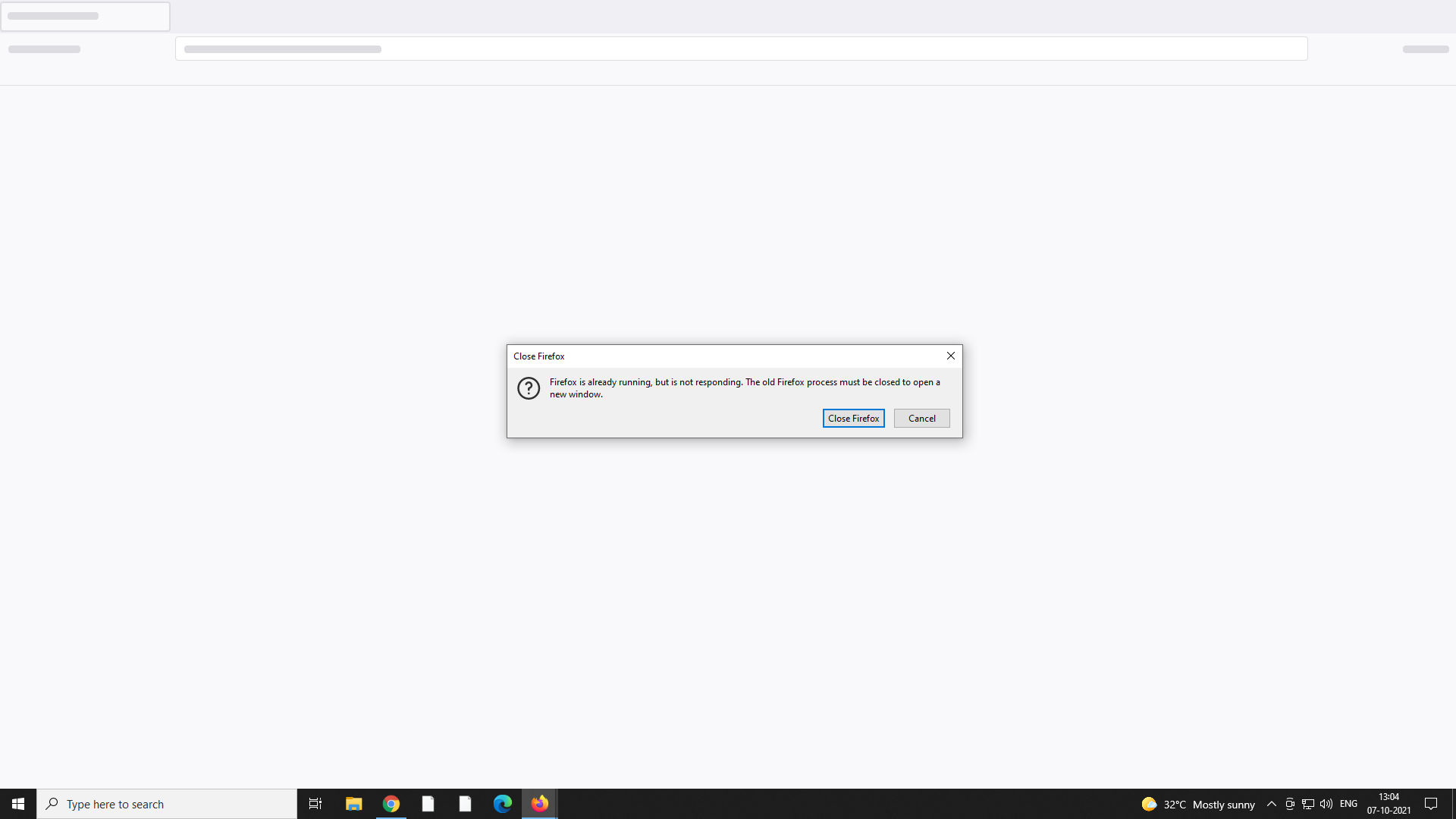
web browser is not open some times it shows error and not open. if browser is open no tab or website is open. no support page open
web browser is not open some times it shows error and not open. if browser is open no tab or website is open. no support page open
すべての返信 (1)

選ばれた解決策
Step one: Reboot the computer. This should release anything locked/not working.
You can check for issues caused by a corrupted or incomplete Visual C++ installation that is missing runtime components (Redistributable Packages) required by Firefox, especially VCRUNTIME140_1.dll.
Install both 32-bit and 64-bit "Visual Studio 2015, 2017 and 2019" downloads, (x86: vc_redist.x86.exe and x64: vc_redist.x64.exe) from https://support.microsoft.com/help/2977003/the-latest-supported-visual-c-downloads
You may not need the latter (32-bit version) if you use 64-bit Firefox. You may have to reboot the computer.