

このスレッドはアーカイブに保管されました。
必要であれば新たに質問してください。

Solved
アーカイブに保管済み
firefox history
How to import history from updated to 89 version profile to new created profile for browser version 88
How to import history from updated to 89 version profile to new created profile for browser version 88
すべての返信 (3)
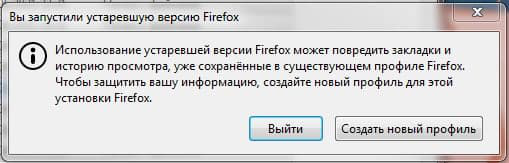
I turned on the computer when I came home from work. Admired the handiwork of your designers. I wished them rays of diarrhea. Installed firefox version 88 back and .....
選ばれた解決策
Hi
I think that this is the support page that you are looking for:
https://support.mozilla.org/en-US/kb/recovering-important-data-from-an-old-profile
Thanks Seburo manual files transfer solved this problem >>places.sqlite >>favicons.sqlite