

このスレッドはアーカイブに保管されました。
必要であれば新たに質問してください。

アーカイブに保管済み
How do I skip the embedded (powered by Firefox) browser when tapping links from within the Parler android app?
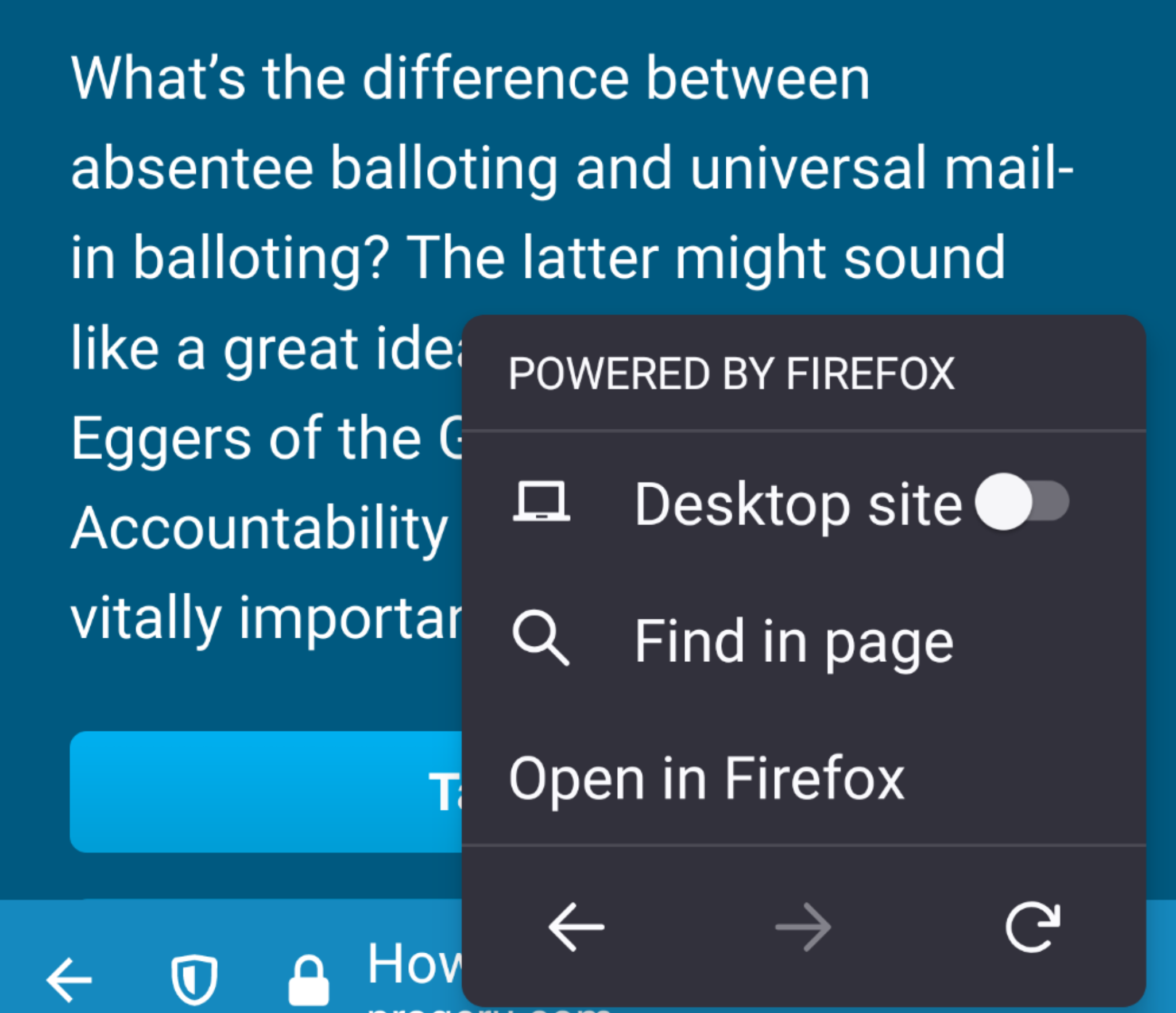
From within the Parler app, when I tap a link, it always takes me to this interim embedded browser instead of directly to Firefox. Each time, I don't want to have to tap the menu and then tap open an Firefox (see screenshot) -- so annoying!
From within the Parler app, when I tap a link, it always takes me to this interim embedded browser instead of directly to Firefox. Each time, I don't want to have to tap the menu and then tap open an Firefox (see screenshot) -- so annoying!
すべての返信 (3)
Attached a screenshot.
Hmm, I've never seen that before. Can you set the app to open links in your device's default browser instead of whatever it is doing there?
Unfortunately, the app doesn't have such a setting. That is one of the first things I checked.