


Windows 10 reached EOS (end of support) on October 14, 2025. If you are on Windows 10, see this article.

Mozilla サポートの検索

サポート詐欺に注意してください。 私たちはあなたに通話やショートメッセージの送信、個人情報の共有を求めることはありません。疑わしい行為を見つけたら「迷惑行為を報告」からご報告ください。

詳しく学ぶ
このスレッドはアーカイブに保管されました。 必要であれば新たに質問してください。
解決済み アーカイブに保管済み

Materialize design CSS seems to render badly in Firefox

gsus

A lot of pages that uses materialized design CSS framework seems to have issues rendering correctly in Firefox. I see all strange CSS properties or HTML elements instead of the correctly rendered version. Not sure if it is only an issue with materialized design or a deeper issue, but I have seen this happening on multiple sites. For example this link:

https://developers.google.com/admin-sdk/directory/v1/reference/users#resource

You can see the different results between Chrome and Firefox in the attached images.

Running Ubuntu 18.04 KDE and Firefox 76.0.1 64-bit
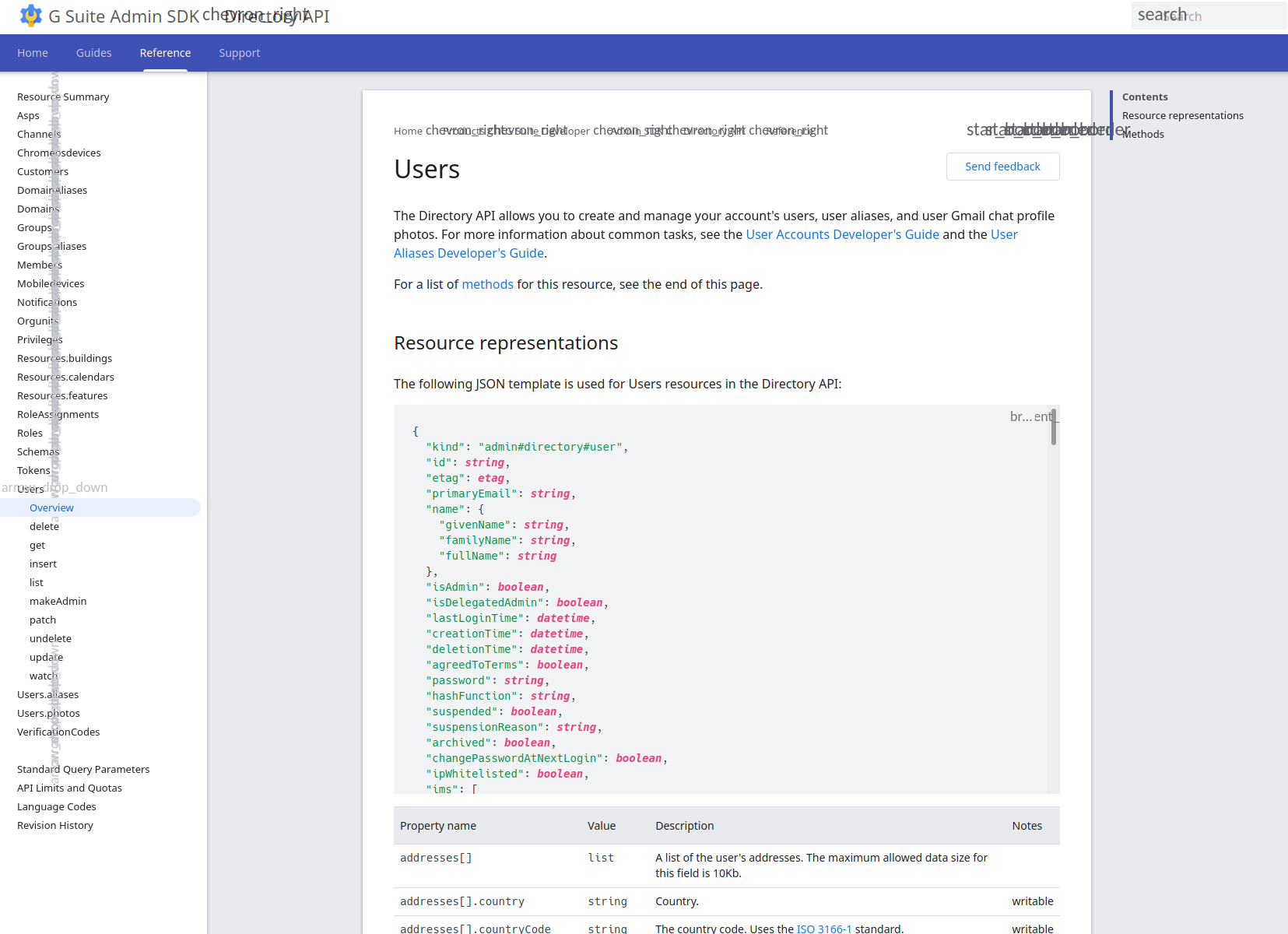
A lot of pages that uses materialized design CSS framework seems to have issues rendering correctly in Firefox. I see all strange CSS properties or HTML elements instead of the correctly rendered version. Not sure if it is only an issue with materialized design or a deeper issue, but I have seen this happening on multiple sites. For example this link: https://developers.google.com/admin-sdk/directory/v1/reference/users#resource You can see the different results between Chrome and Firefox in the attached images. Running Ubuntu 18.04 KDE and Firefox 76.0.1 64-bit
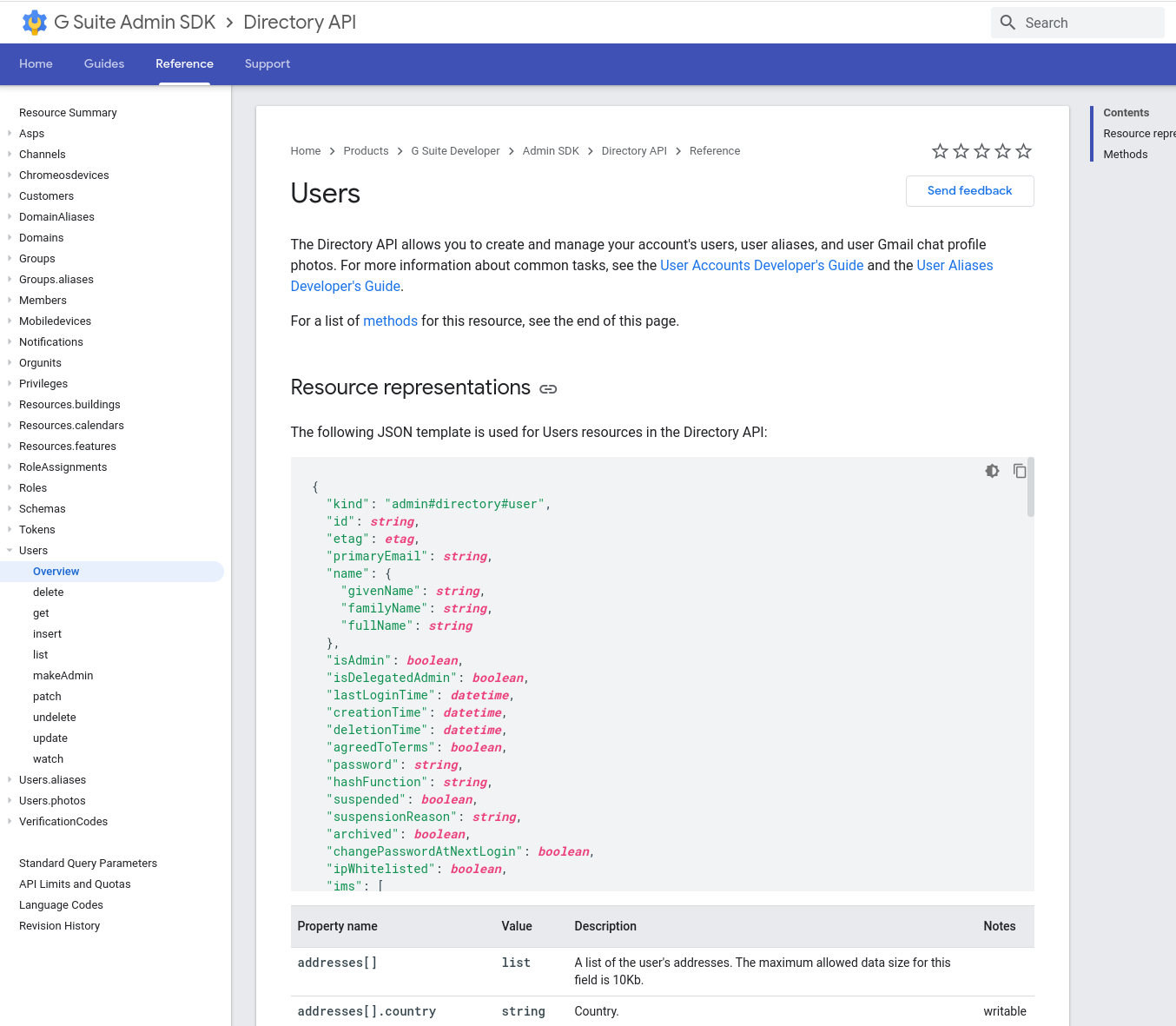
添付されたスクリーンショット

すべての返信 (2)

選ばれた解決策

Go to Options => General => Click the Advanced button in Fonts & Colors section, then select Allow pages to choose their own fonts, instead of your selections above.

That fixed it. Thanks for the help!