


Windows 10 reached EOS (end of support) on October 14, 2025. If you are on Windows 10, see this article.

Mozilla サポートの検索

サポート詐欺に注意してください。 私たちはあなたに通話やショートメッセージの送信、個人情報の共有を求めることはありません。疑わしい行為を見つけたら「迷惑行為を報告」からご報告ください。

詳しく学ぶ
このスレッドはアーカイブに保管されました。 必要であれば新たに質問してください。
Solved アーカイブに保管済み

VCRUNTIME140_1.dll not found // Firefox opens, but only shows a blank page and does not connect to any website.

Sören

Dear Mozilla-Community, I have the following problem:

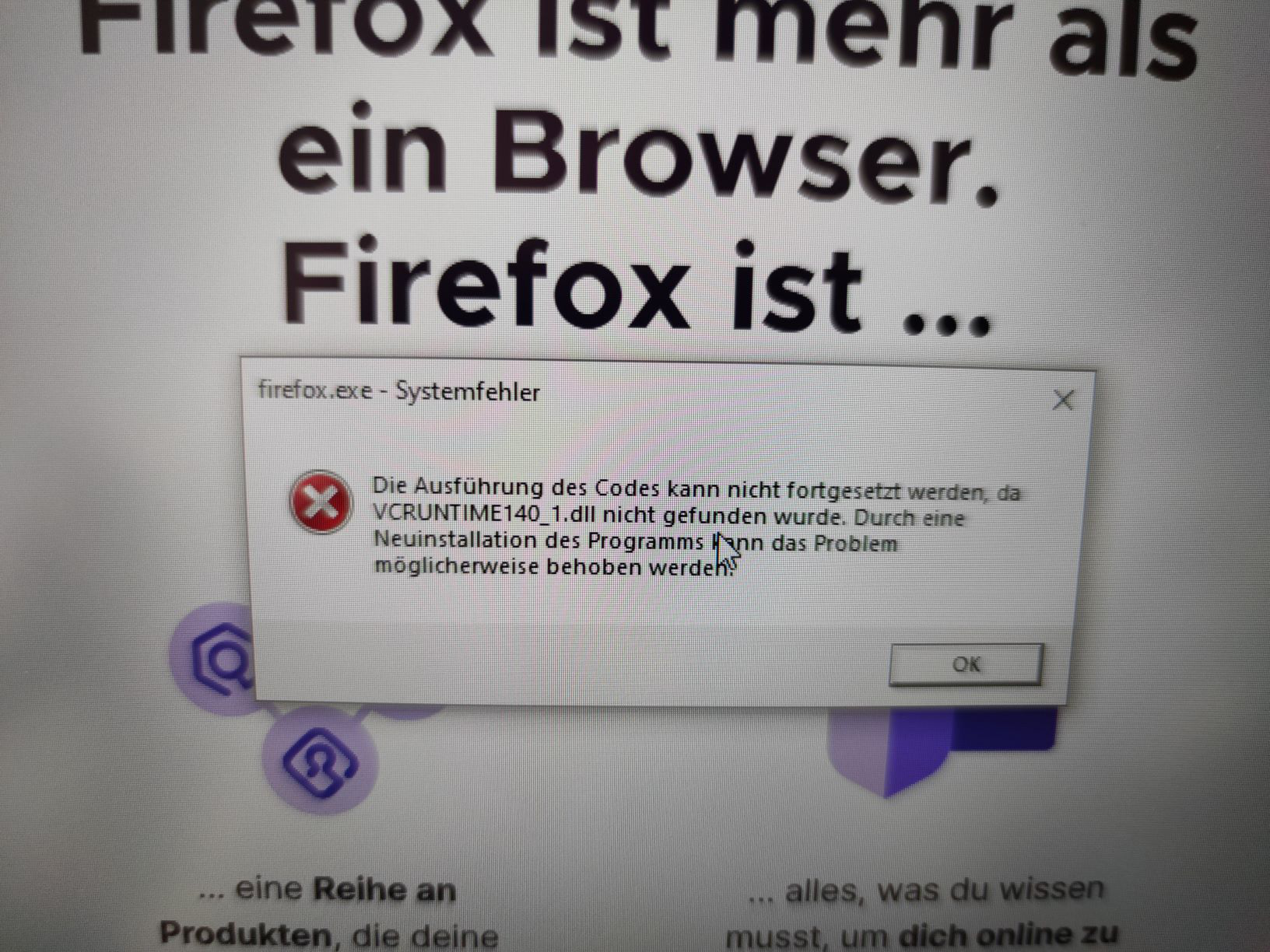
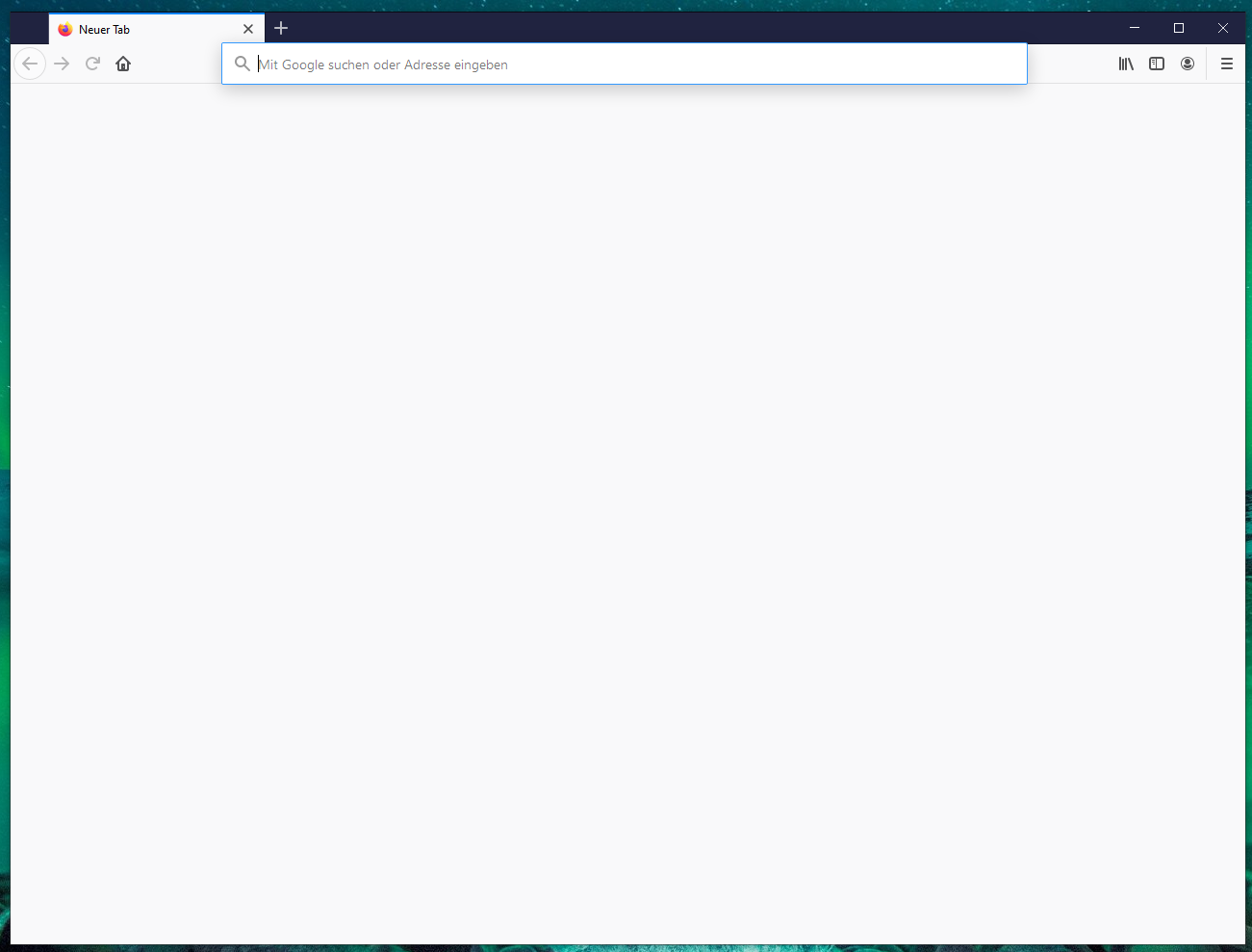
After deinstalling a Microsoft Visual C++ 2015 redistributable, I got the error message attached below (in German): "VCRUNTIME140_1.dll was not found. Problem could be solved by reinstalling the programme". Firefox could still be opened, and showed my latest bookmarks, but would not connect to any website.

After that I tried the following things (various times) to solve the issue: - Reinstall Microsoft Visual C++ 2015 redistributable (x86 / x64) - Manually install missing .dll-file - Reinstall Firefox - Refresh Firefox - Restart the computer

None of these solutions worked. When reinstalling Firefox, I always get the error-message attached below ("VCRUNTIME140_1.dll was not found.").

I would appreciate any help!

Kind regards, Sören
Dear Mozilla-Community, I have the following problem: After deinstalling a Microsoft Visual C++ 2015 redistributable, I got the error message attached below (in German): "VCRUNTIME140_1.dll was not found. Problem could be solved by reinstalling the programme". Firefox could still be opened, and showed my latest bookmarks, but would not connect to any website. After that I tried the following things (various times) to solve the issue: - Reinstall Microsoft Visual C++ 2015 redistributable (x86 / x64) - Manually install missing .dll-file - Reinstall Firefox - Refresh Firefox - Restart the computer None of these solutions worked. When reinstalling Firefox, I always get the error-message attached below ("VCRUNTIME140_1.dll was not found."). I would appreciate any help! Kind regards, Sören
添付されたスクリーンショット

この投稿は Sören により に変更されました

すべての返信 (1)

選ばれた解決策

Installing the 32bit-version solved the issue.