


Firefox themes doesn't stick after closing the browser after v70 update.
I recently updated to FF 70 on Ubuntu, and none of the themes stick after I close the browser. I need to manually apply the theme to make it work. The theme doesn't reset to a default theme or something, it simply goes to a very weird mixed up theme, consisting of dark and light elements. On checking add-ons -> themes it shows that the theme I selected last time has been applied.
EDIT: Just updated Firefox on Windows. Facing the same issue there as well.
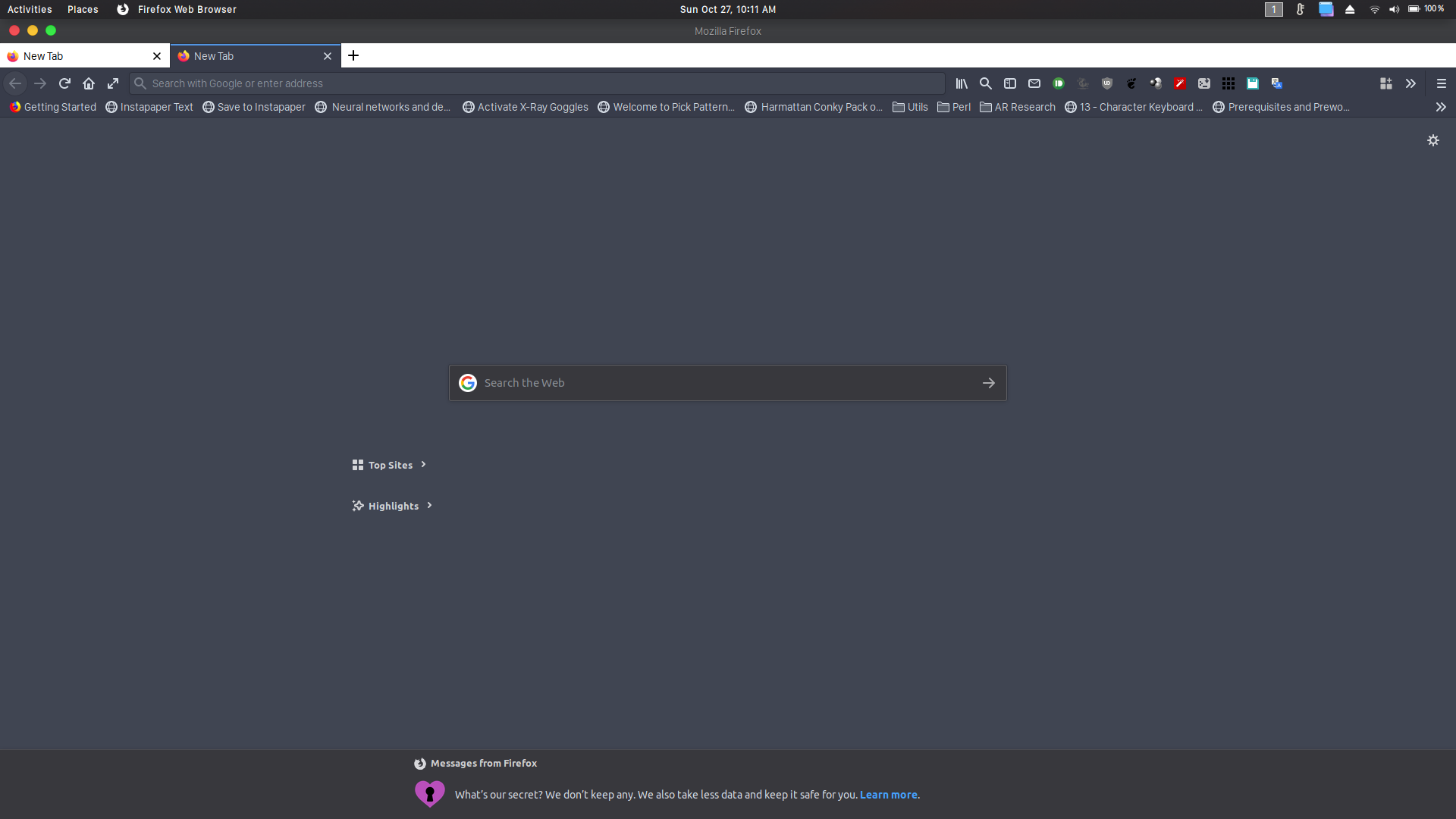
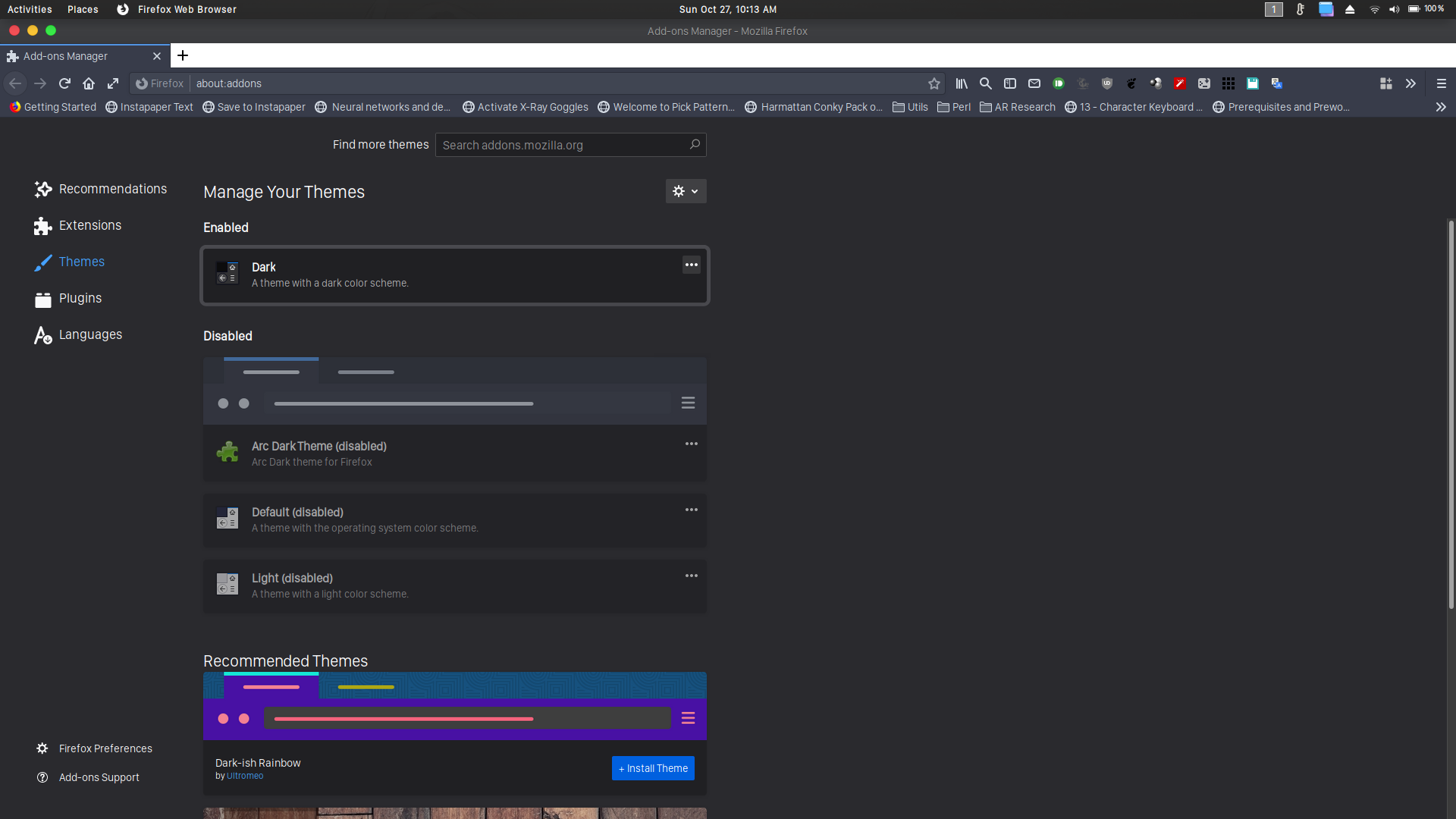
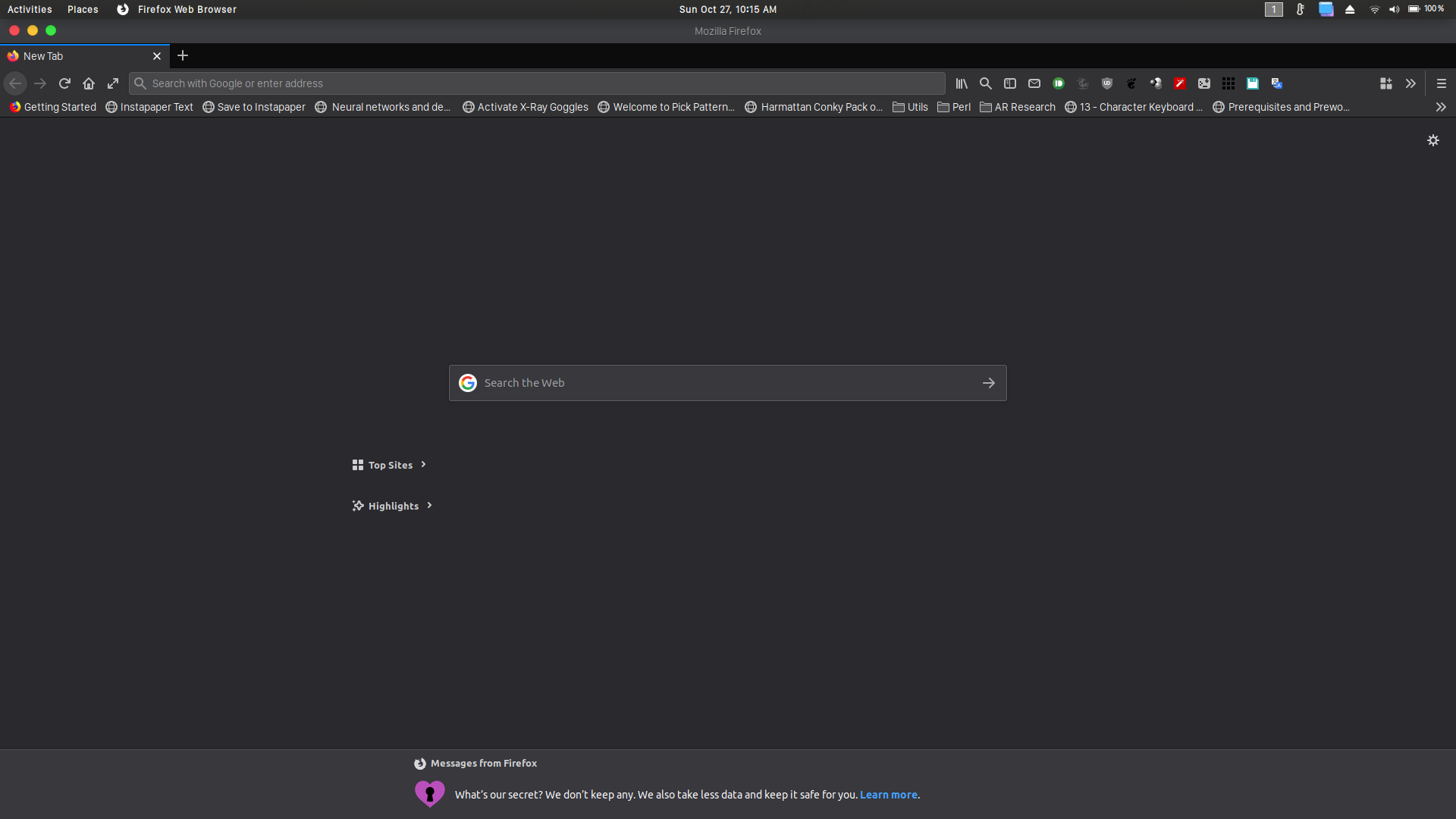
この投稿は Senpai により に変更されました
選ばれた解決策
Found what is causing this issue. I had enabled Arc Dark Theme (Web Extension) on both my browsers. Disabled it and the issue was gone.
The theme has been depreciated.
This is the extension I was talking about: https://addons.mozilla.org/en-US/firefox/addon/arc-dark-theme-webextension/
この回答をすべて読む 👍 1すべての返信 (4)
Having the same issue on Windows. Every time I click on anything out of the Firefox window, the theme breaks and I have to disable and then re-enable the theme I was using for it to appear normal
選ばれた解決策
Found what is causing this issue. I had enabled Arc Dark Theme (Web Extension) on both my browsers. Disabled it and the issue was gone.
The theme has been depreciated.
This is the extension I was talking about: https://addons.mozilla.org/en-US/firefox/addon/arc-dark-theme-webextension/
Senpai said
Found what is causing this issue. I had enabled Arc Dark Theme (Web Extension) on both my browsers. Disabled it and the issue was gone. The theme has been depreciated. This is the extension I was talking about: https://addons.mozilla.org/en-US/firefox/addon/arc-dark-theme-webextension/
This is the add-on that was causing issues for me: https://addons.mozilla.org/en-US/firefox/addon/native-dark/
I have the same problem, but I never enabled Arc Dark. So how do I fix this problem? My chosen theme reverts to a dark theme when opening.