


I can not print or save online documents as a PDF and have them print correctly

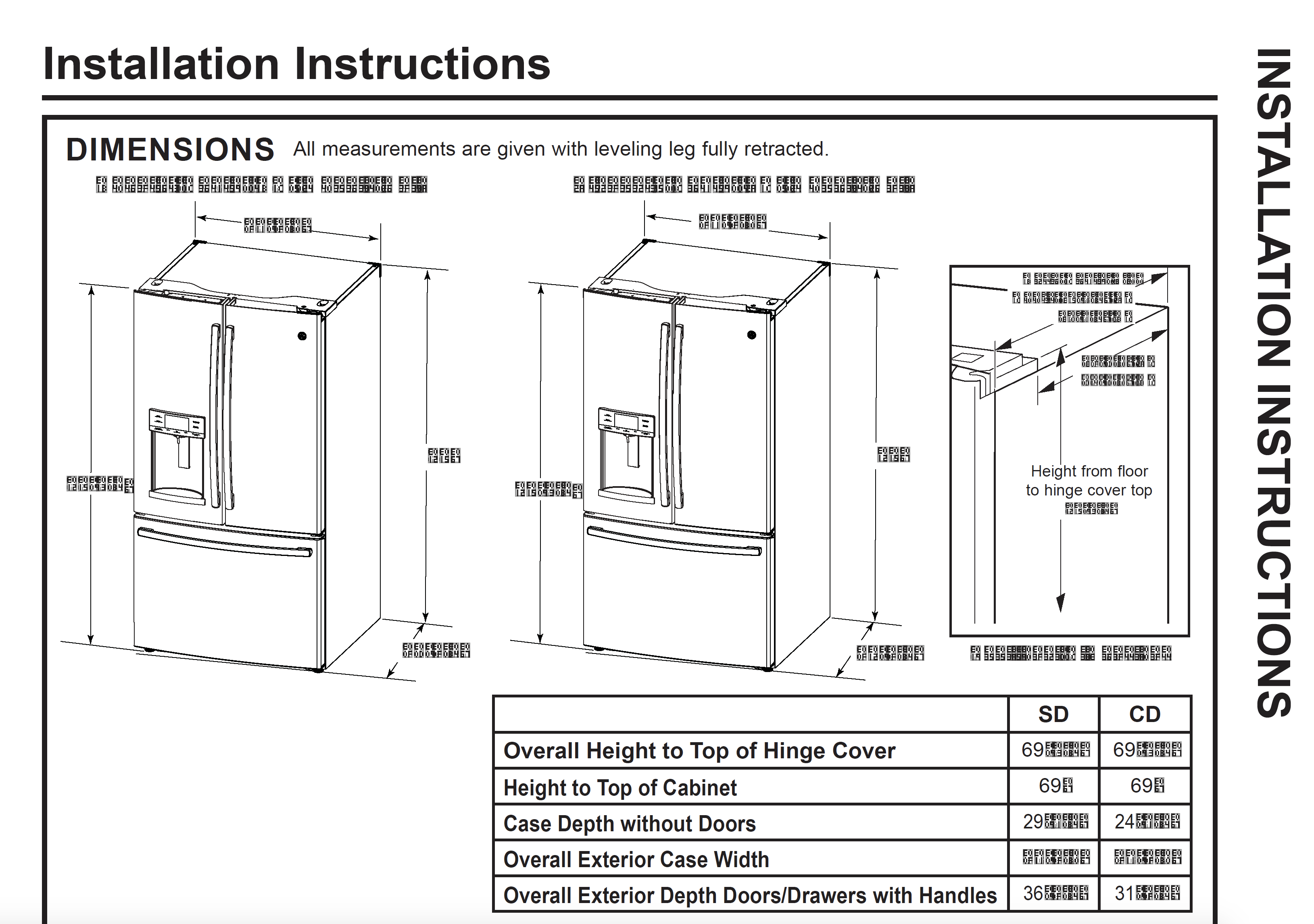
After years of having no issues, all of a sudden I am unable to print online documents (such as appliance spec sheets for a product I need to build to, or tax returns). Everything presents fine except numbers. They are all scrambled (see attached image). I have gone through both trouble shooting steps listed in the fix printing issues section ( https://support.mozilla.org/en-US/kb/fix-printing-problems-firefox ) to no avail.
The same pages print and save to PDFs perfectly in Safari.
Please help! I prefer Firefox!
Thanks in advance.
すべての返信 (4)
Sorry, forgot to add the image....
この投稿は legacy により に変更されました
Link to the image so others can see what the pdf problem is?
Right above your reply, WestEnd...I forgot to attach it in the original question...added it as a reply.
WestEnd said
Link to the image so others can see what the pdf problem is?
Further, in case helpful, here is a link to the PDF from GE Appliances that the image was captured from:
When trying to print, or save as a PDF, page 27 for example (the info I need for the project I'm building), everything prints or displays EXCEPT the dimensions. Again....it prints and saves fine when using Safari...so it must be a Firefox setting somewhere.
This is just one example. IRS tax forms did the same thing. They also will not auto-fill using Firefox as they will with Safari.
After the issues began, I upgraded to the latest OS (High Sierra) and made sure Firefox had the latest update. The problem still occurs. I'm not sure what change or update was made that may have led to the issue. It worked perfectly...until it didn't.
WestEnd said
Link to the image so others can see what the pdf problem is?