


How can I do to set open new message on new window on Linux ?

I found a solution for windows :
From the Menu Bar select Tools-Options-Display-Advanced
On thunderbird installed on Linux this menu is not present.

選ばれた解決策
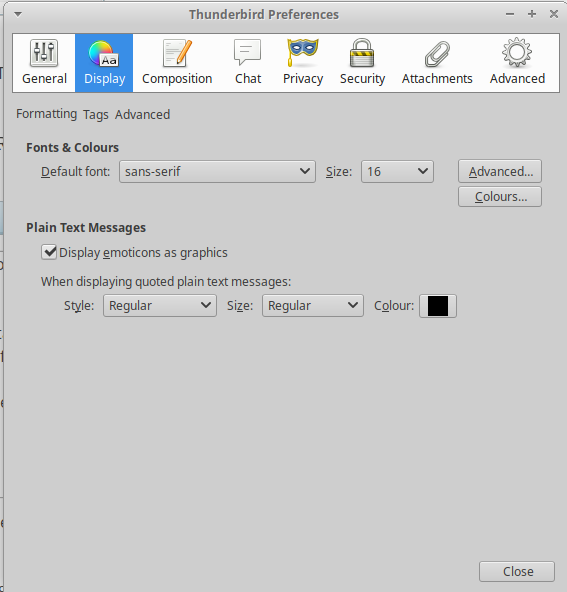
"Formatting", "Tags", "Advanced" are tabs. Click them. You'll find the option you seek in the Advanced tab.
This "hidden tabs" issue is a common gotcha in Ubuntu.
You might try setting this preference (IIRC):
mail.preferences.inContent
(in the config editor) to true. It places the Options/Preferences dialogue into a tab, rather than a separate window, which isn't in itself particularly useful, but the accompanying reformatting of the options may help with the hidden tabs.
この投稿は Zenos により に変更されました
すべての返信 (6)
Try Edit|Preferences
http://kb.mozillazine.org/Menu_differences_in_Windows,_Linux,_and_Mac
I know that on windows the i must select Tools → Options... and on Linux Edit → Preferences... but on Windows i can find the Display and Advanced tab to set Open messages in: "A new message window" on Linux the DIsplay tab don't contains the advanced tab so i can't set it
re :on Linux the DIsplay tab don't contains the advanced tab so i can't set it
What version of Thunderbird have you installed on Linux ?
Old versions of Thunderbird used to have it in this location: Edit > Preferences > Advanced > 'Reading & Display' tab
See image below:
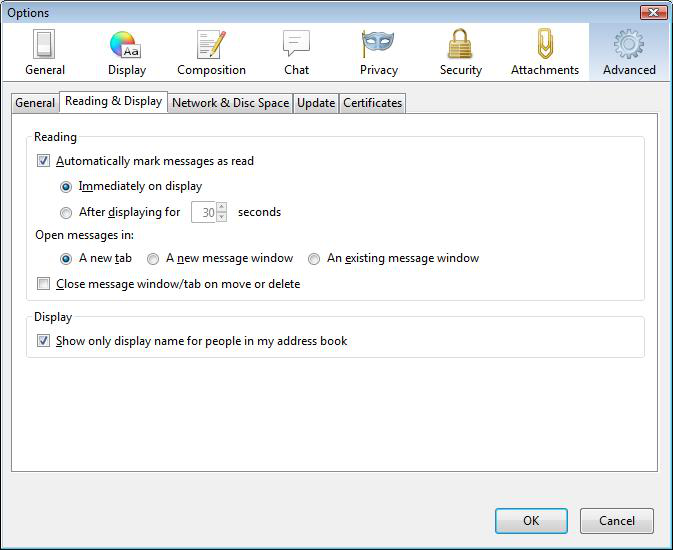
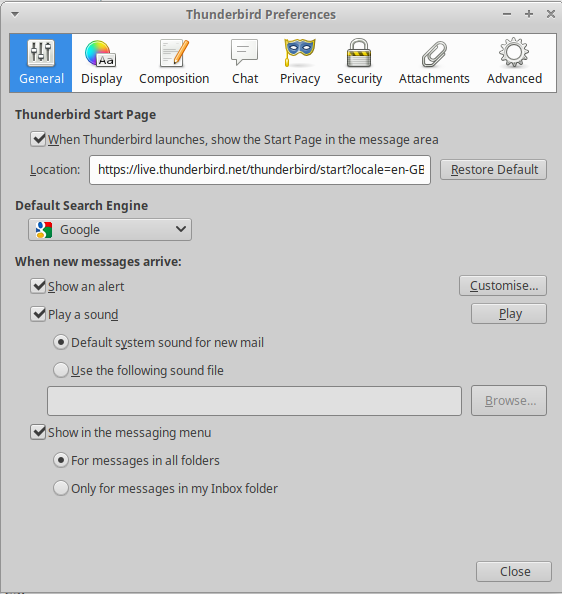
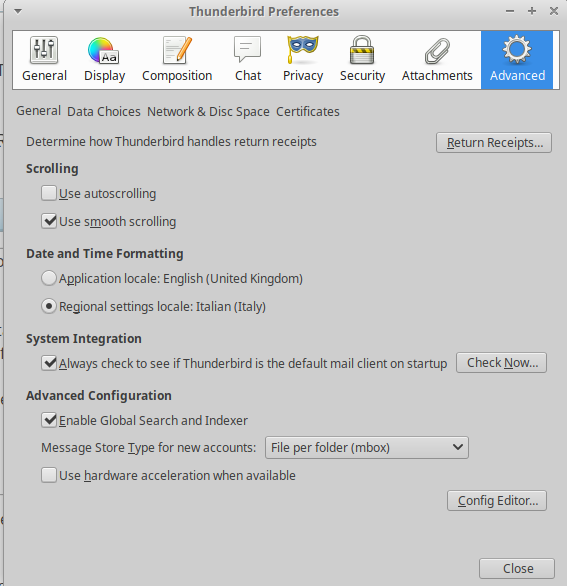
Ciao, the image that you have attached is related to Thunderbird installed on Windows, on top-left corner ther is options not preferences :) I use Thunderbird 60.2.1, last release available on Linux Ubuntu repository, I attached the General, Display and Andavced tab printscreen.
選ばれた解決策
"Formatting", "Tags", "Advanced" are tabs. Click them. You'll find the option you seek in the Advanced tab.
This "hidden tabs" issue is a common gotcha in Ubuntu.
You might try setting this preference (IIRC):
mail.preferences.inContent
(in the config editor) to true. It places the Options/Preferences dialogue into a tab, rather than a separate window, which isn't in itself particularly useful, but the accompanying reformatting of the options may help with the hidden tabs.
この投稿は Zenos により に変更されました
Thanks Zenos,
setting true on mail.preferences.inContent I can see the Advanced tab on Dispaly and set to open the new message on a new window.
Ciao