Windows 10 reached EOS (end of support) on October 14, 2025. If you are on Windows 10, see this article.

Mozilla サポートの検索

サポート詐欺に注意してください。 私たちはあなたに通話やショートメッセージの送信、個人情報の共有を求めることはありません。疑わしい行為を見つけたら「迷惑行為を報告」からご報告ください。

詳しく学ぶ
このスレッドはアーカイブに保管されました。 必要であれば新たに質問してください。
アーカイブに保管済み

Thunderbird will read profile. But profile is fully installed.

TommyCooper

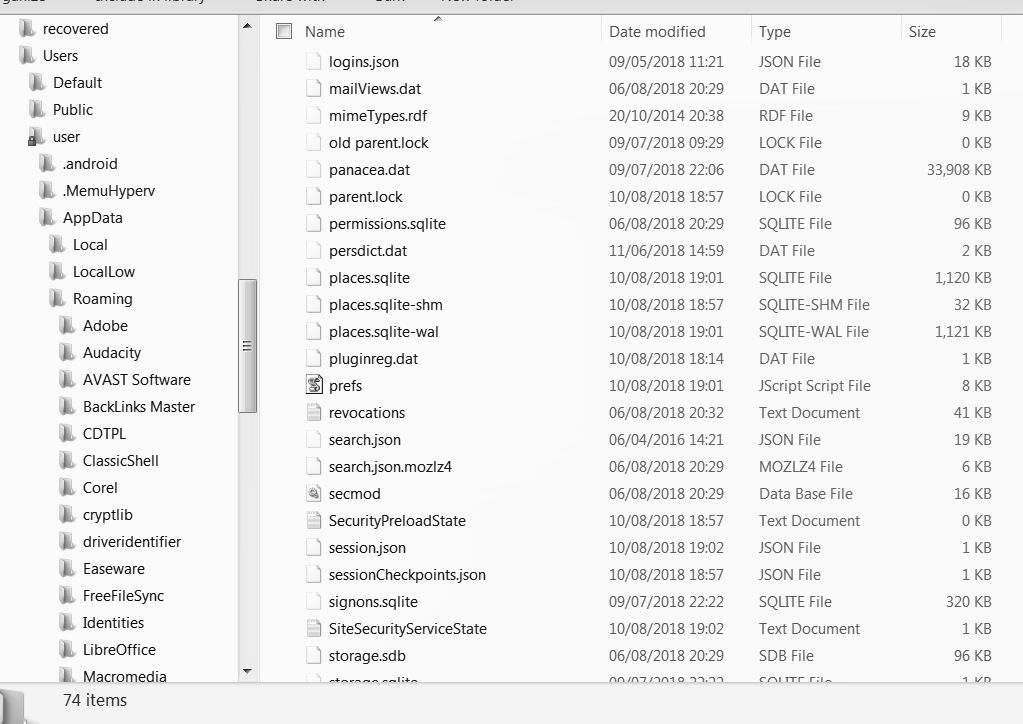
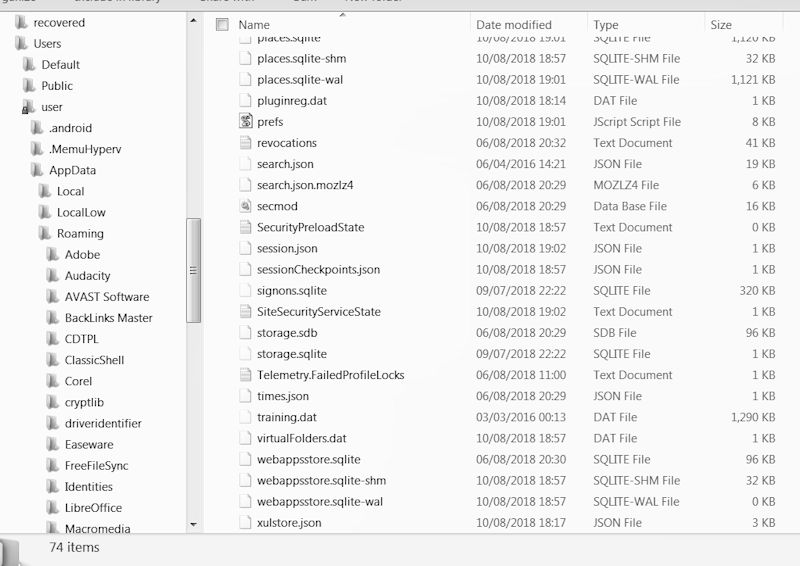
Unfortunately my Windows was gradually " breaking down". Fortunately, I was able to save most of my data. However, I am having a huge problem in getting Thunderbird to recognize the old profile. Question is what am I doing wrong or what has gone wrong? I use Windows 7 professional. And Thunderbird 52.9.1 Links I have read to try and resolve this problem. Not necessarily in this order. Rebuilding the Global Database https://support.mozilla.org/en-US/kb/rebuilding-global-database Profiles - Where Thunderbird stores your messages and other user data https://support.mozilla.org/en-US/kb/profiles-where-thunderbird-stores-user-data Moving Thunderbird Data to a New Computer https://support.mozilla.org/en-US/kb/moving-thunderbird-data-to-a-new-computer Enclosed are screen shots of the opening of TB, Then of all the files I have in C:\xxx\xxx\AppData\Roaming\Thunderbird\Profiles\xxxxxxx.default As Can be seen that by the size of the files I do have ll the old emails and address book there I hope this information is enough to help you to help me solve this.
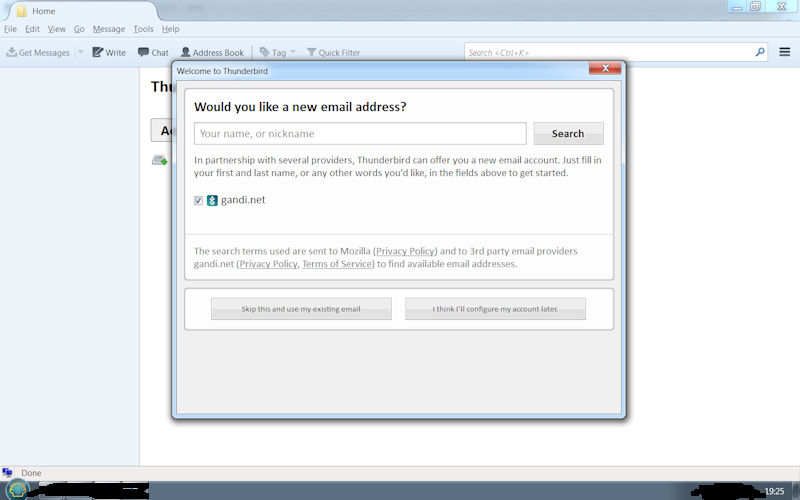
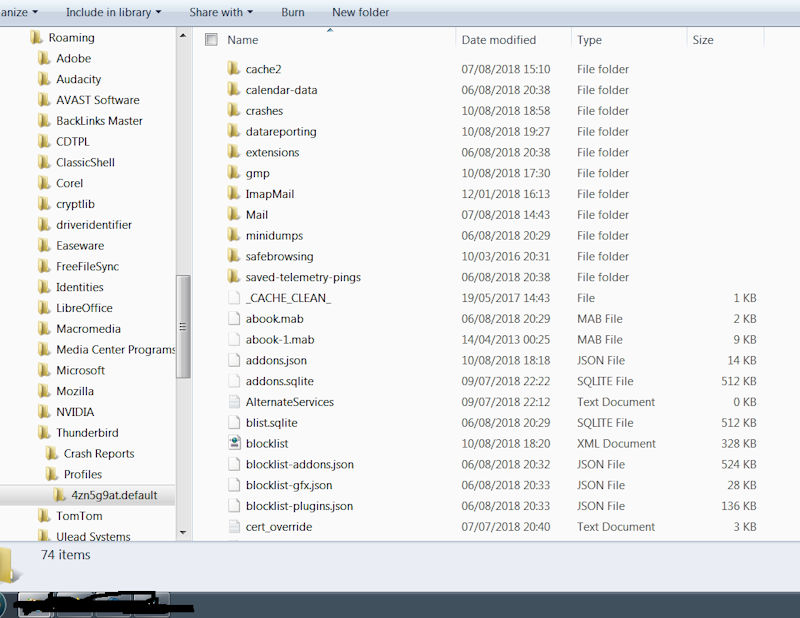
Unfortunately my Windows was gradually " breaking down". Fortunately, I was able to save most of my data. However, I am having a huge problem in getting Thunderbird to recognize the old profile. Question is what am I doing wrong or what has gone wrong? I use Windows 7 professional. And Thunderbird 52.9.1 Links I have read to try and resolve this problem. Not necessarily in this order. Rebuilding the Global Database https://support.mozilla.org/en-US/kb/rebuilding-global-database Profiles - Where Thunderbird stores your messages and other user data https://support.mozilla.org/en-US/kb/profiles-where-thunderbird-stores-user-data Moving Thunderbird Data to a New Computer https://support.mozilla.org/en-US/kb/moving-thunderbird-data-to-a-new-computer Enclosed are screen shots of the opening of TB, Then of all the files I have in C:\xxx\xxx\AppData\Roaming\Thunderbird\Profiles\xxxxxxx.default As Can be seen that by the size of the files I do have ll the old emails and address book there I hope this information is enough to help you to help me solve this.
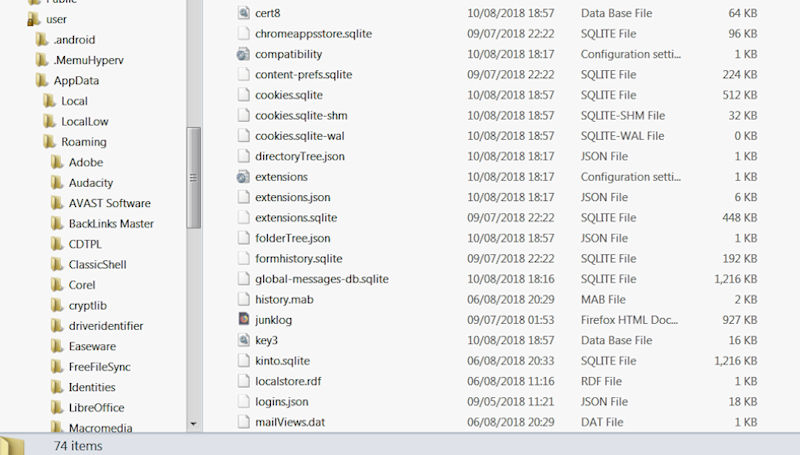
添付されたスクリーンショット

すべての返信 (2)

up updated correct?

cmjprous said

up updated correct?

As far as I can tell yes. I did give details of what version I am using. (52.9.1)