


Cannot connect to personal outlook with smtp authentication disabled error

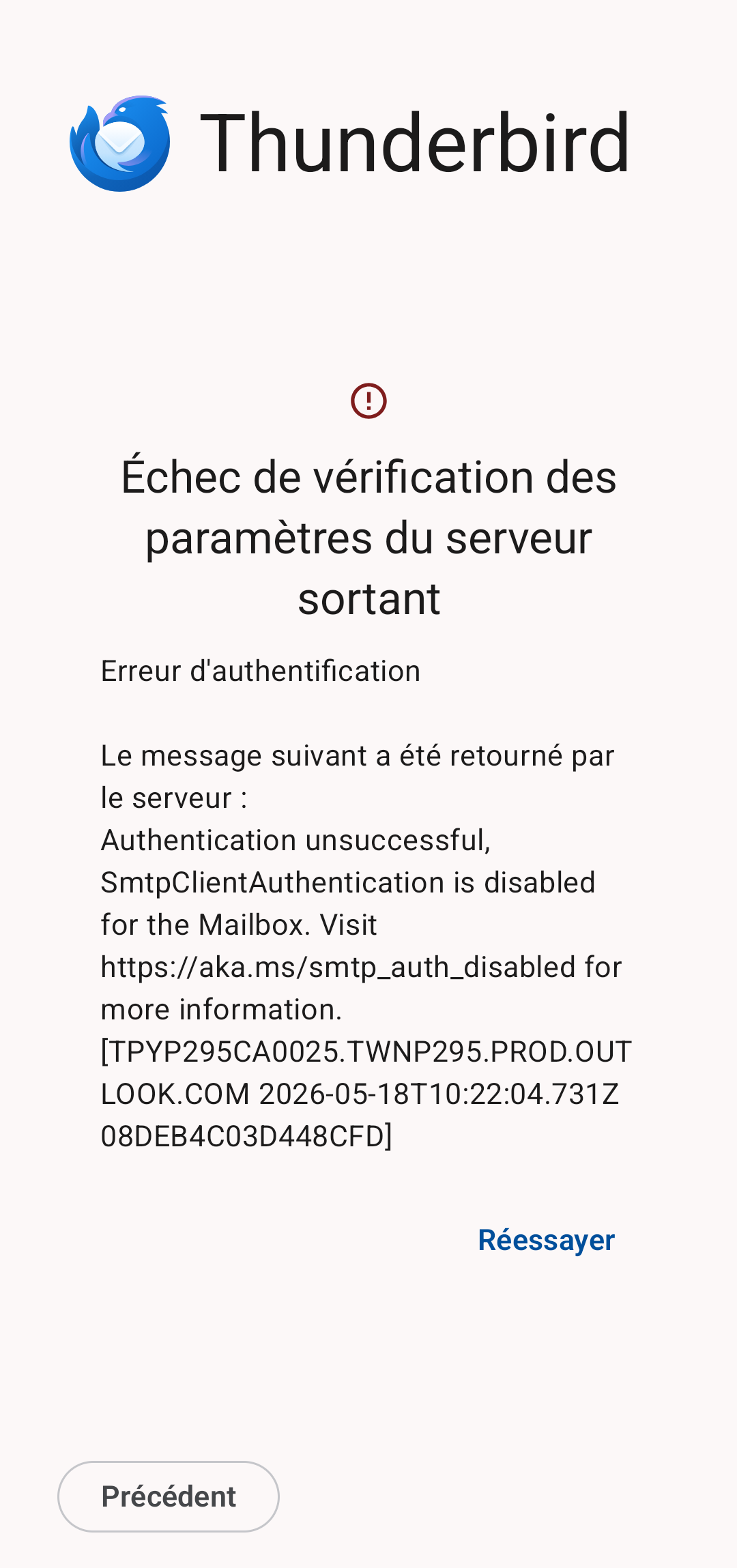
I tried to connect to my personal outlook email account on a fresh installation of thunderbird mobile. The setup wizard gave the correct configuration as described in microsoft's official documentation. But the following error occured: Authentication unsuccessful, SmtpClientAuthentication is disabled for the Mailbox.
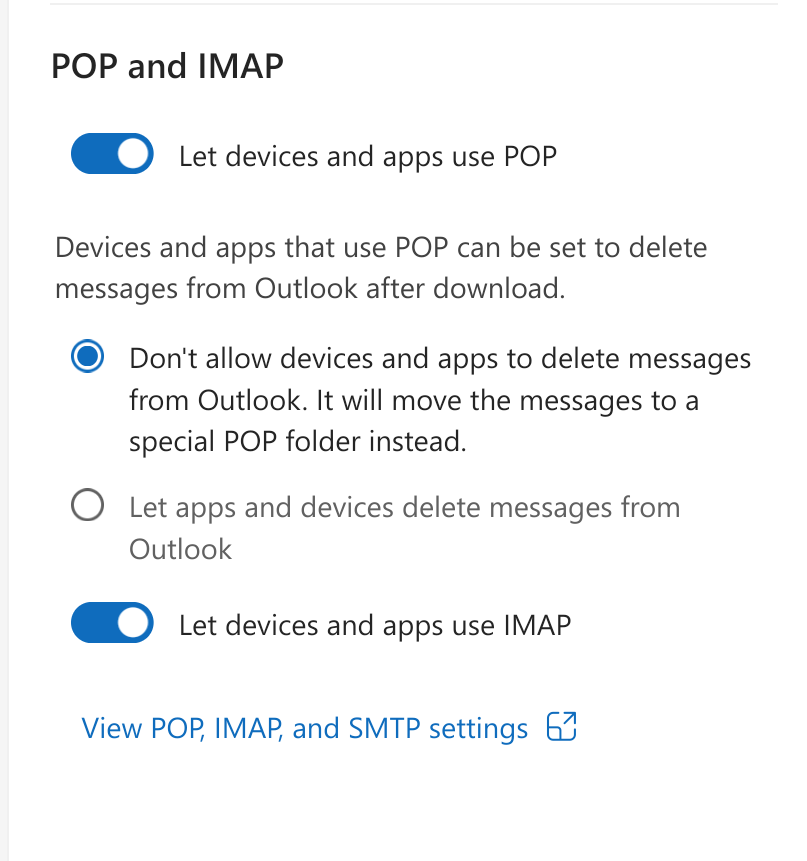
IMAP is enabled in microsoft's mail account settings on outlook.com.
All Replies (1)

Hi @bky
Did you manage to resolve the issue?
I've seen the same error message reported on TB desktop and other clients and seems unlikely to be a fault with the TB mobile app. It sounds like smtp access to your account is disabled. The free version of outlook doesn't offer any means to enable this. The capabilty to enable/disable smtp is normally only available to enterprise / office365 customers.
Your best course of action would be to discuss the issue with Microsoft. If you manage to resolve the issue, please share what the fix was as this could help others.