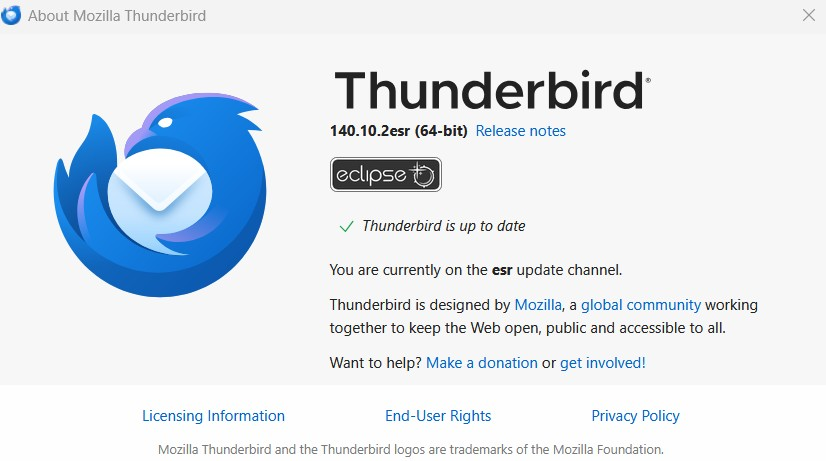
New update Version 140.10.2esr | Released May 8, 2026. Today I cannot send email using Thunderbird.

Version 140.10.2esr | Released May 8, 2026 I get this message every time: Sending of the message failed. The message could not be sent because connecting to Outgoing server (SMTP) mail.twc.com failed. The server may be unavailable or is refusing SMTP connections. Please verify that your Outgoing server (SMTP) settings are correct and try again.
Thank you, George Correia
All Replies (9)
Please see https://support.mozilla.org/en-US/questions/1580877#answer-1817163
are you also using POP to get your mail?
Matt, it just started working again today. I did not change anything. Still using POP mail server.
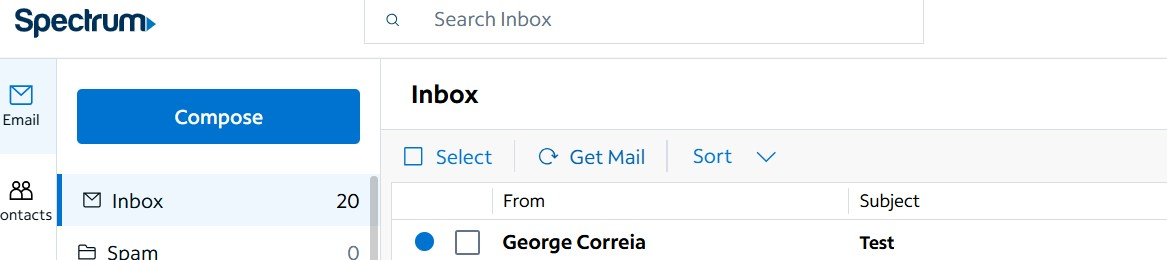
As of May 11, my email is not downloading into Thunderbird. I just sent a test message to myself and it is not coming in. I go to the Spectrum website and see I have received it there.
Why do Thunderbird programmers make changes and implement them before fully checking them out? I used to donate to Thunderbird but the changes over the years which are called "upgrades" are anything but. The perfect example is taking away the "Get Messages" key and making it a cloud with an arrow coming down. I recently did donate but now this update will stop me from donating again for quite some time.
The cloud with down arrow key, see uploaded photo, seems to be the problem. Clicking on this does nothing. Prior to this update, I would click this and see messages at the bottom of the screen saying "Checking for messages" etc. Nothing happens now when I click on this cloud.
When I send a Test message this morning I see the message at the bottom of the Thunderbird screen, see attached screenshot. This message gets stuck here. It just remains saying that. Clicking the Cloud with down arrow (Get Messages) icon does nothing. The Copying Messages to Sent message is just stuck there. Nothing happens. I do not get any email. My test message never gets to Thunderbird.

You have an issue between Windows 11 and Windows 10. This morning, May 11, on my Windows 10 PC, the Get Messages icon does work. It immediately gives me messages that it is connecting to my email server and checking for new messages. New emails do download and properly come into my Thunderbird email. On our Windows 11 PCs, my wife's and my other PC, clicking on the Get Messages icon does nothing. You have a Windows 11 / Windows 10 issue in this update.
Edeziri site na gcorreia
One other observation on my Windows 11 PC. In Thunderbird, I have two email accounts: gcorreia@roadrunner.com (my Spectrum email account) gmcorreia@gmail.com (my gmail account)
Right Clicking on the Get Messages icon and selecting my roadrunner account, nothing happens. Right Clicking on the Get Messages icon and selecting my gmail account, I notice that it does go out and check this account.
Next I sent a Test email from my gmail account on Thunderbird. The message sent. Clicking on the Get Messages icon, This Test Message never went out. I never received it in my Gmail Account. I then sent a Test Message from my Spectrum webmail account and it sent and it was received by Thunderbird.
Very complex set of factors since we have differences between Windows 10 and Windows 11 and different webmail accounts.