


I want to delete Preview Links.

I want to delete Preview Links. I tried going to Settings>General>Browsing, however, there is no "Browsing" section. I have a Linux Mint. I do NOT want Preview Links. Thank you.
All Replies (4)
Hello,
type about:config , search for browser.tabs.hoverPreview.enabled, and set to false.
or if it doesnt work,
type about:preferences#experimental into the firefox search adress bar, locate link previews, then uncheck the box to disable it.
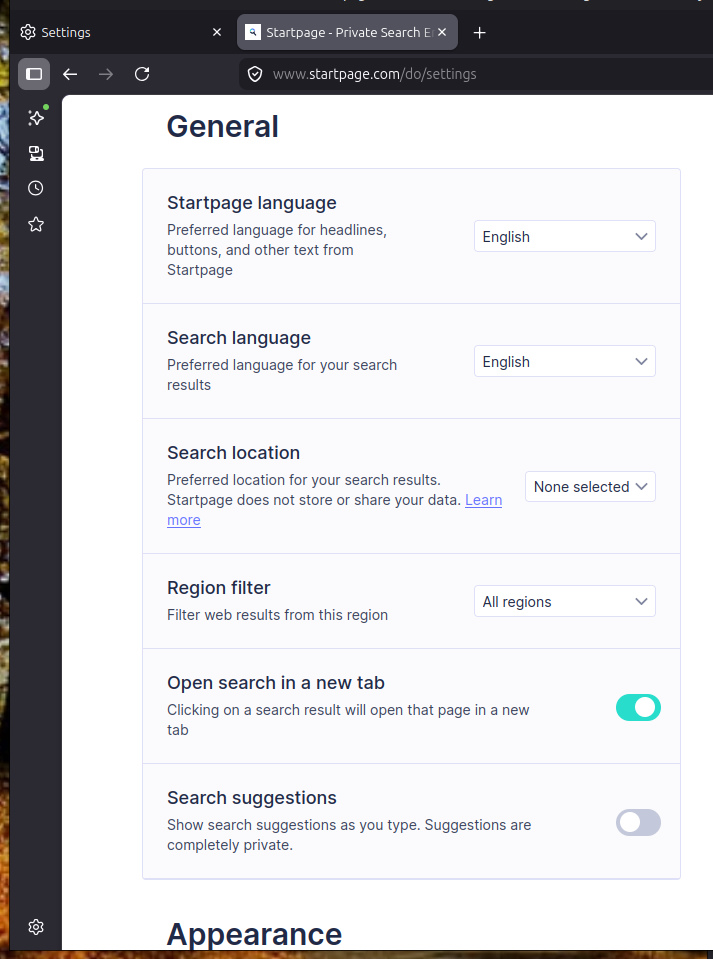
The image shows options for you search engine provider, however on the previous tab you also have in the image there should be that setting.
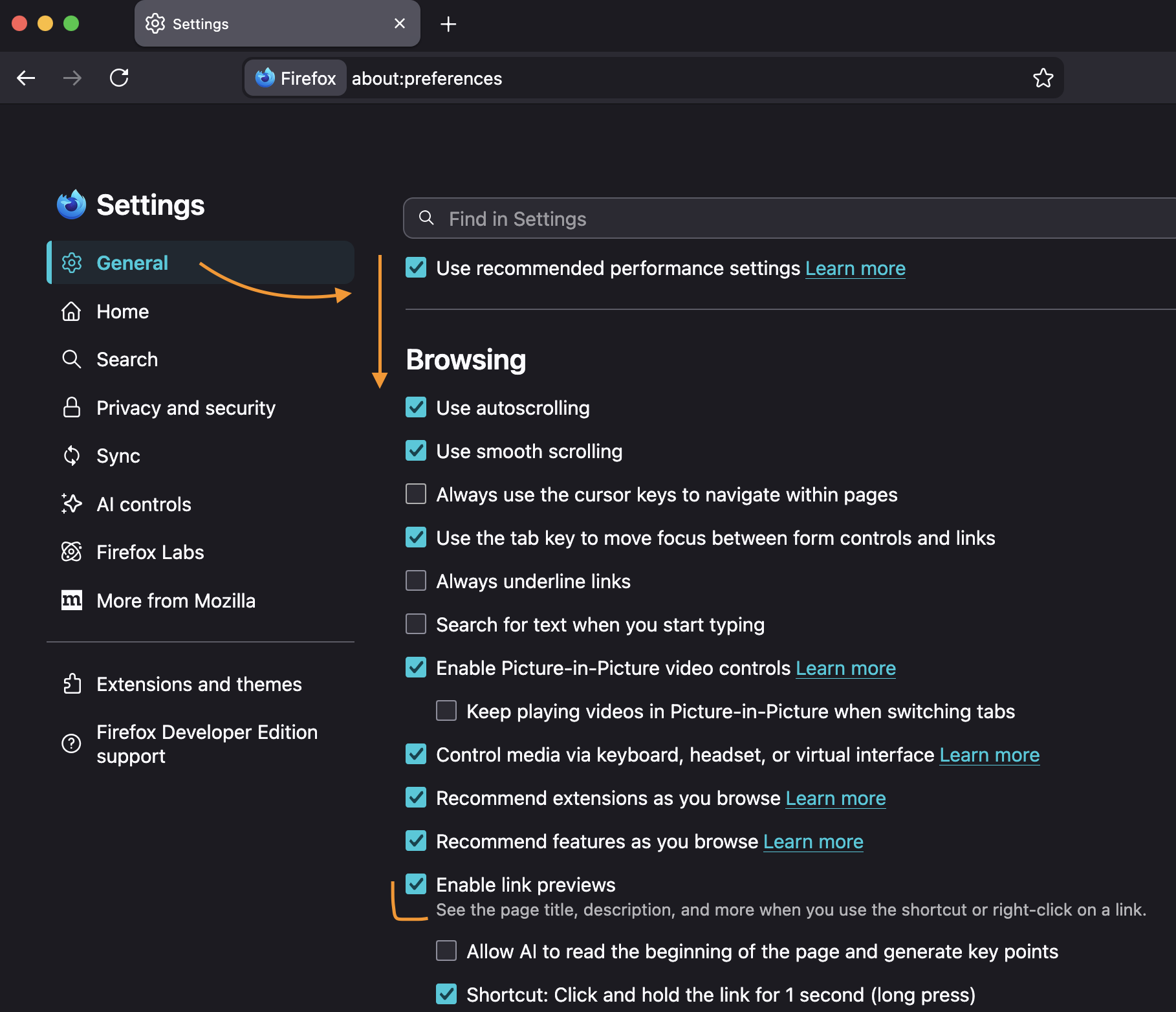
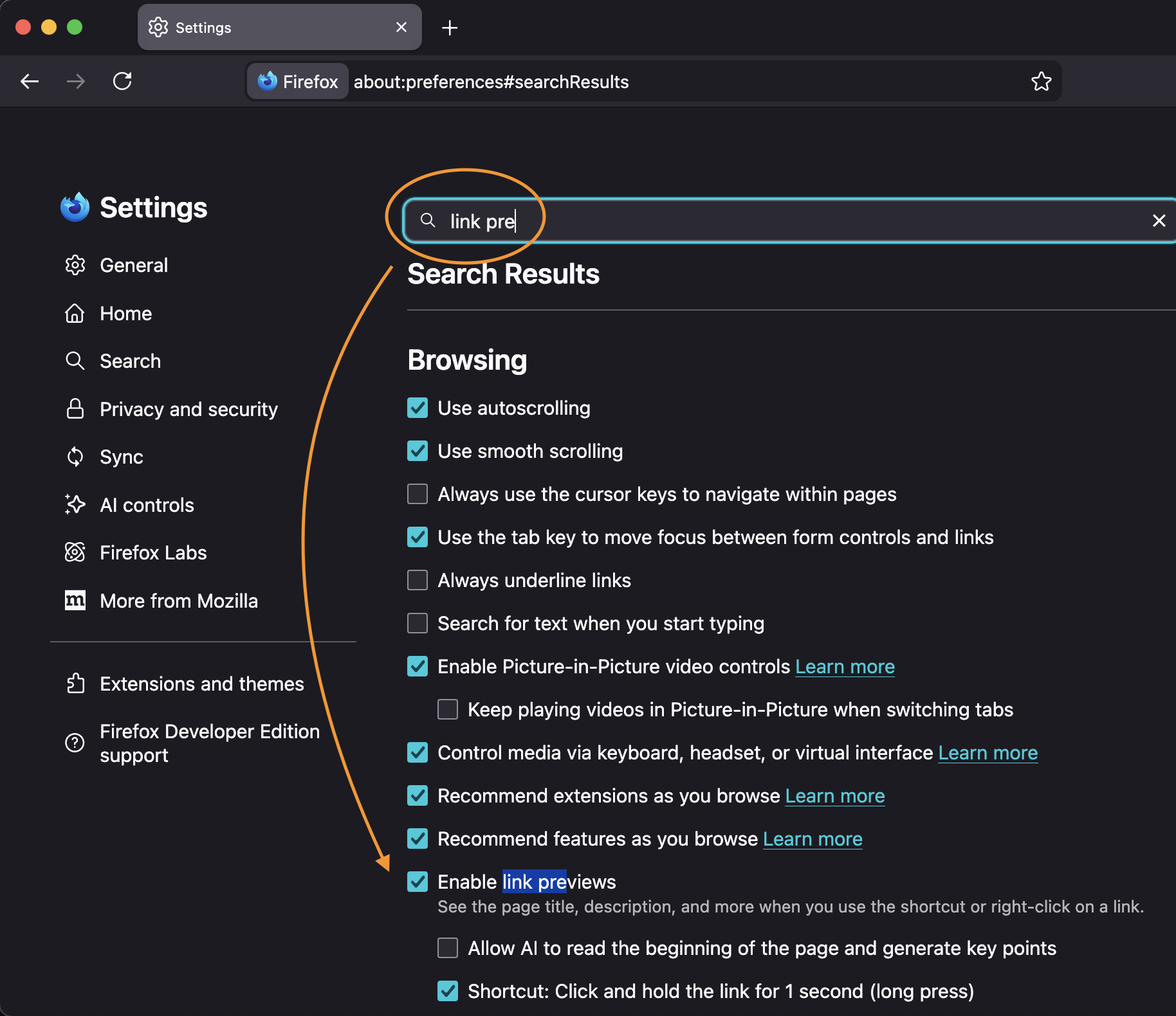
It's indeed in "General", at the very bottom after a lot of scrolling, under "Browsing": (TIP: When you can't find a preference, there's always the search box to help surfacing it!)
Hello
Info Firefox 148 https://www.firefox.com/en-US/firefox/148.0/releasenotes https://support.mozilla.org/en-US/kb/firefox-ai-controls
You can Try, Key points in link previews, Blocked, and observe, about:preferences#general