


I can't delete my search history.

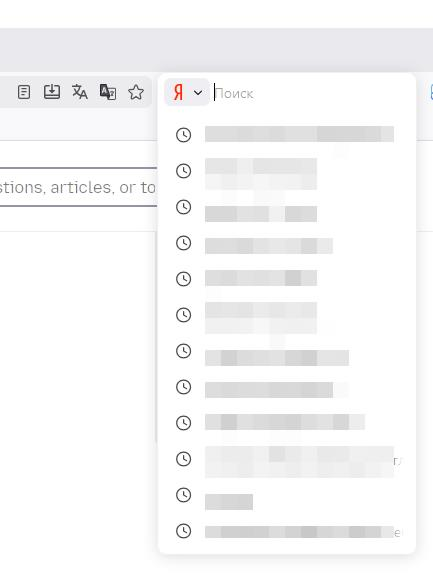
I deleted my browsing and download history, but my search history still shows up. I want to turn it off and clear it. Just my search history, nothing else.
I deleted my browsing and download history, but my search history still shows up. I want to turn it off and clear it. Just my search history, nothing else.
Asịsa ahọpụtara
Hi 89262664550, you can right click on the search bar to delete your search history.
To turn it off open settings and navigate to "'Privacy & Security'" and scroll down to "'Histroy'". Set "Remember Histroy" to "Customize History" and uncheck "Remember search and form history"
Gụọ azịza a na nghọta 👍 1All Replies (1)
Asịsa Ahọpụtara
Hi 89262664550, you can right click on the search bar to delete your search history.
To turn it off open settings and navigate to "'Privacy & Security'" and scroll down to "'Histroy'". Set "Remember Histroy" to "Customize History" and uncheck "Remember search and form history"